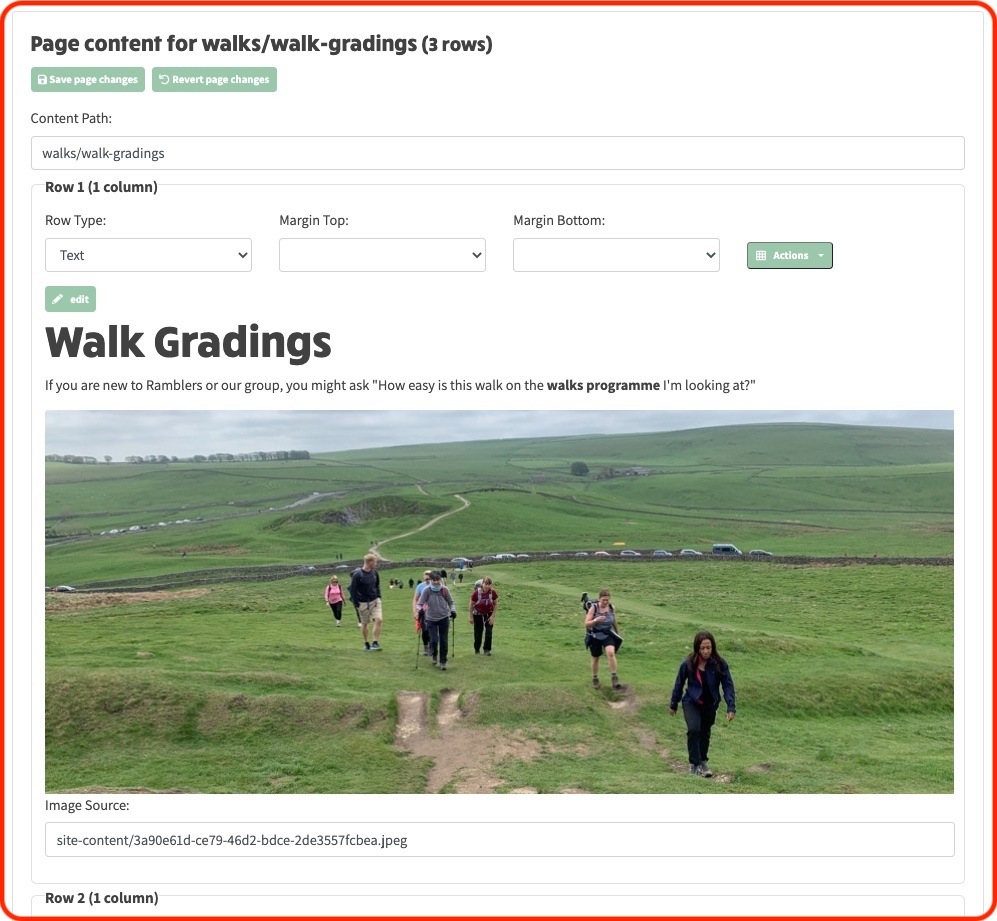
When you initially view a row in edit mode, the first line you see is the Row Type which will contain Text, Margin Top, Margin Bottom and an Actions dropdown button
Below this initial line you will then see as many green edit buttons as there are columns in the row. In the example above, you will only see one as the Row has one column - see row title Row 1 (1 column))
The column content will initially be shown in its display format, but if you click the edit button, or the content itself, you will enter edit mode for the column. A Row can contain between 1 and 12 columns
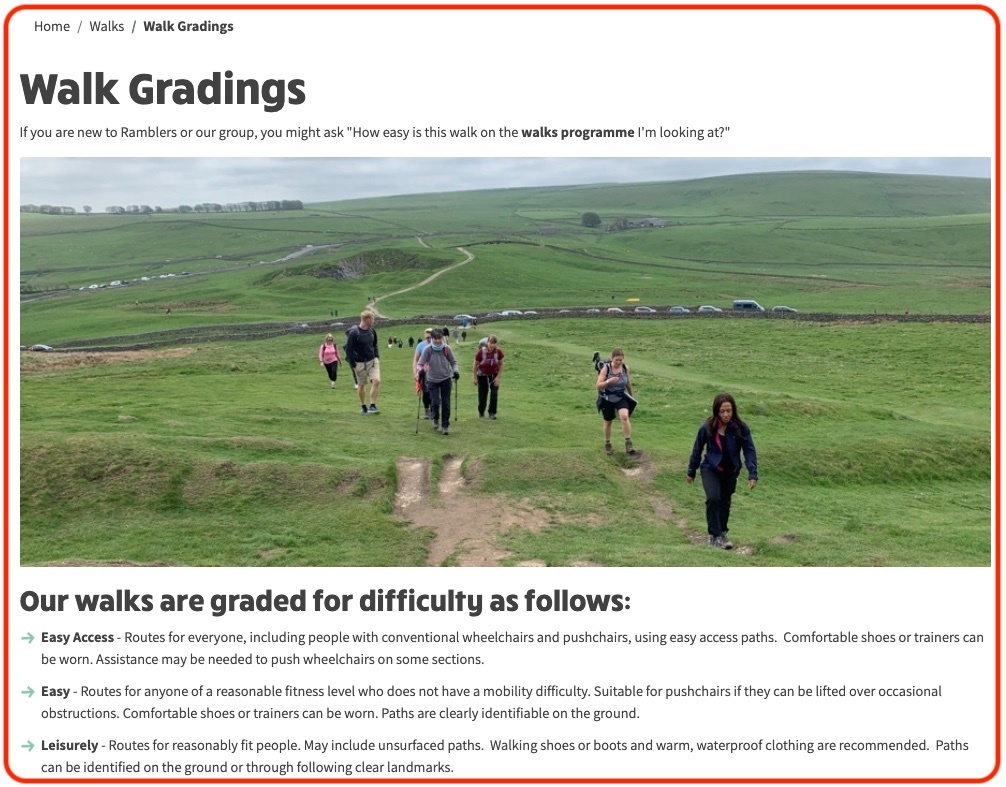
However, when you toggle edit site from the website header, the page content will then be exposed and editable as shown in the example below outlined in a red border: