An important feature of ngx-ramblers is the ability for new pages to be added to the site dynamically. This was very different to website designs from a few years ago that had a fixed set of pages that were delivered in a particular version of the website. Back then, if a new page was required it would need to be programmed or published by a web developer, and a new version of the website released.
With ngx-ramblers, any member of the group that has "site edit" privileges is able to create new pages on the website dynamically.
The edit site switch appears on the right of the logged-in user in the header

The articles below explain in detail the different aspects of content management on the site and have been grouped into the following sections:
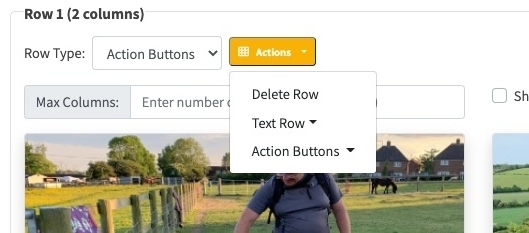
Understanding the different row types that can be inserted into pages
Understanding how to structure page content into rows and columns
How to edit existing content using examples for different page structures
How to add new pages and insert different types of row content
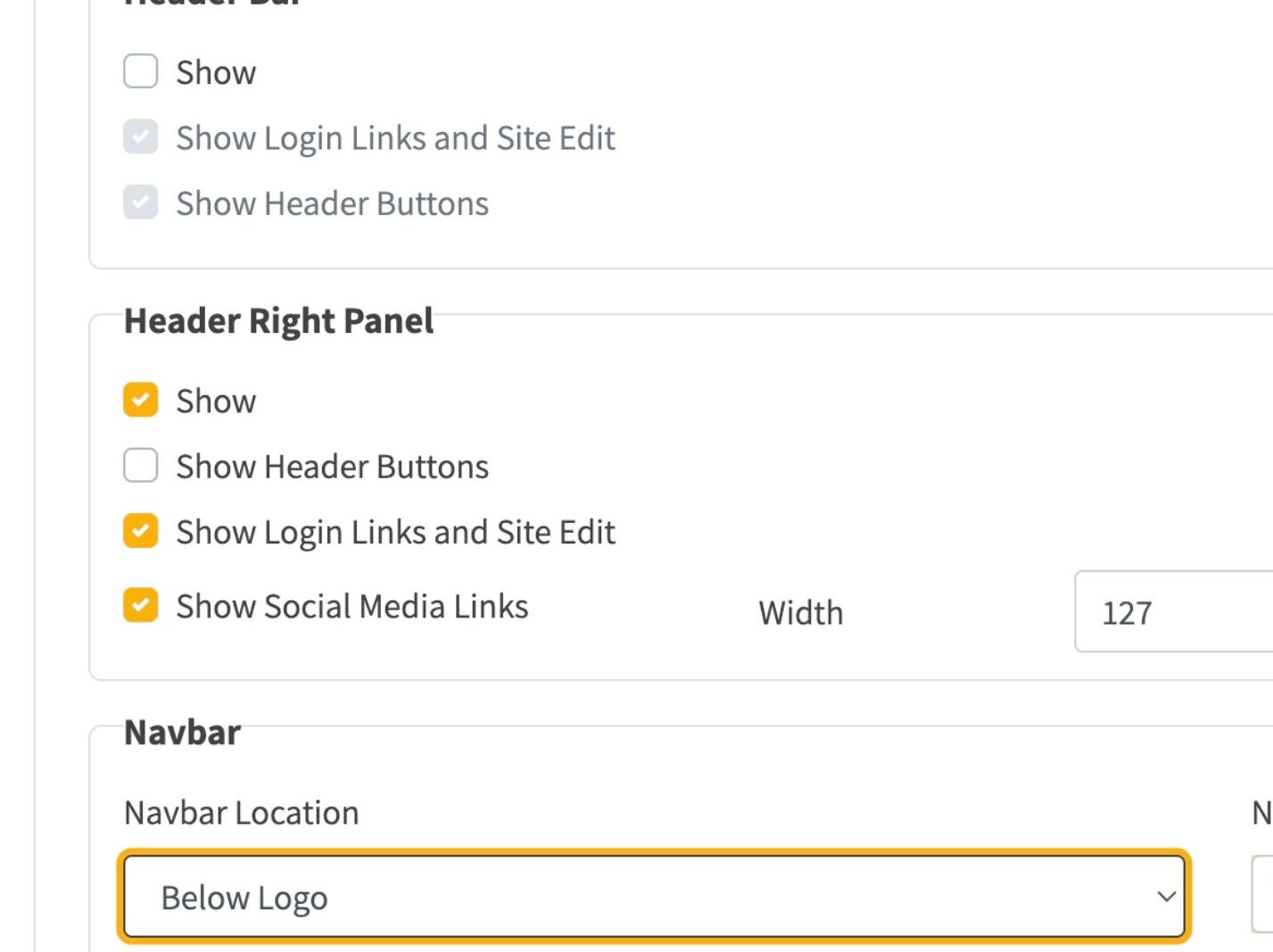
View documenation on configuring the website header
View examples of pages created using dynamic content
How to add and configure location rows showing walk start points, postcodes, grid references, and interactive maps
How to manage committee document rows, convert Word and PDF files to editable documents, and control file types
How to create and embed reusable content blocks that update everywhere when edited once
How to display interactive walking route maps using GPX files with customisable styling and multiple map providers
How to add geographic area overview maps showing group boundaries with interactive hover effects and legends
How to drag the splitter bar between columns to resize them visually
Control who can see each item in your navigation bar
Embedding live walk and social event listings into any page with search, filters, and preset queries
Walking-route pages with title, summary, distance, start location and an interactive GPX map in one row
Credit lines that record which page of an old website imported content came from
Link documentation and release notes to features on the reader’s own website