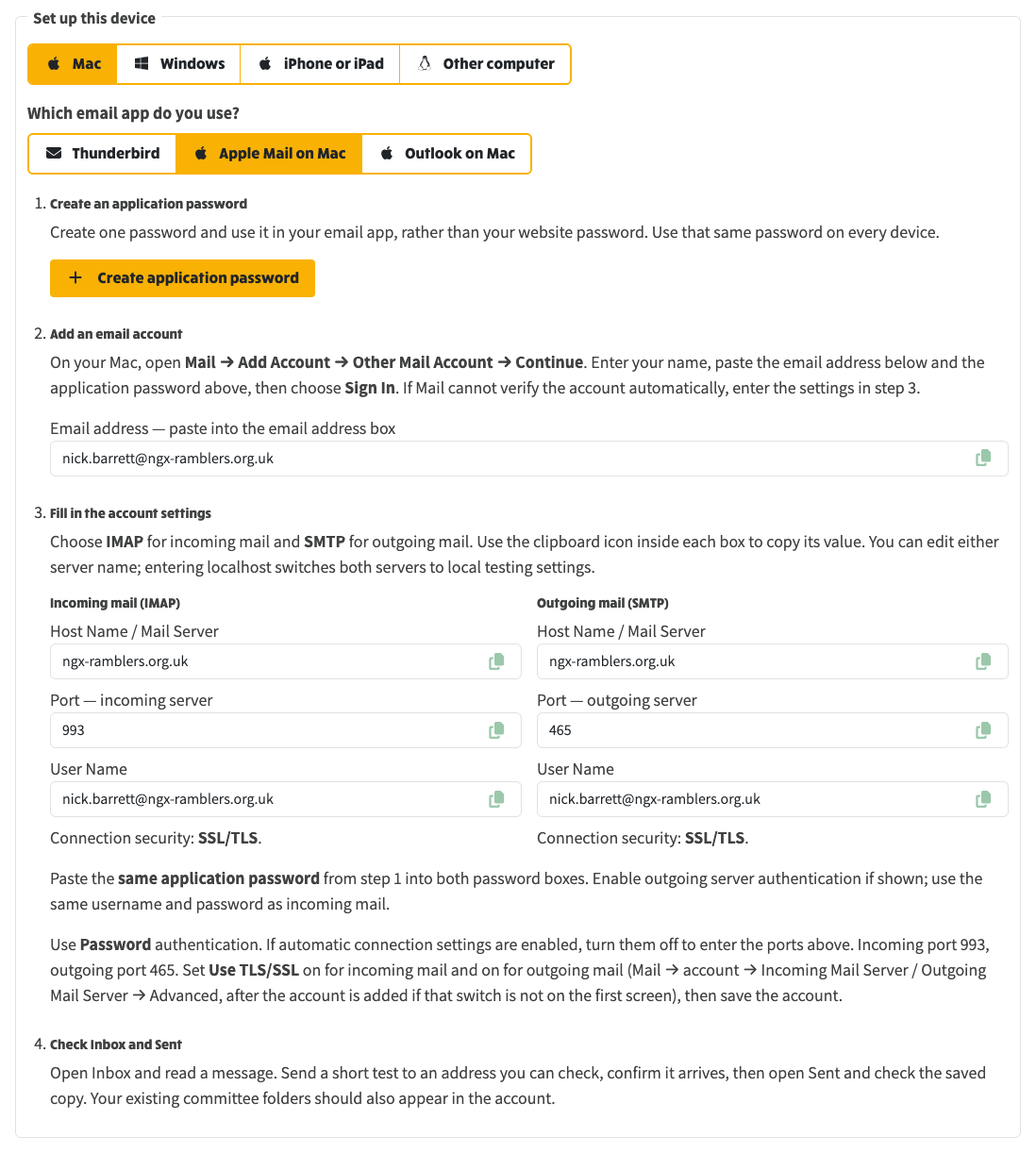
On Profile → External Email Setup, choose Mac then Apple Mail on Mac. The steps on the page match Mail → Add Account → Other Mail Account.
Apple Mail on Mac: create one application password, add the account in Mail, then paste IMAP 993 and SMTP 465 with SSL/TLS.
Related