The Gmail app on Android uses the same IMAP and SMTP values as Outlook and Apple Mail. Do not add the committee address as a Google account, and do not sign in with Google.
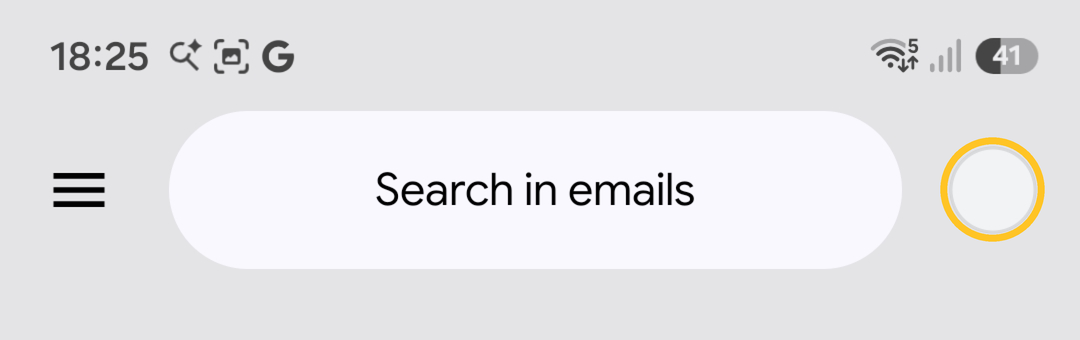
Open Gmail. Tap the profile picture at the top right (circled) to open the account list, then Add another account.
Outlook for Android uses the same hostname, ports and application password. Add the account as IMAP, not Microsoft 365 or Exchange. Samsung Email and other Android IMAP apps use the same four numbers: incoming 993 with SSL/TLS, outgoing 465 with SSL/TLS.
Inbox: tap the profile picture at the top right (circled), then Add another account.
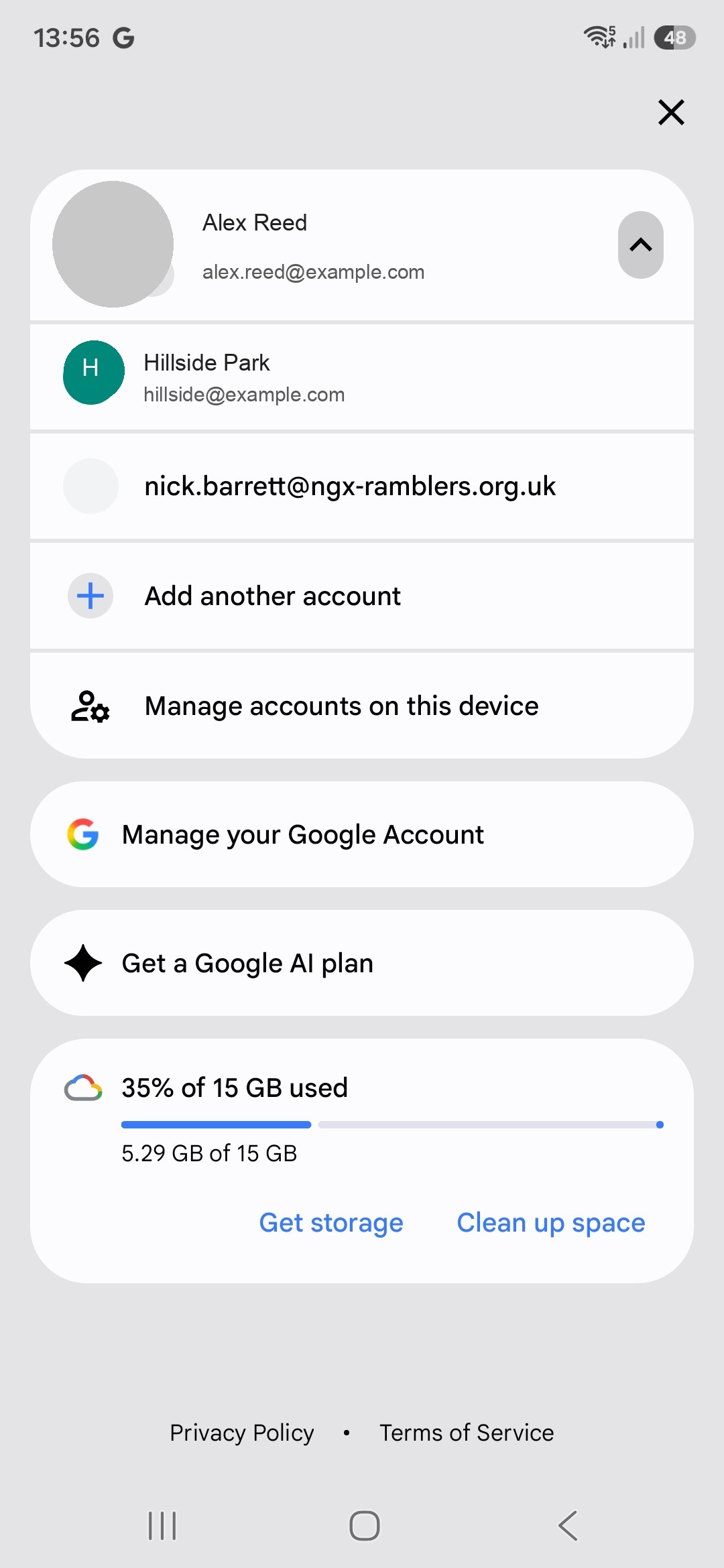
Gmail on Android: the committee address is in the account list. Choose Add another account.
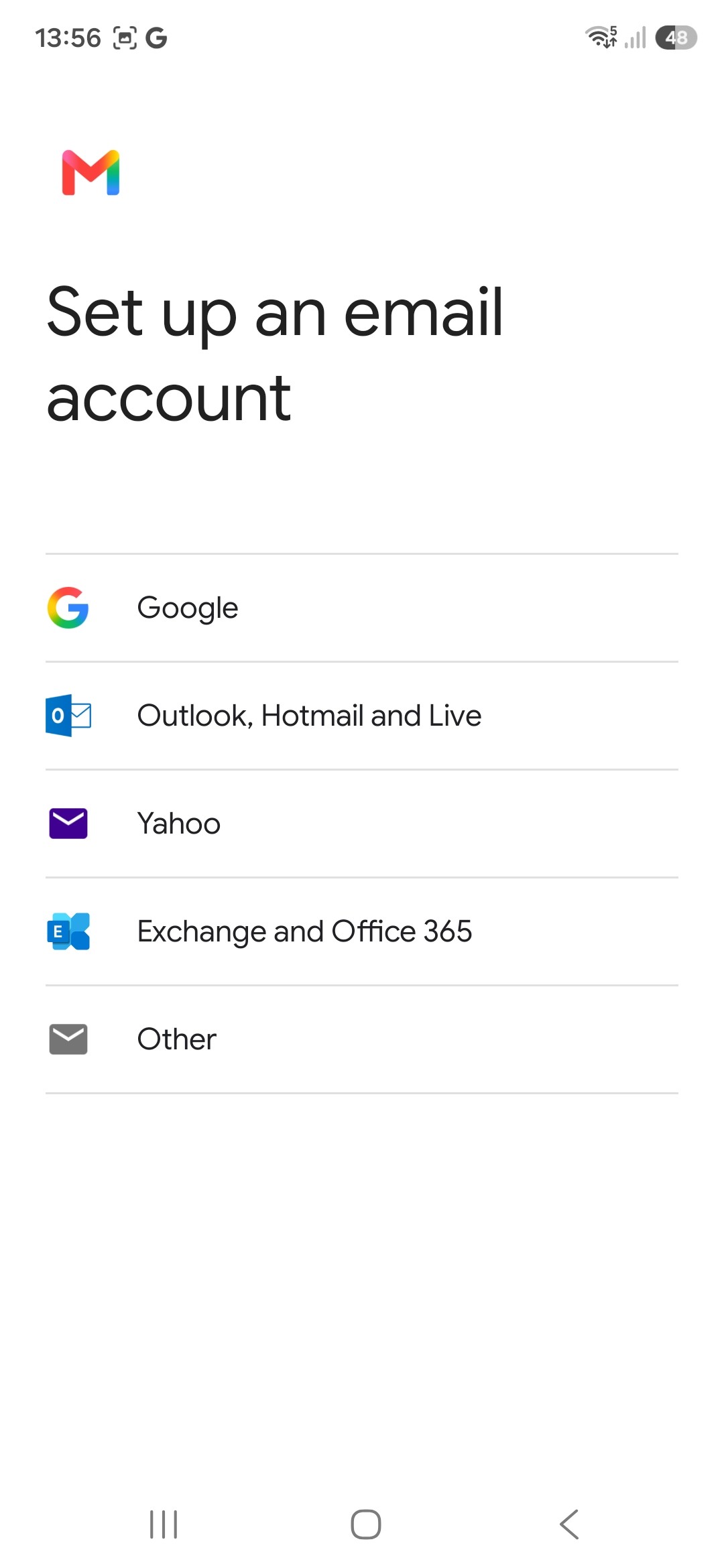
Set up an email account: choose Other, not Google, Outlook or Exchange.
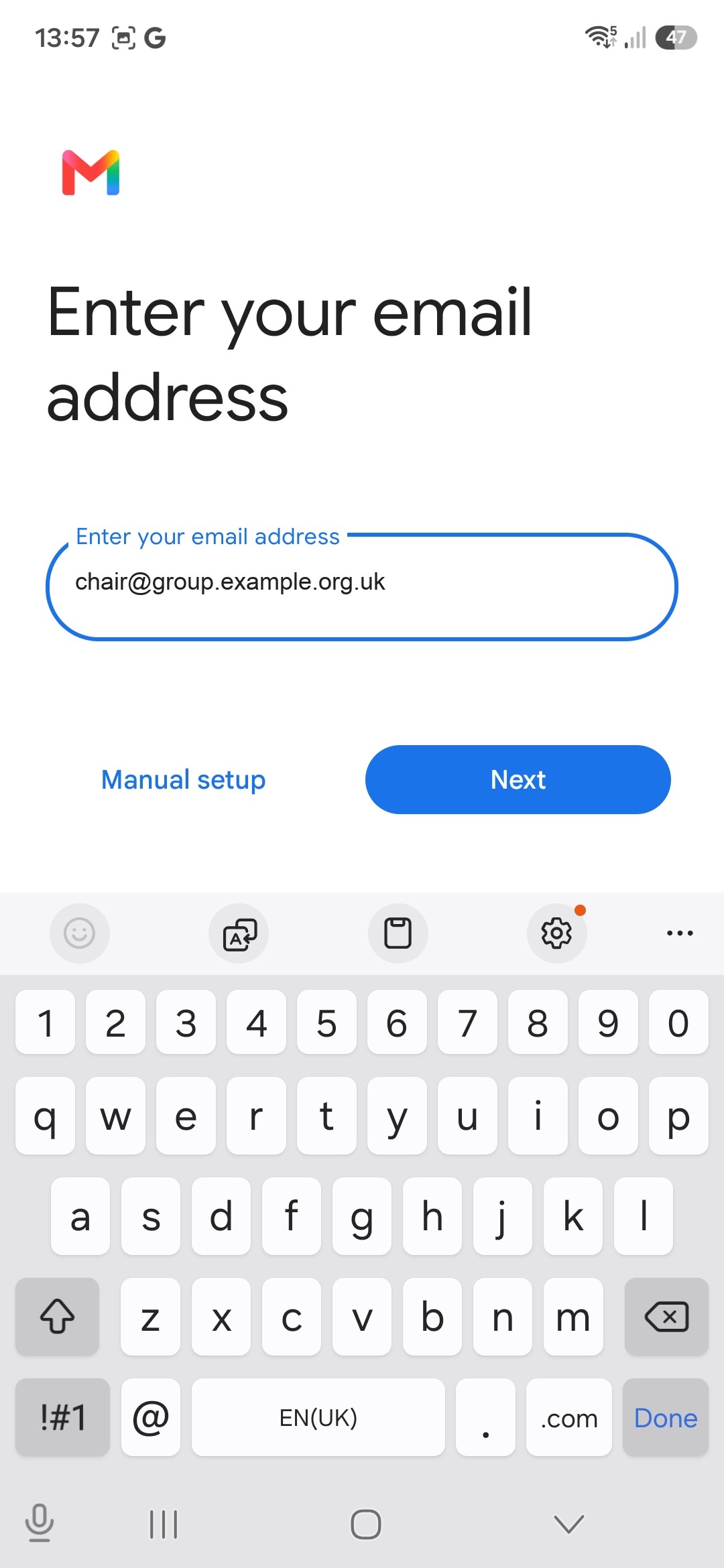
Paste the committee role address. Manual setup is on this screen if Gmail tries to guess the provider.
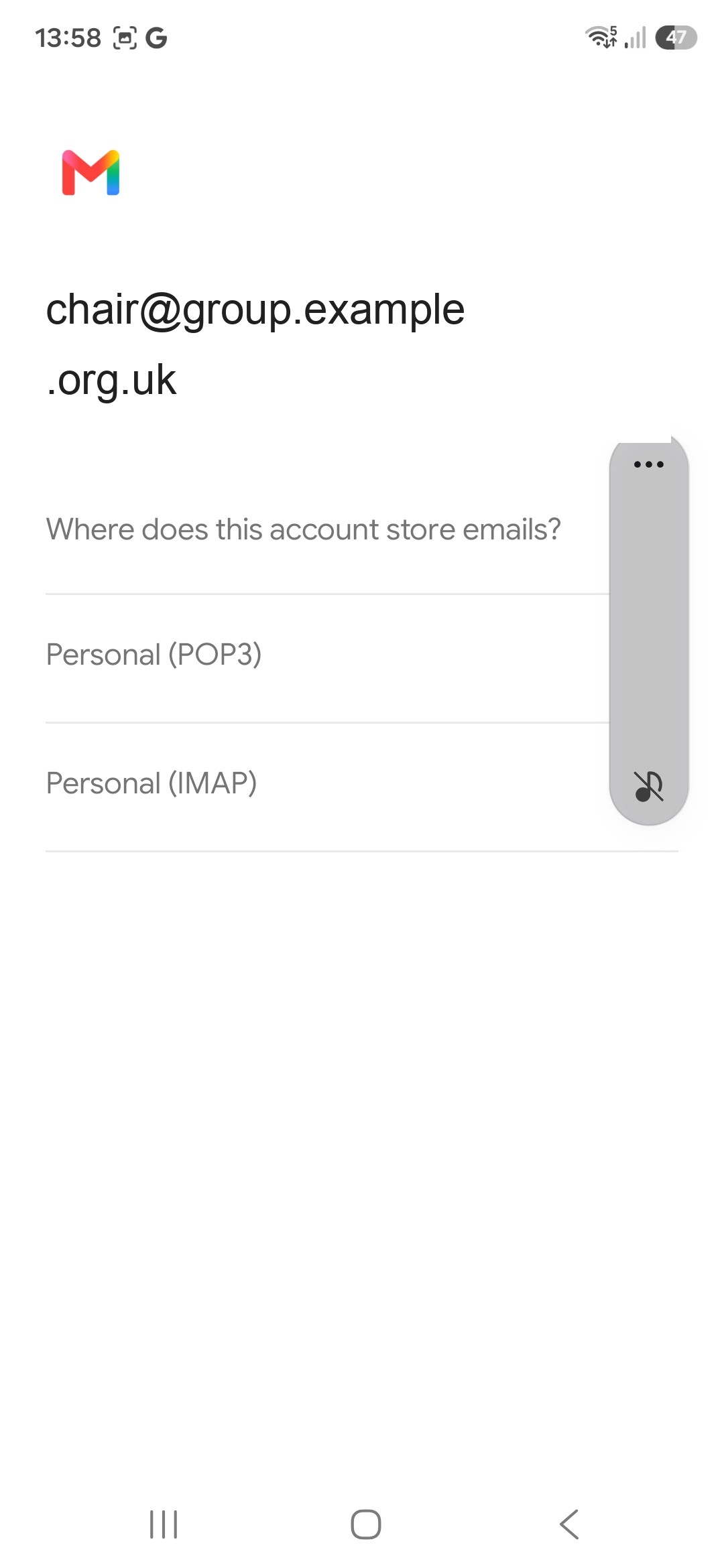
*Where does this account store emails: choose Personal (IMAP), not POP3.*
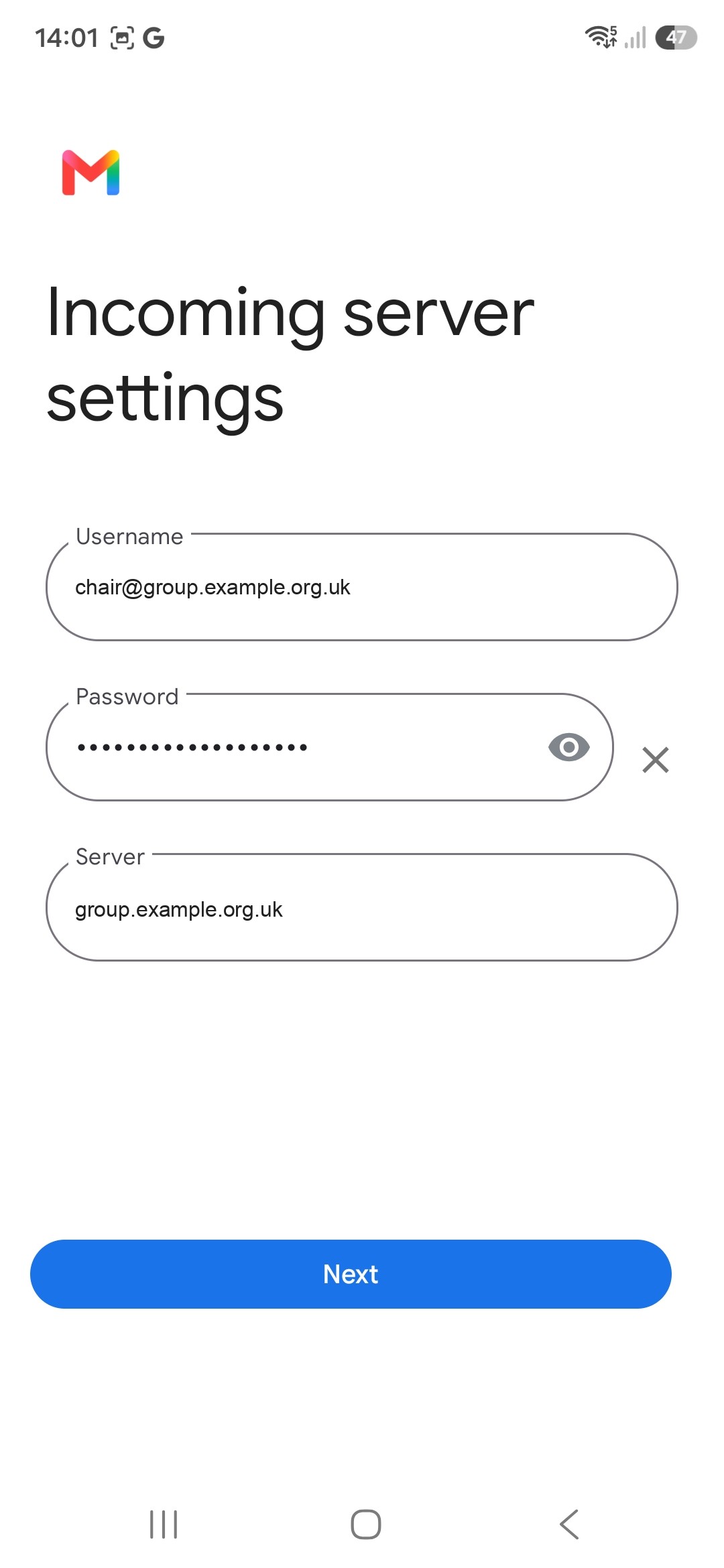
Gmail fills Server from the part after @. Replace it with the hostname from Profile → External Email Setup, including www if that is how the site is visited.
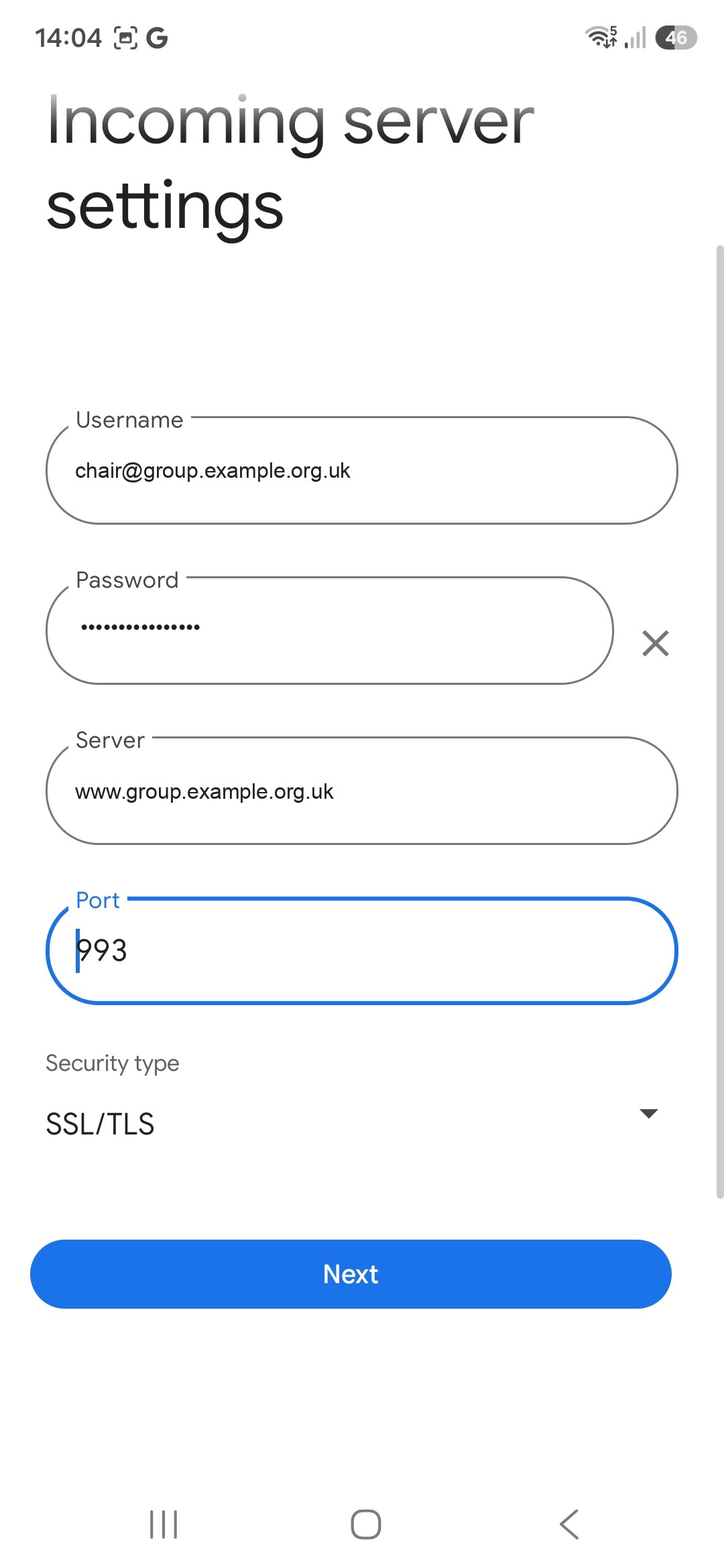
Incoming: username is the committee address, password is the application password, server is the public site hostname, port 993, security SSL/TLS.
Related