Tagging and Event Linking
Event Linking
- An album image can be linked to a walk or social event, such that when the image is displayed, a link automatically appears under the image title. When the link is clicked, the user will be navigated to the walk or social event. The date that the event happend will also be shown in the link.
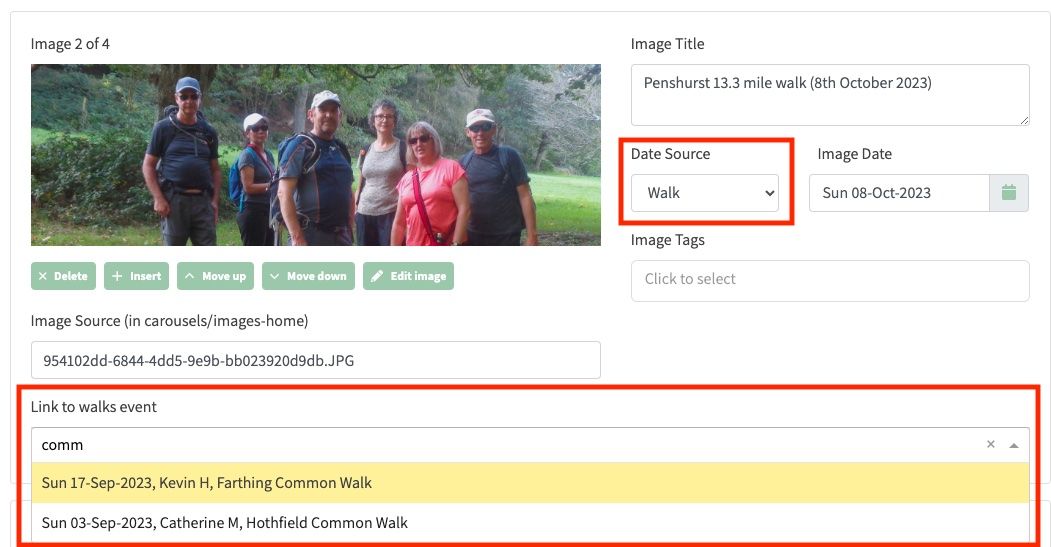
- To link to an existing walk or social event, in the Date Source field, choose Walk. A Link to walks event dropdown will now appear at the bottom of the image: