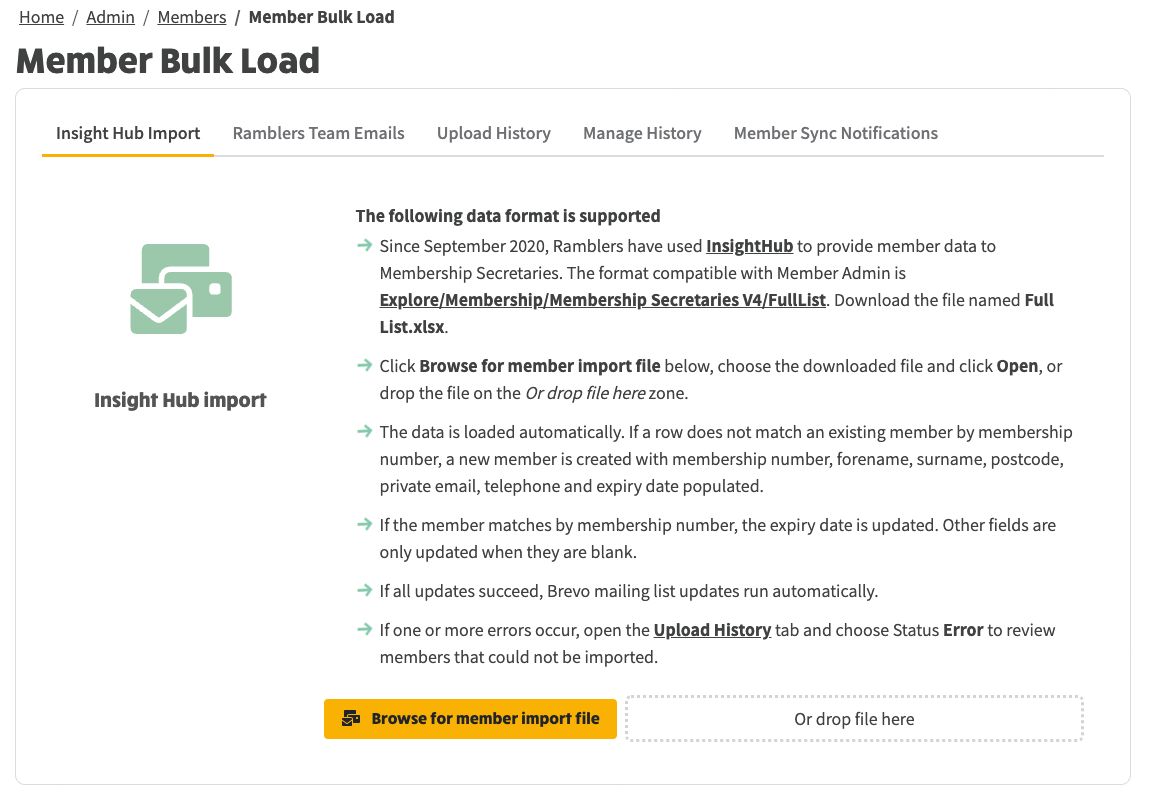
Member Bulk Load is at Admin → Members → Member Bulk Load on your site (/admin/members/member-bulk-load).
There are two ways to bring Ramblers members into Member Admin. Use the tab that matches how your group receives data:
The other tabs (Upload History, Manage History, Member Sync Notifications) are shared: they show what happened on either path, let you tidy old sessions, and control who is emailed after a load.
This is the spreadsheet path Membership Secretaries have used since September 2020.
If a row does not match an existing member by membership number, a new member is created with membership number, forename, surname, postcode, private email, telephone and expiry date.
If the member matches by membership number, the expiry date is updated. Other fields are only updated when they are blank on your site, so a value a member (or you) has already set in NGX is not overwritten by a later Insight Hub file.
If the load succeeds, mailing list updates run automatically. If anything fails, open Upload History and set Member Action to Error.
The Insight Hub Import tab: browse for Full List.xlsx or drop the file on the zone.
Ramblers Team Emails is not available yet. Head office is aiming for around October. Until then, use Insight Hub Import. The screens below show how the tab will work once it is switched on for your site.
Use this tab when Ramblers Team Emails is enabled for the site (System Settings → External Systems → Ramblers Team Emails). There is no file to download.
Click Sync supporters now. NGX pulls a full supporter snapshot for each configured team code and reconciles it into Member Admin. It is a full snapshot each time, not a list of changes since last time.
Matching uses member reference, contact ID, membership number and email. The snapshot can include members, volunteers, Wellbeing Walkers and contacts without membership numbers. Fields the API does not return stay as they are on your site. People who are not in this snapshot are not prepared for apply; they still show as not received in the last bulk load.
While the run is in progress you will see Syncing..., a progress bar, and a log of each team code. When it finishes, the button returns to Sync supporters now and a success line summarises mailing list updates. Open Upload History to inspect the session.
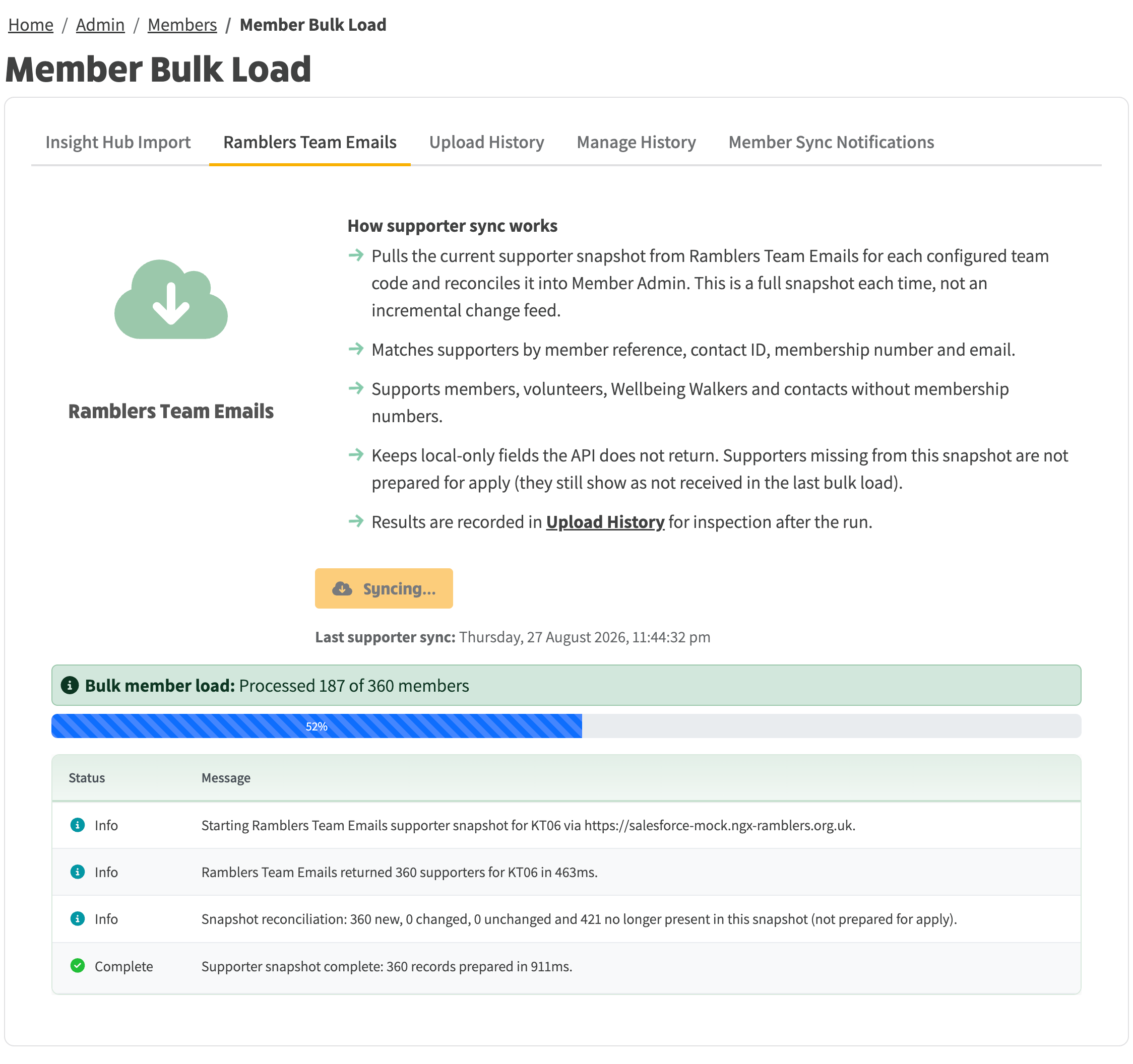
A sync in progress: the button shows Syncing..., with a progress bar and a log of each team code.
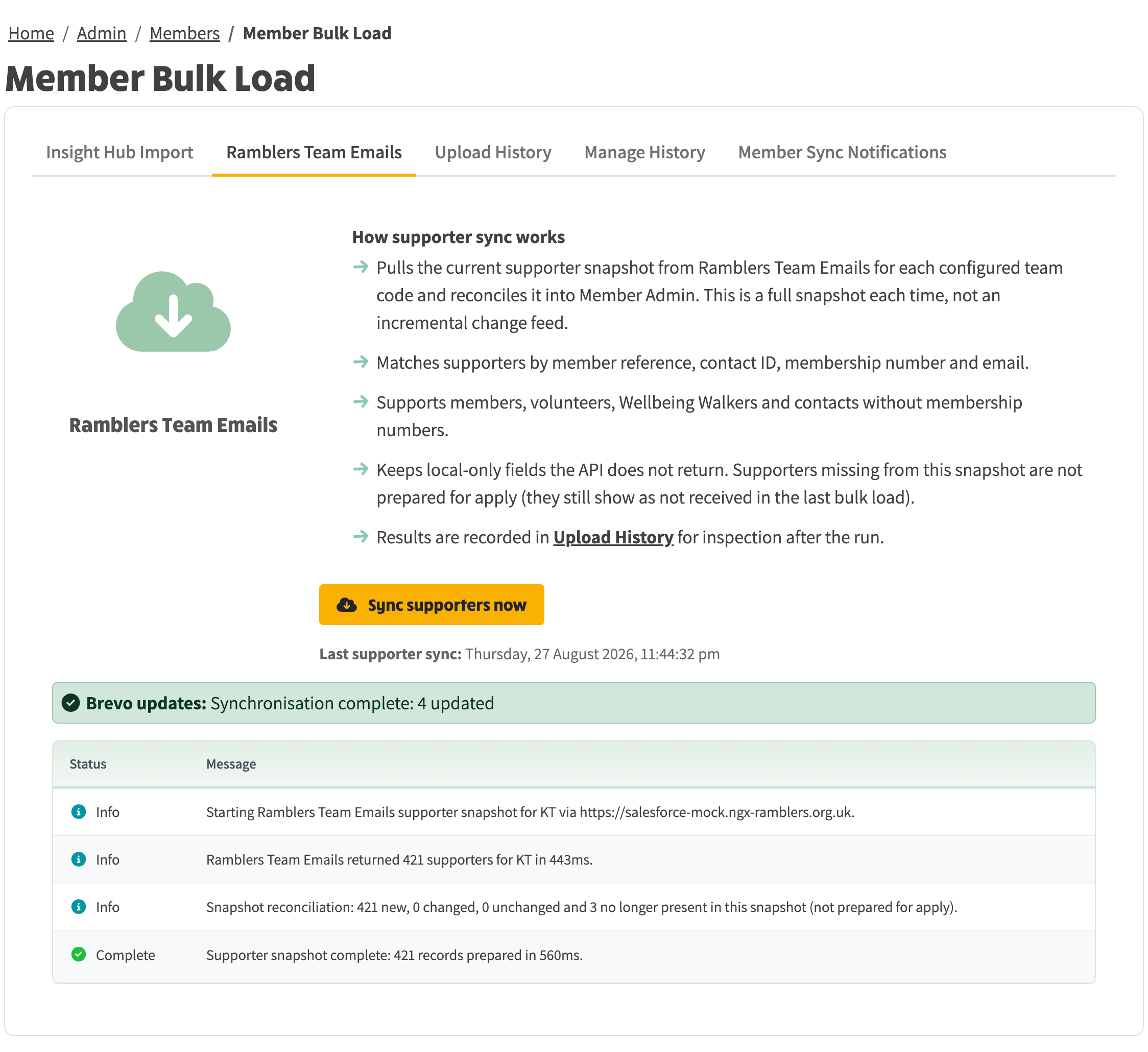
The Ramblers Team Emails tab after a completed supporter sync.