Banners Configuration Page
- On your website this page can be found at your website/admin/banners.
- This page allows website administrators to create any number of Ramblers-branded banner images that can automatically be inserted into emails sent to members.
- Below is a screenshot of the Welcome to the Group banner which uses the Ramblers branded paper-cut theme along with a photo of your choice, any text and your website logo.
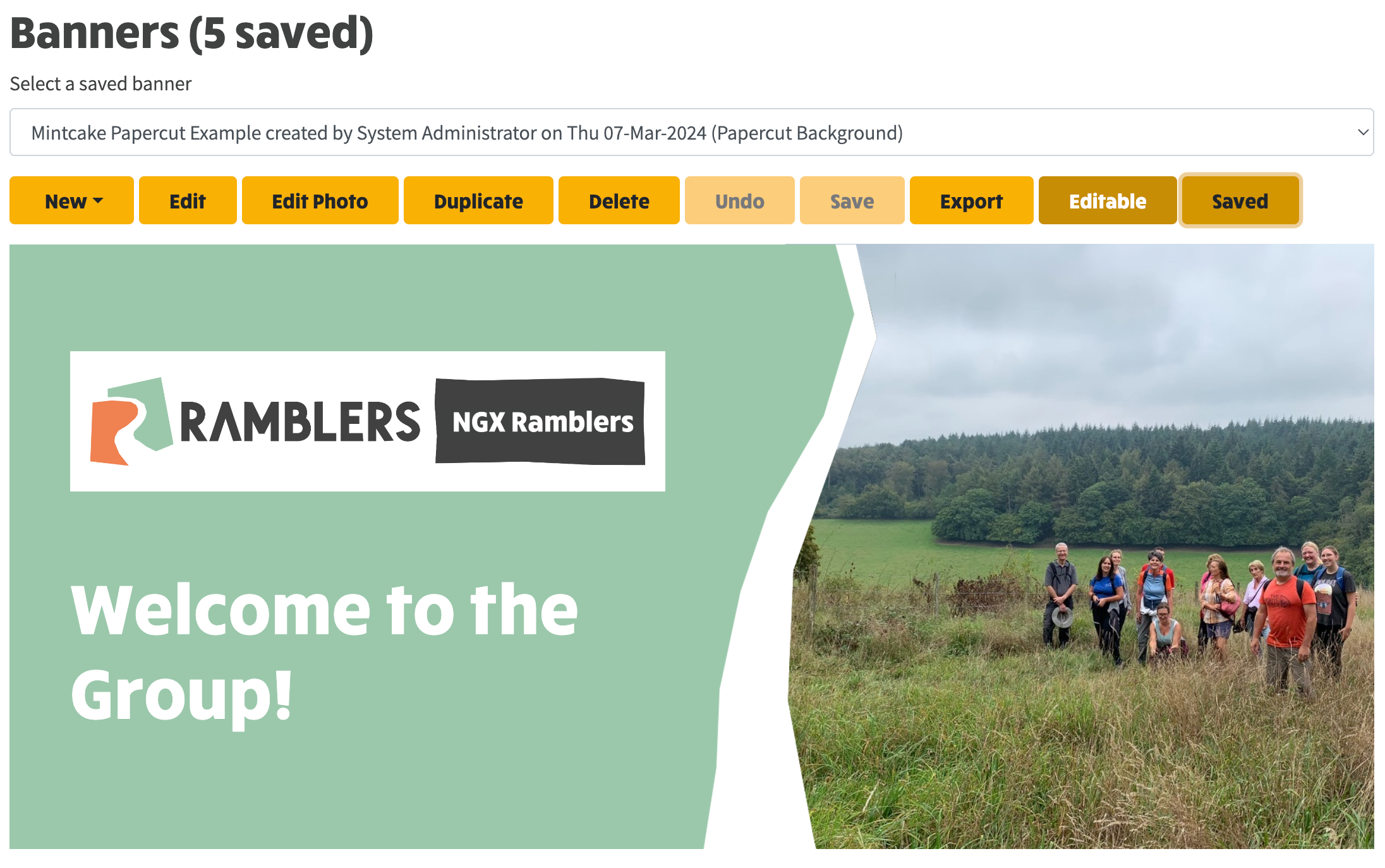
- Banners can edited using the Edit button, whereupon many settings can be adjusted in order to create the layout that you want. When you click Save, the editable aspects of the banner are saved, along with an generated image of what you see on the screen.
- Banners are explained in detail here.