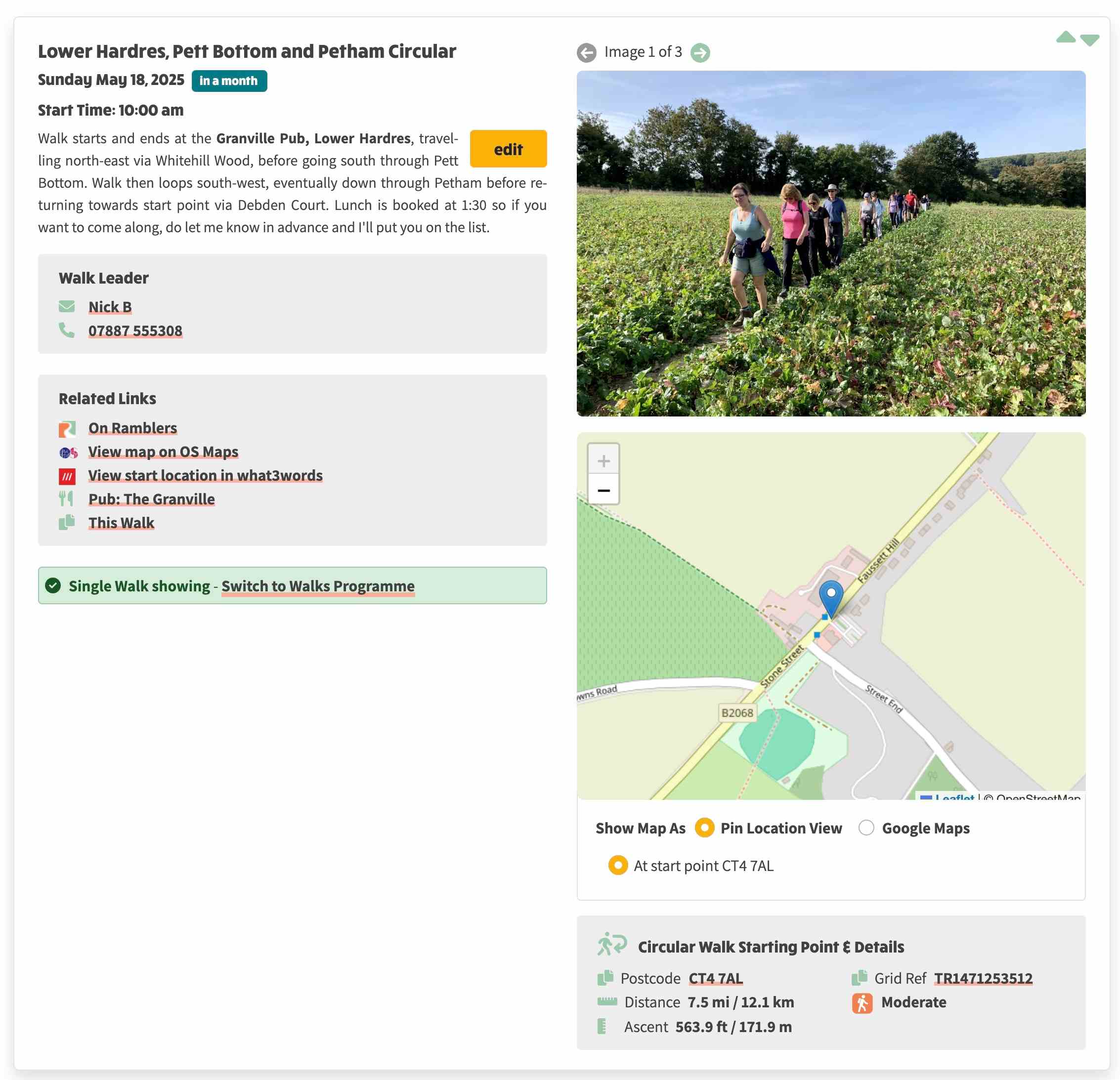
9th April 2025 — Import Images from Walks Manager
This is part 1 of a larger piece of work to allow images to be created locally, and then be uploaded automatically to Walks Manager. The background to this change was that there was a need to import images from walks on walks manager so that they appeared on a group website where the walks population was local. Specifically, this functionality was developed to accommodate a case when there is a joint walk between two groups (A & B), and the images are on Walks Manager for Group B but the website for Group A wishes to associate their local walk with the images for Group B.
System Settings
- In order for this to work correctly, some changes have been made in
/admin/system-settings?tab=area-group to configure the area and/or provide an automatic selection of group(s).
- When the settings view is first opened, a list of groups are automatically queried from Walks Manager for the currently selected area code.
- The Area & Group tab now has a Ramblers Area Code input field. This will be defaulted to the group that has a scope equal to "A" from the list of groups queried from Walks Manager.
- There is a Selection Mode radio group with Area Selection Mode or Group Selection Mode options.
- Area Selection Mode is pre-selected based on whether the current group code is 2 digits long (e.g. KT rather than KT50), otherwise Group Selection Mode is chosen.
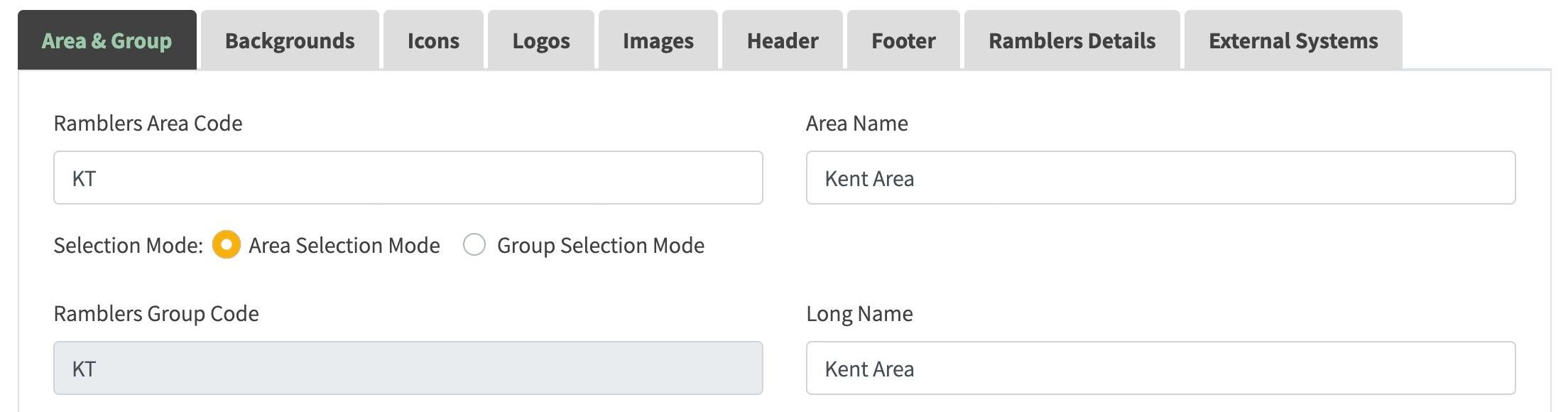
- The currently configured group code is preselected in the Ramblers Group select field if Group Selection mode is selected, otherwise the area code is populated.
- The Ramblers Group Code is now a read-only field and can only be set by means of selecting an entry in the Ramblers Groups select field.
- More than one group can be selected here although this is not normally the case for a single group.
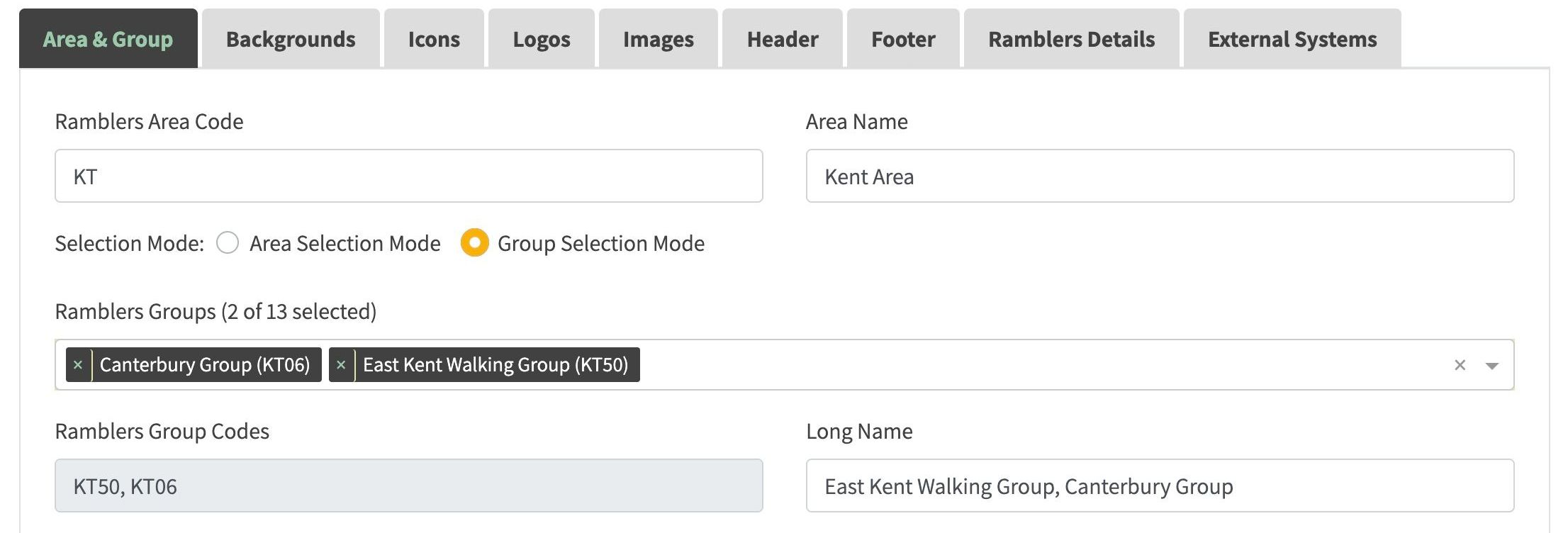
- On selection of a group, the Long Name is set to the value queried from the Ramblers groups.
Walk edit view
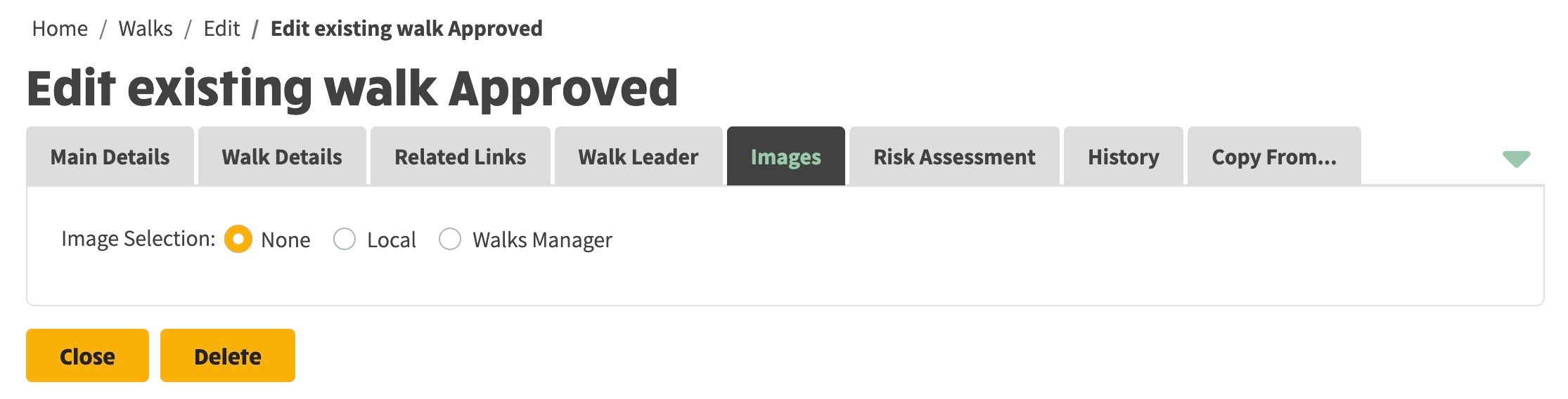
A New tab titled Images was created on the Walk edit view with the following features:
- There is an option to choose Image Selection as None, Local or Walks Manager. The initial view is None:
- When Walks Manager is selected a select is displayed to display all Groups in the same Area as the current group.
- On Selection of a group, all walks with images from Today Onwards are displayed.
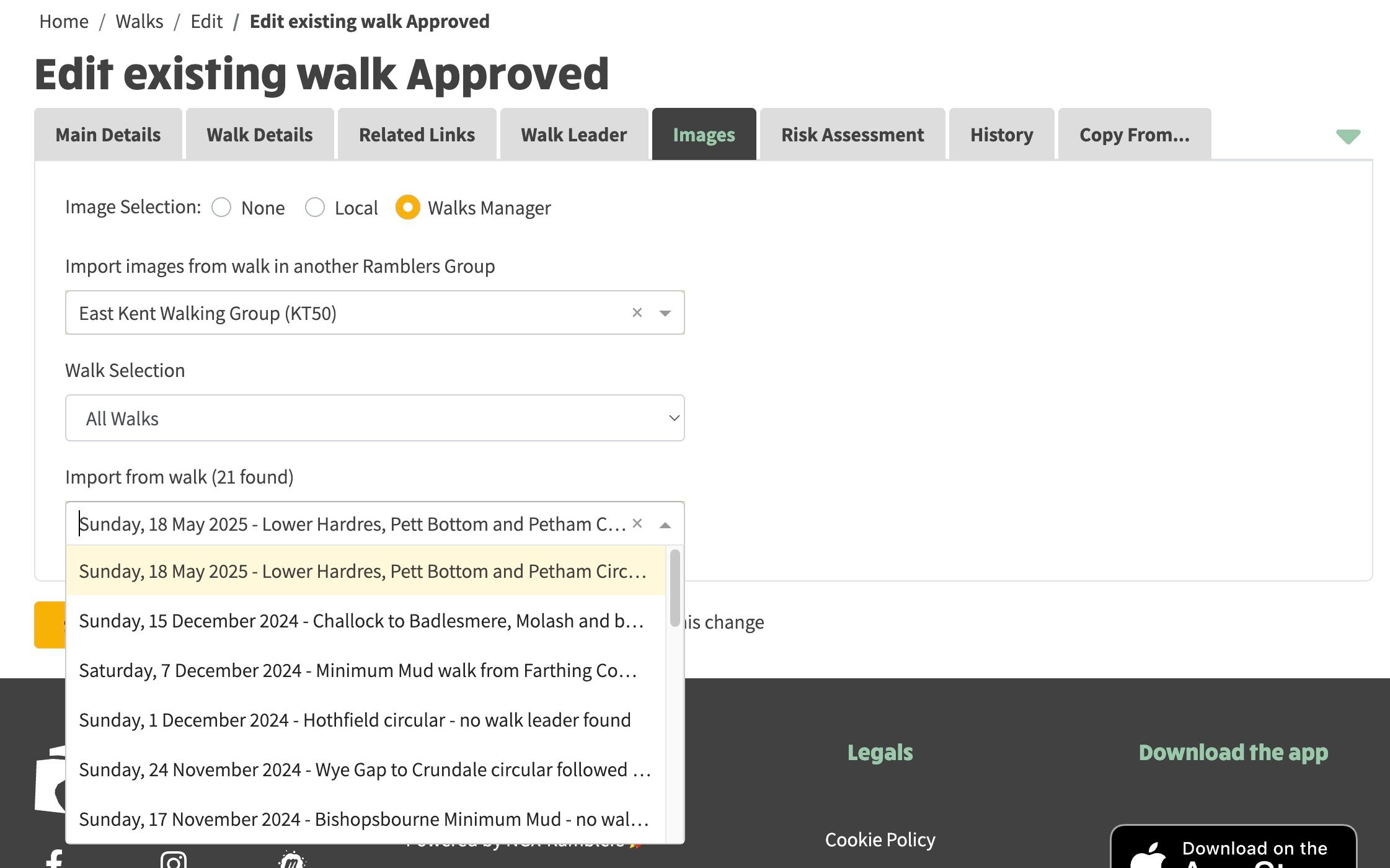
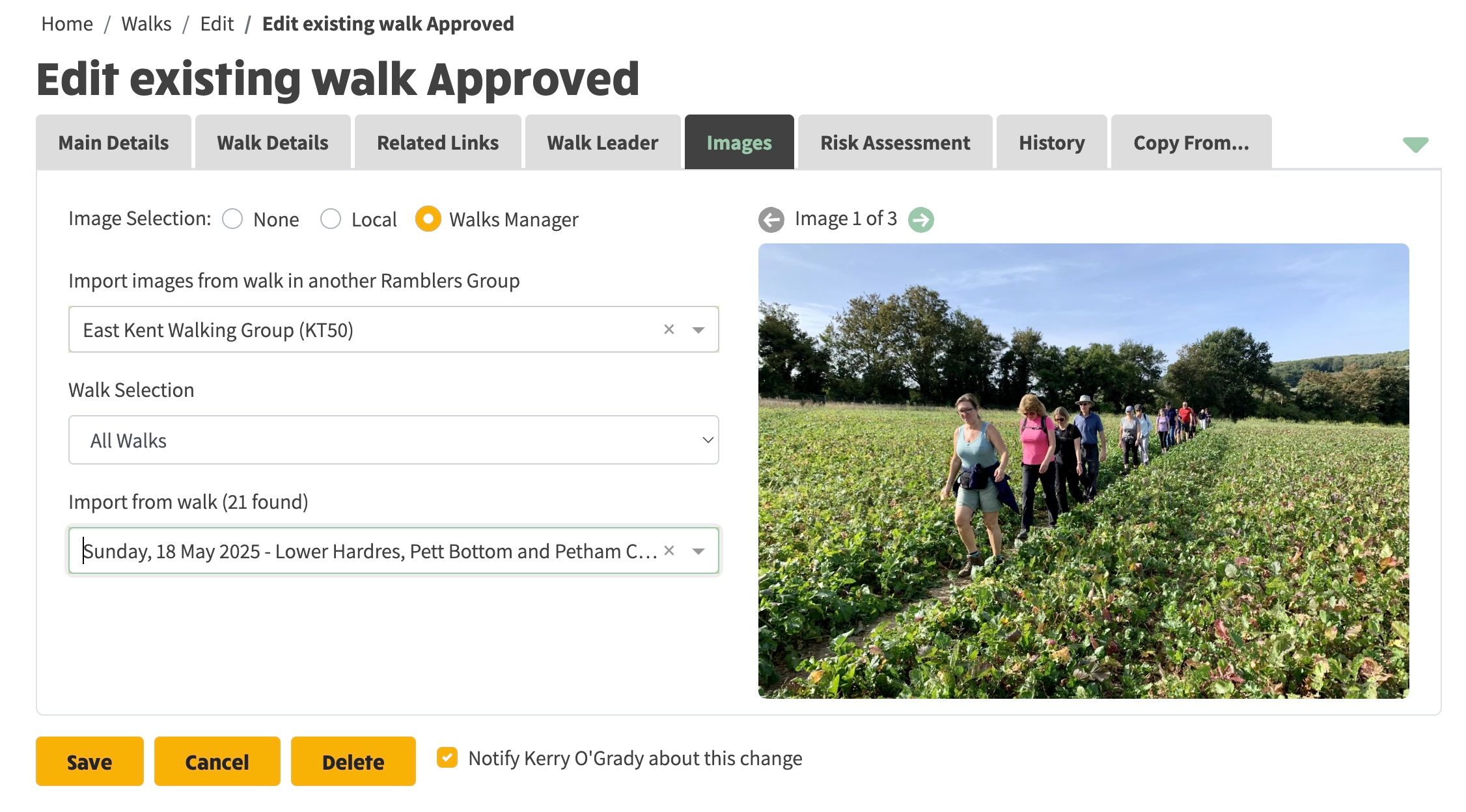
- On selection of a walk, the images are imported to the local walk from walks manger and will appear on the right of the screen.
- If the walk is not in the future the Walk Selection field can be used to choose Past Walks or All Walks.
- When the walk is saved, the images are then displayed: