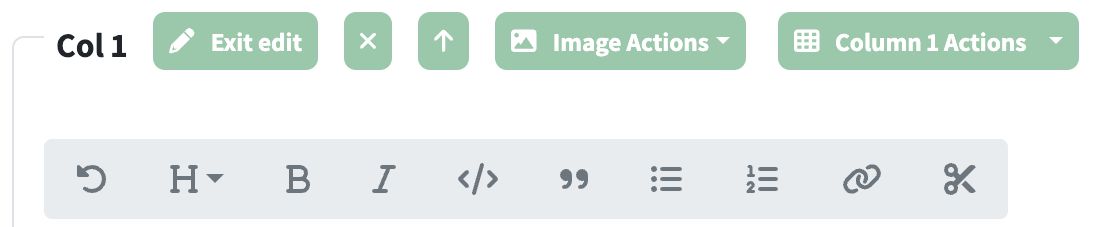
Key to toolbar buttons:
↻ (Revert) — Undoes all changes and reverts content back to the last saved version
H (Heading) — Make selection a Heading: Dropdown menu to convert selected text to Heading 1-6
B (Bold) — Make selection Bold: Wraps selected text in bold markdown syntax
I (Italic) — Make selection Italic: Wraps selected text in italic markdown syntax
<> (Code) — Make selection Code: Wraps selected text in code markdown syntax for inline code
" (Quote Right) — Make selection a Quotation: Adds > prefix to selected lines to create a blockquote
• (List Unordered) — Make selection a Bulleted List: Adds - prefix to selected lines to create a bulleted list
1. (List Ordered) — Make selection a Numbered List: Adds 1. (2., 3., etc.) prefix to selected lines to create a numbered list
🔗 (Link) — Make selection a Link: Converts selection to selection markdown link format (auto-detects URL from clipboard if available)
✂ (Scissors) — Split text into new row below: Splits content at cursor or selection into a new row below the current one
🖼 (Image) — Convert content into rows: Appears only when markdown images are detected in the content; converts markdown with images into multiple separate rows
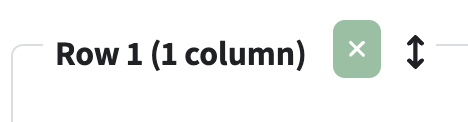
Columns and rows can now be dragged one one location to another by clicking on the drag anchor to the right of the frame text:
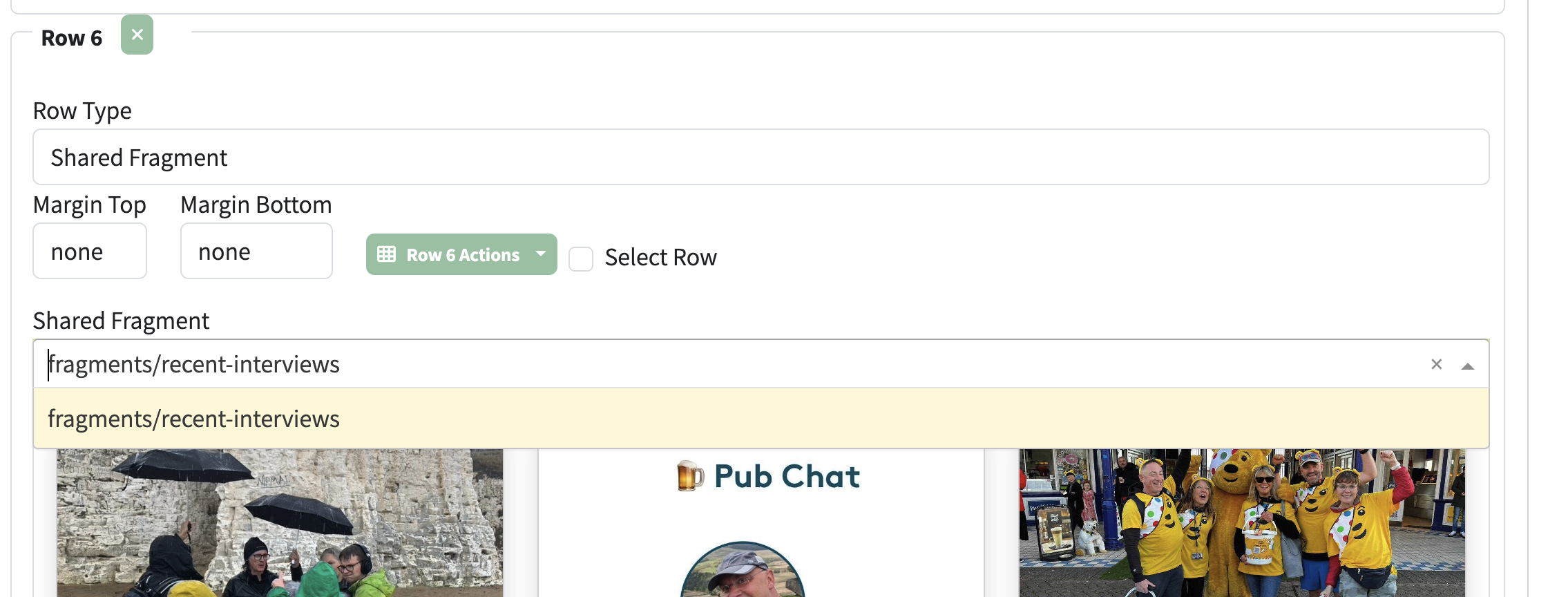
A Shared Fragment is a piece of content defined once, and then referenced any number of times from other pages. An example of a use for Shared Fragments is to provide a consistent navigation back to a parent page, or embedding repeating content on many pages.