The admin migration tool now handles all external document types — PDFs, Word, Excel and other files — not just images. The admin menu and route are renamed from Image Migration to Content Migration, with the old URL redirecting automatically.
The scanner now picks up external URLs from:
[text](https://ngx-ramblers.org.uk/url)<a href>href fields on content columnsEach result is tagged with a document type (image, pdf, spreadsheet, document, other) and rendered with an appropriate coloured badge and icon.
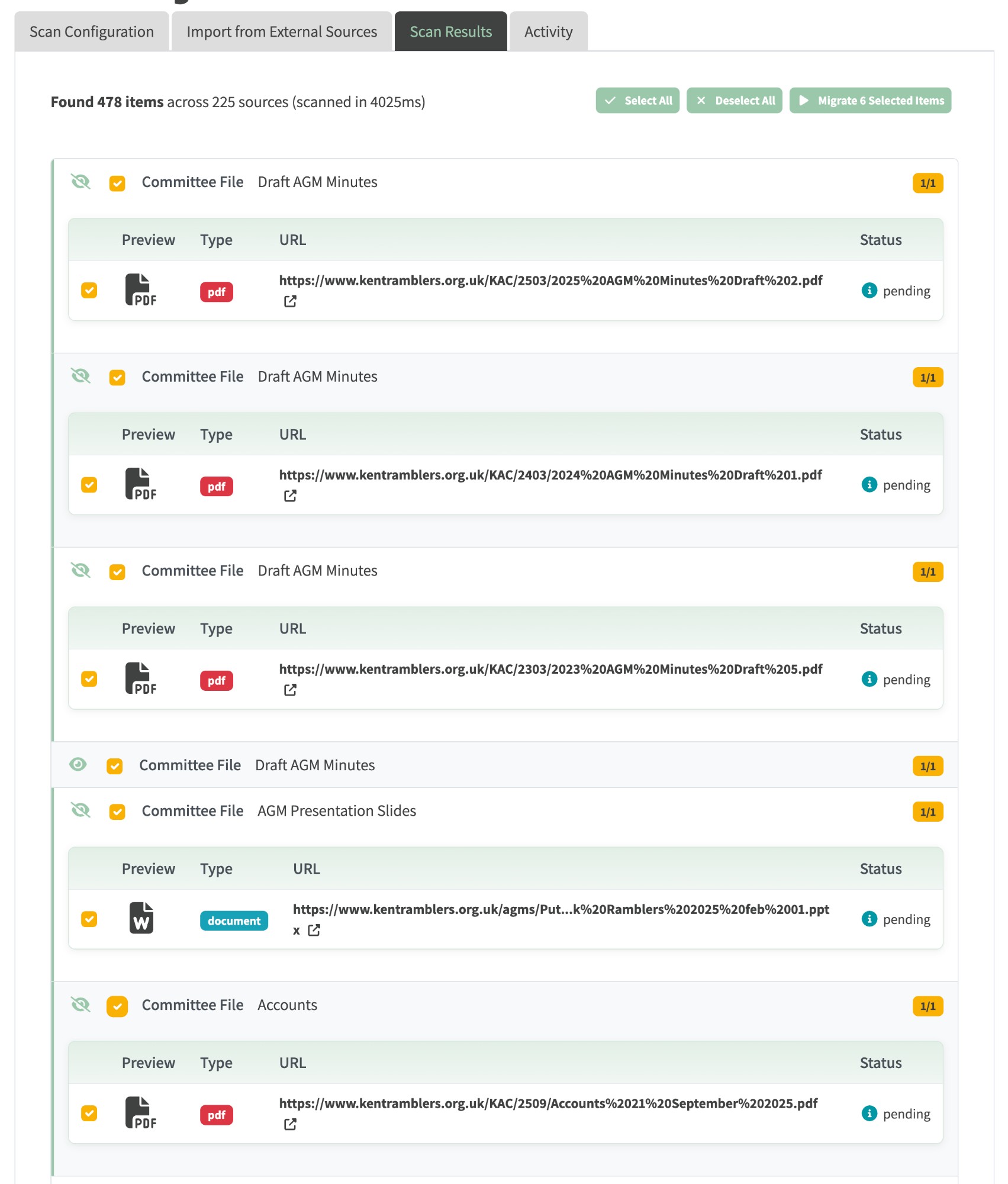
Scan Results for kentramblers.org.uk — 478 external items across 225 sources. Coloured badges distinguish PDFs from Word documents; Select All / Deselect All / Migrate N Selected Items live in the toolbar.
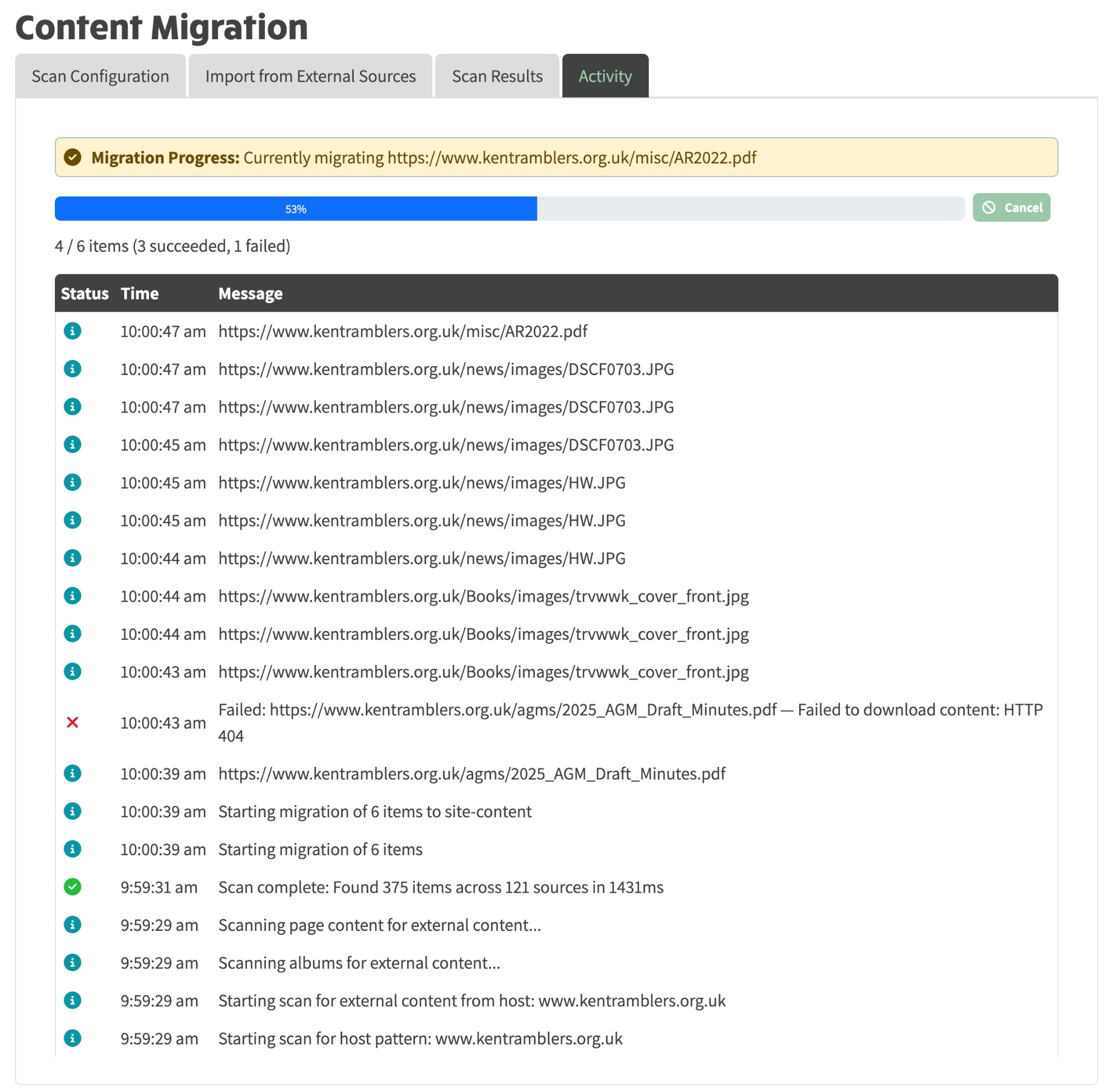
The Activity tab streams each step of a migration in real time. PDFs download to S3 as-is (no resizing); HTTP failures are surfaced inline but don't halt the batch.
<img> / ![]() and <a href> / [text](https://ngx-ramblers.org.uk/url) patterns, plus column.href.admin/image-migration URL automatically redirects to /admin/content/content-migration.20260329000000) renames the admin menu item automatically.Everything with "image" in its name has been broadened to "content":
ImageMigrationTab → ContentMigrationTab; ImageMigrationGroupComponent → ContentMigrationGroupComponentExternalImageReference → ExternalContentReference (adds documentType); new ContentMigrationDocumentType enum (IMAGE, PDF, SPREADSHEET, DOCUMENT, OTHER)images → items, totalImages → totalItems, processedImages → processedItems, currentImage → currentItem, migratedImages → migratedItems, failedImages → failedItemsextractImageUrlsFromMarkdown → extractExternalUrlsFromText (also matches links), extractImagesFromColumn → extractUrlsFromColumn (also scans href), scanForExternalImages → scanForExternalContent, downloadExternalImage → downloadExternalContentIMAGE_MIGRATION_* → CONTENT_MIGRATION_*documentTypeFromUrl(), isExternalDocumentUrl()