When a Facebook Page link is tapped on a mobile device, Facebook strips the protocol and the www, leaving a bare address such as ekwg.co.uk/social. The bare apex domain ekwg.co.uk had no DNS record at all, so those links failed for everyone on a phone: an error page on Android, "page not found" on iPhone.
This release adds an apex / www redirect capability that fixes it. It 301-redirects the bare apex (or www) variant of a domain to the host the site is actually served on, so ekwg.co.uk/social now reaches https://www.ekwg.co.uk/social in a single hop, with the path and query string preserved. The redirect runs at Cloudflare's edge and never reaches the application.
What the feature provides:
subdomain apex-redirect <env> <hostname> command-line equivalent.Note that this functionality can only be reached by "multi-site" administrators
Open Admin → Environment Management, select the environment, choose Modify Environment, and find the Apex / www redirect box under Custom Domains. Enter the hostname the site is served on (for EKWG that is www.ekwg.co.uk) and press Set up redirect.
The redirect is created as a Cloudflare Single Redirect rule, so the Cloudflare API token must be allowed to manage those rules. Without that permission the run fails at the redirect-rule step.
To add it, open the Cloudflare dashboard, go to My Profile → API Tokens, edit the token in use, and add one permission row:
Confirm the relevant zone (for example ekwg.co.uk) is included under Zone Resources, then Continue and Save. Editing a token's permissions does not change its secret, so no other configuration needs updating.
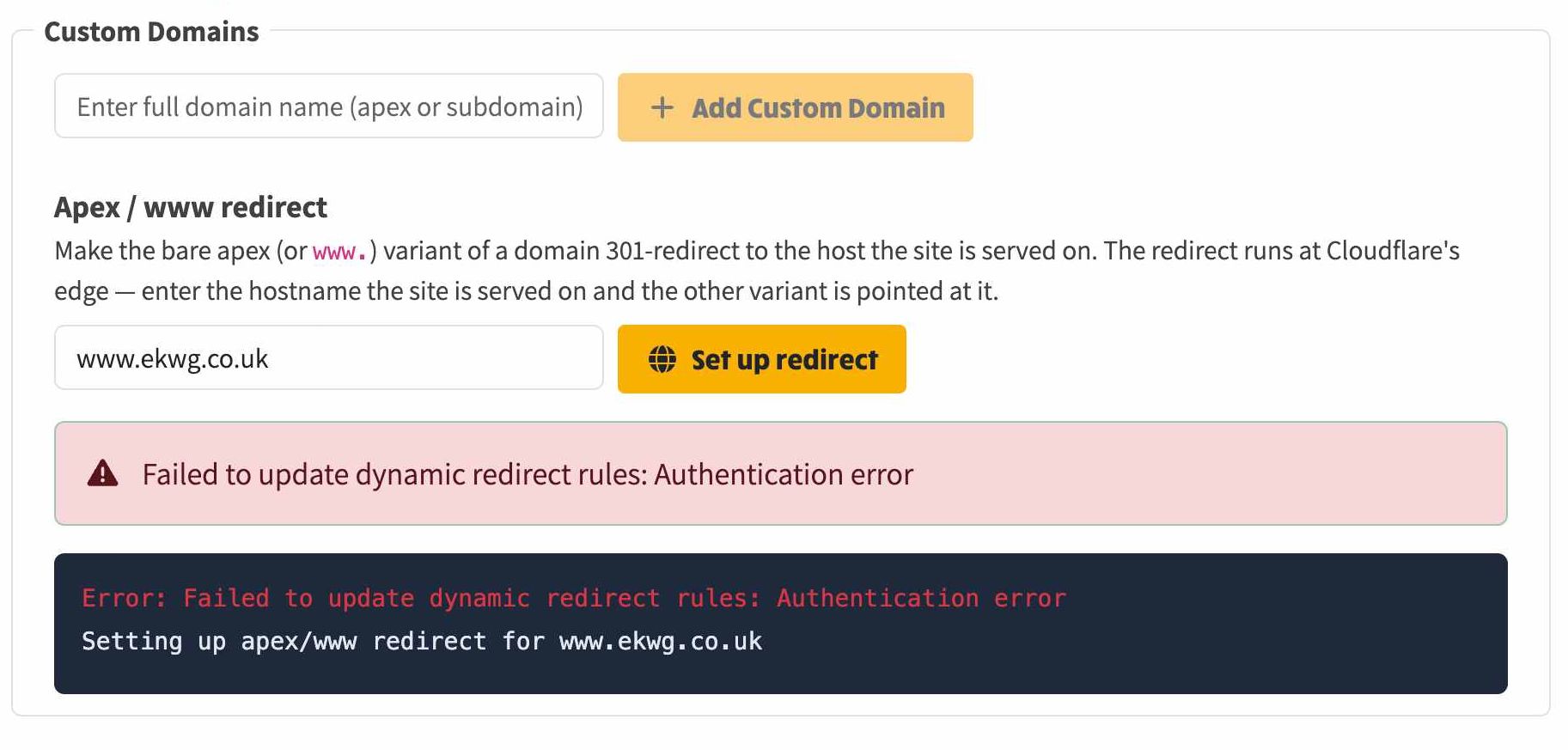
This is the result when the token has not yet been given the Single Redirect permission. The run fails at the redirect-rule step with Failed to update dynamic redirect rules: Authentication error. Nothing is created: the redirect rule is attempted before any DNS change, so a failed run leaves no half-finished state to undo. Adding the permission described above and running it again is all that is required.
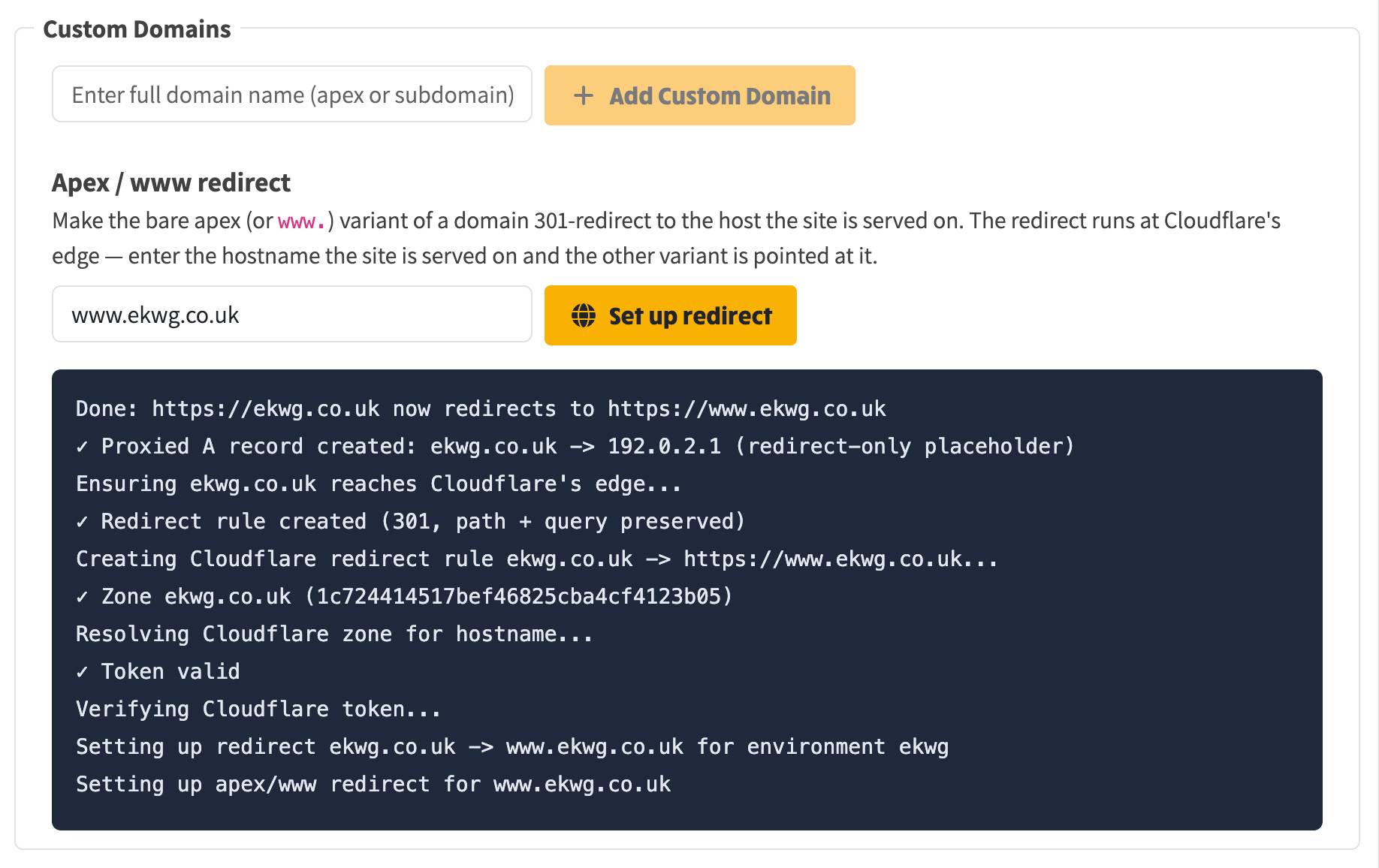
With the Single Redirect → Edit permission on the token, the same run completes end to end: the token verifies, the Cloudflare zone resolves, the 301 redirect rule is created, and the proxied apex DNS record is added. ekwg.co.uk, and any path on it, now redirects to https://www.ekwg.co.uk.