Released 27 May 2026
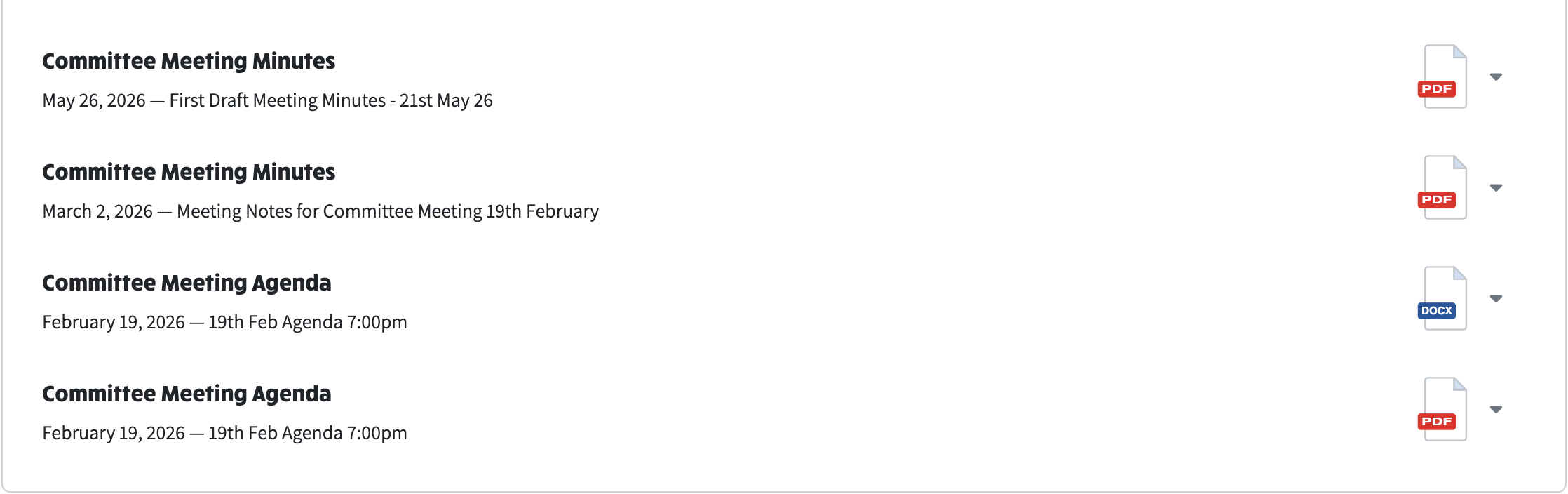
We have made it clearer and quicker to open committee documents (agendas, minutes, financial statements and the like) from the committee page.
Every committee document now shows a colour-coded icon for its file type - red for PDF, blue for Word, green for Excel, and so on.
Click a document and a small menu opens. It shows the document's type, title and date at the top, then two choices:
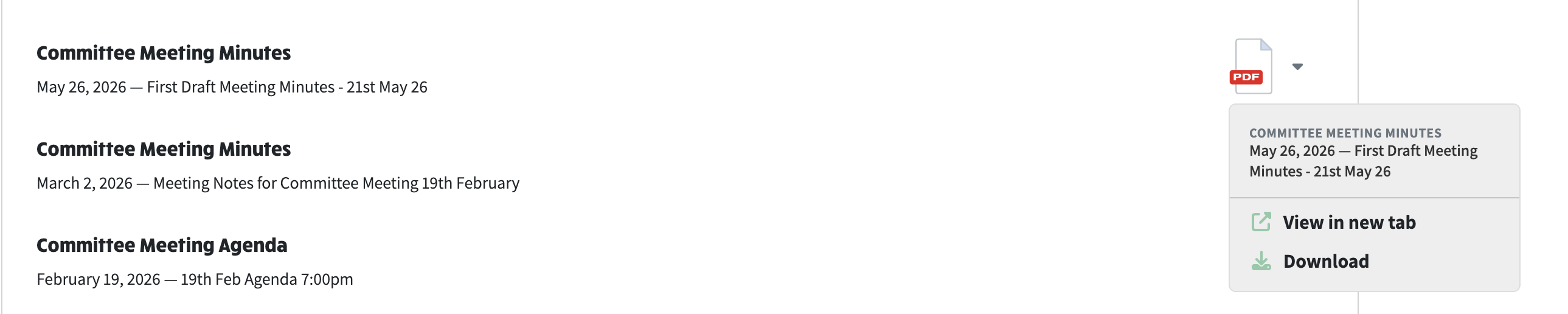
Clicking a file opens a menu showing the document's details, then View in new tab and Download.
Nothing changes about managing files. The Edit, Send Email and Delete buttons appear on each file as before - the new view and download menu simply sits alongside them.

Administrators still have Edit, Send Email and Delete on each file.