New to this feature? See Setting up a Gmail inbox for committee replies for the step-by-step setup guide.
This release adds a shared committee inbox inside NGX-Ramblers.
Until now, a role address such as walks@example.org.uk or secretary@example.org.uk could forward mail onwards, but the actual conversation happened somewhere else: usually in a personal inbox, a shared Gmail account, or a forwarding rule. That made it harder for a committee to see what had already been answered, who had replied, and whether a role mailbox was being kept up to date.
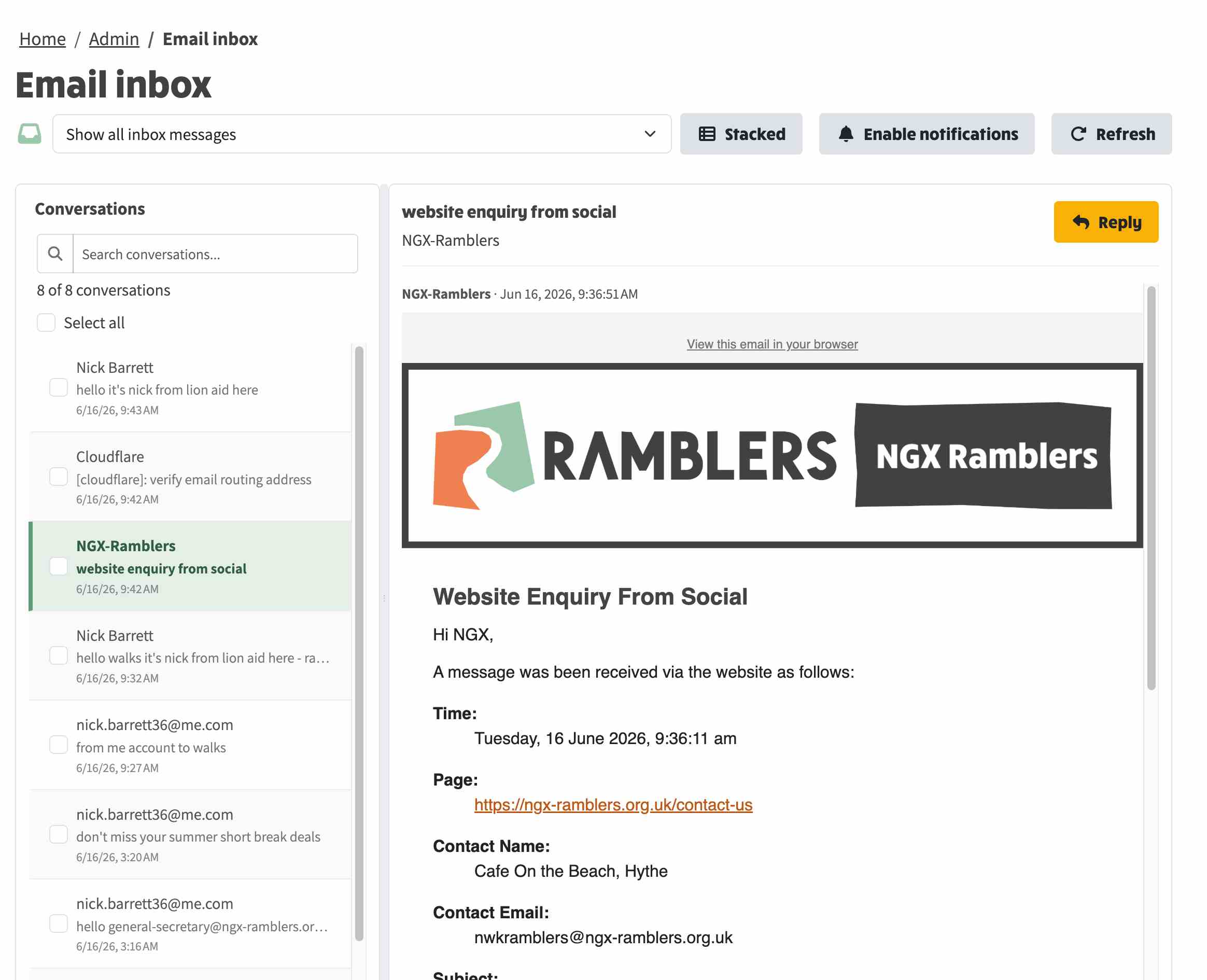
The new inbox brings those conversations into the website. Committee members can read messages sent to their role address and reply from that same role address, without leaving NGX.
Above: screenshot of email inbox
Administrators can connect a Gmail inbox to NGX from System Settings > External Systems > Mail > Gmail Inbox.
Each connected mailbox can be linked to one or more committee role addresses. That means a group can choose the model that fits how it works:
There is also an optional setting to show all messages in the connected Gmail inbox, not only messages addressed to known role addresses. That is useful when a group wants administrators to catch anything that arrived in the shared mailbox before the role routing was fully configured.
NGX can now alert assigned committee members when new role mail arrives.
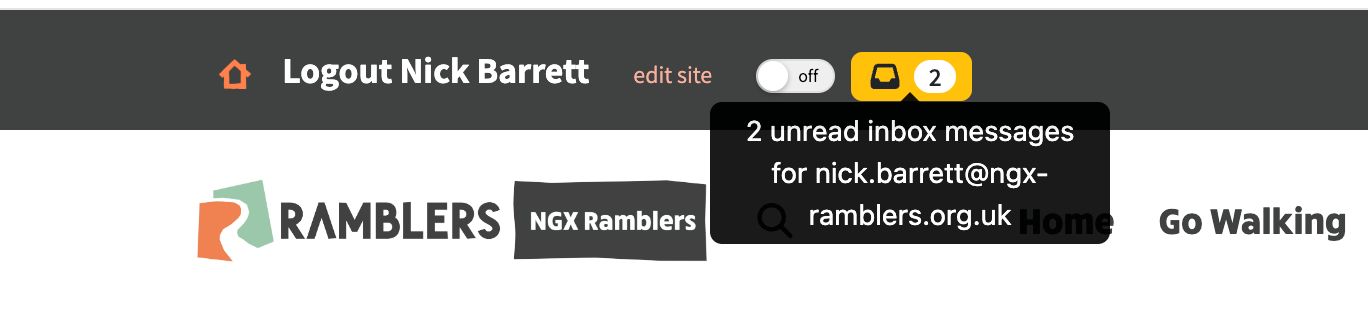
Above: visual indicator of unread messages in inbox. Click to visit the inbox.
These notifications are opt-in and follow the committee role assignments, so members only receive alerts for the roles they are responsible for.
This makes role email less dependent on one person's private inbox. A committee can keep a shared record of enquiries, see whether something has been replied to, and let the next person in a role pick up the history more easily.
It also keeps the public-facing address consistent. A member of the public writes to a role address, and the reply can come back from that same role address.
The first setup still needs a Google OAuth client because Google requires that to let NGX read and send mail for the connected Gmail inbox. Once that is in place, NGX guides the rest of the connection from the admin screens.
The detailed setup guide is here: Setting up a Gmail inbox for committee replies.