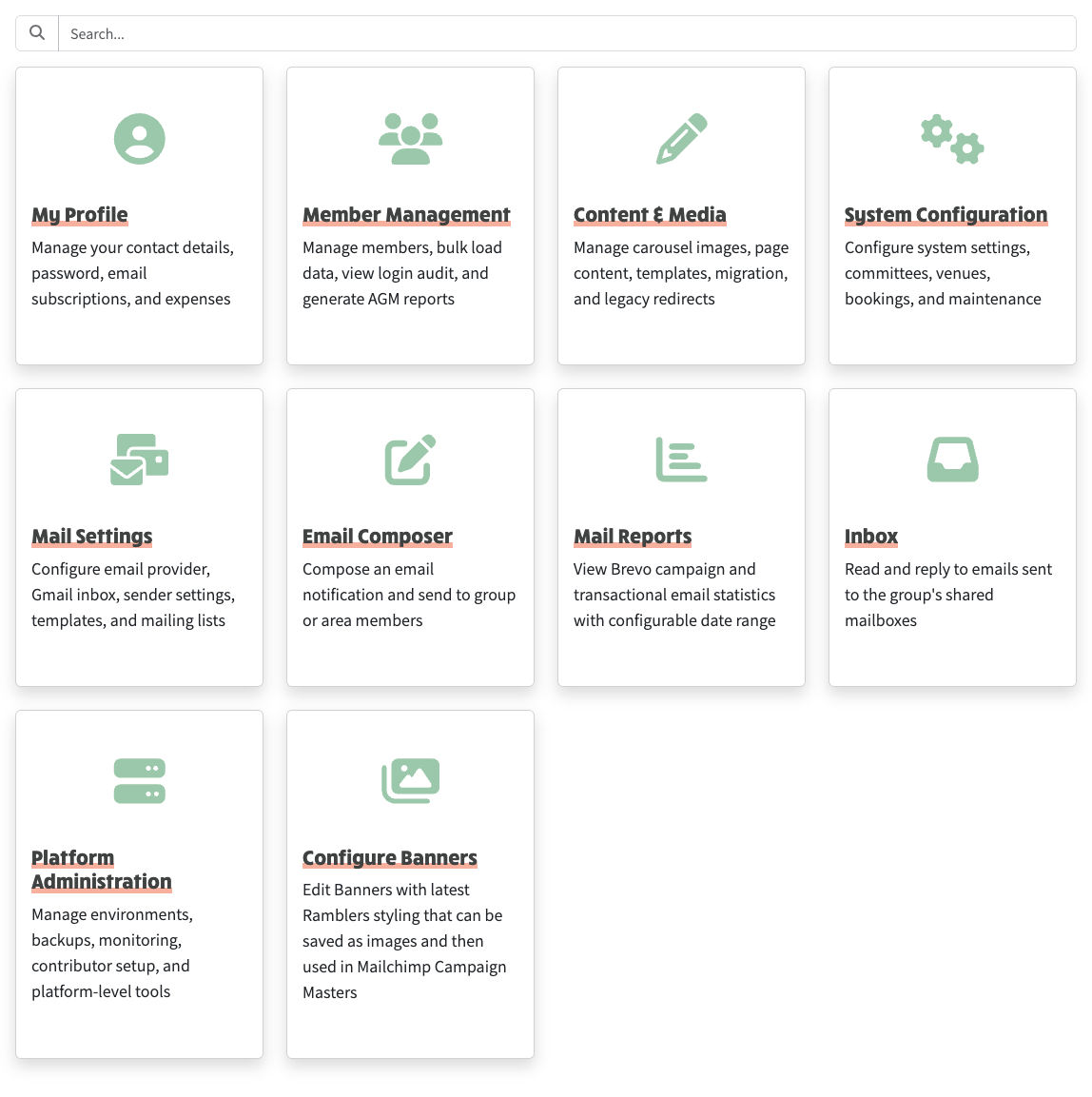
The admin menu has been reorganised. Instead of one long list, admin is now grouped into five sections — Profile, Members, Content, Settings and Platform — each with its own landing page. Every old admin link still works, so your existing bookmarks are fine.
Two new pages help you keep an eye on email. Mail Reports shows how your emails are doing (delivery figures and the queue of campaigns) over a date range you choose, and you can click into any campaign to see its stats, who it went to and what was sent. Mail Domains lists the sender domains your site uses and whether each is set up correctly for sending.
There's also a new lite option for groups that only need email and membership rather than a full website. A lite site shows a slimmed-down menu and a simple home page you can edit. New sites are now also set up with a ready-made Committee page from the start.
A few smaller things: the "Send Notification" button is now called "Email Composer" (which is what it always opened), inbox sender names no longer show twice, card images that link elsewhere open in a new tab, and the Ramblers Walk Import help editor no longer shows an empty box.
The reorganised Admin landing page with one card per category
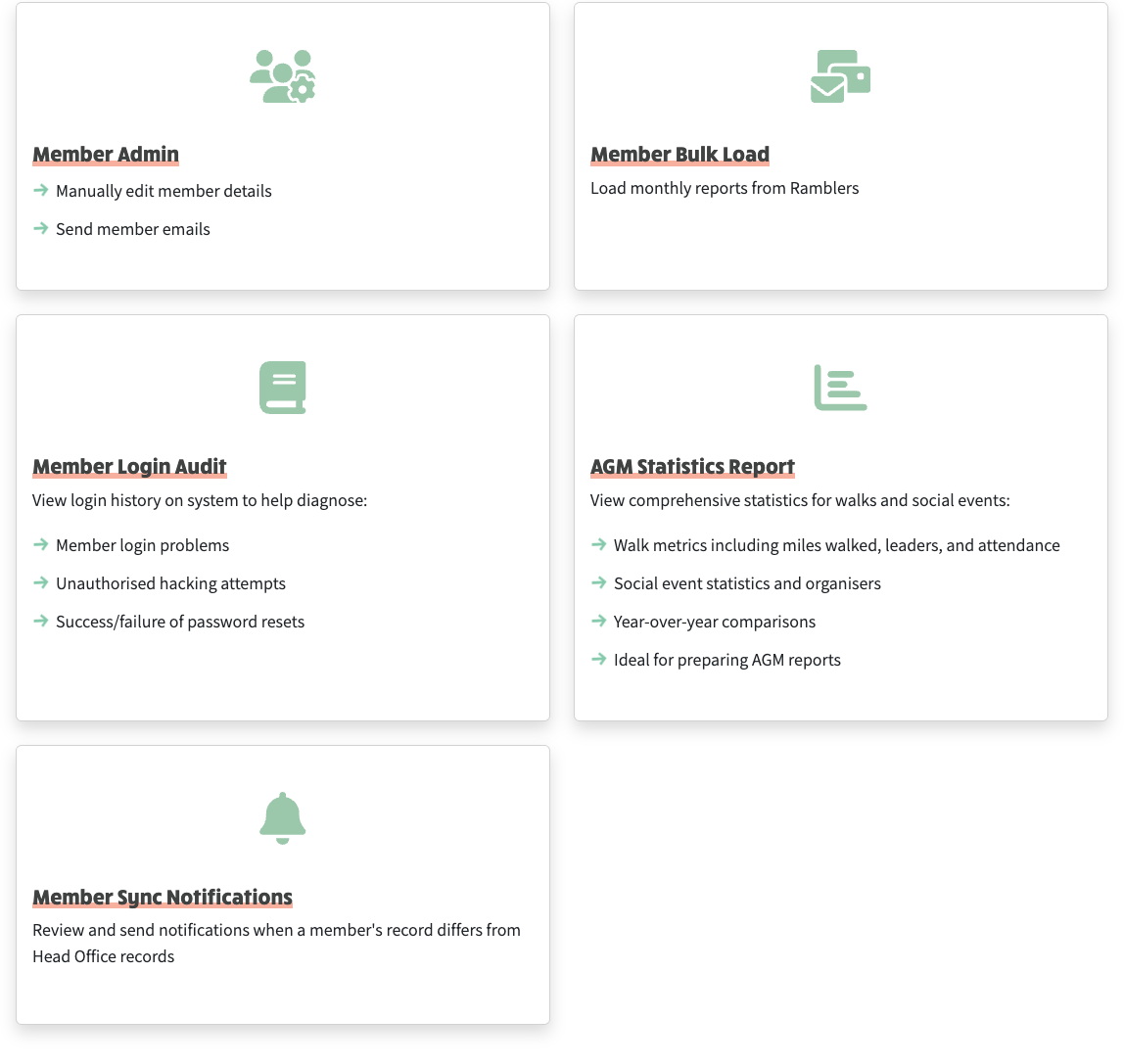
The Member Management category landing at /admin/members
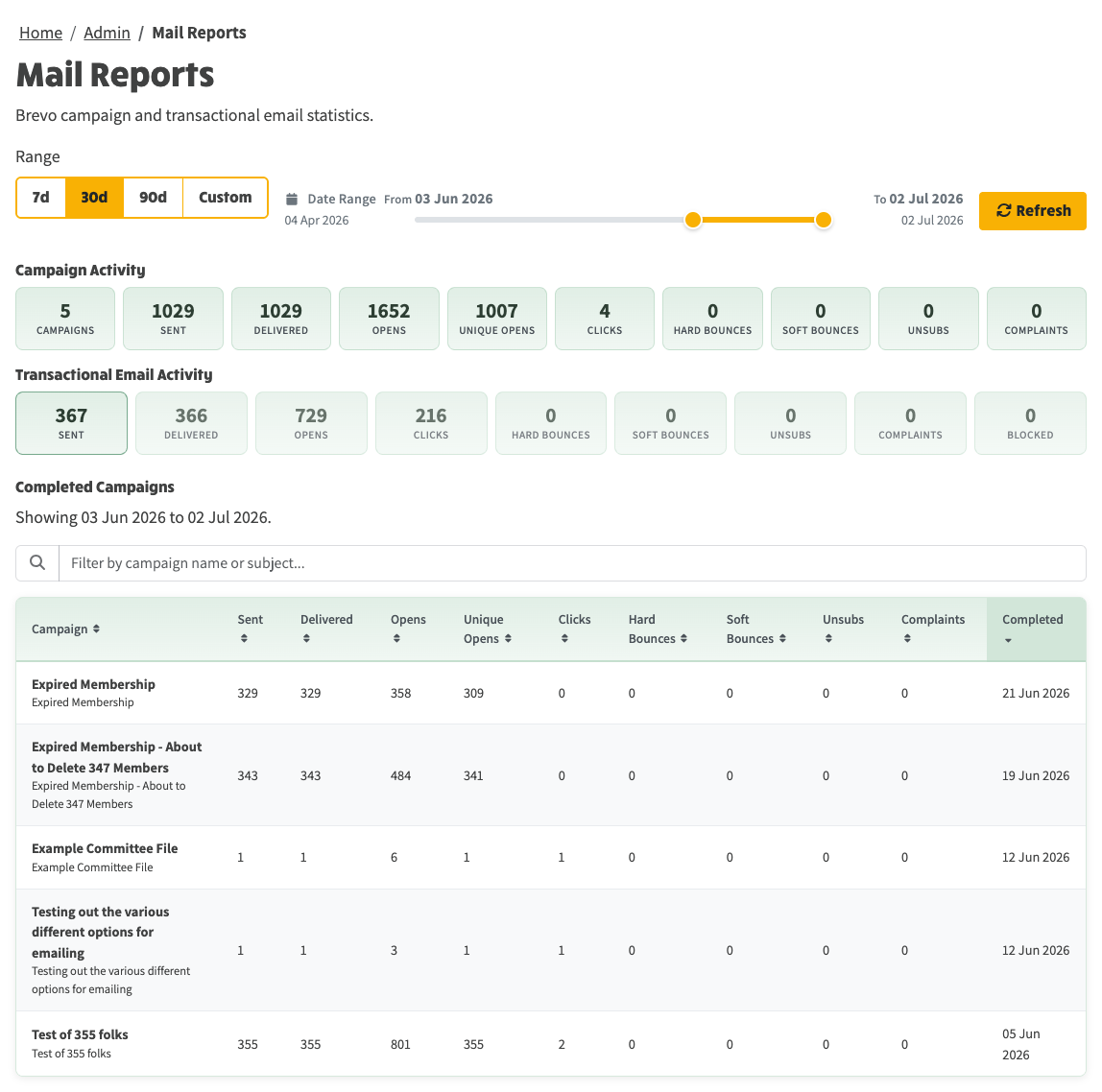
Mail Reports — email delivery and campaign stats with the completed campaigns table
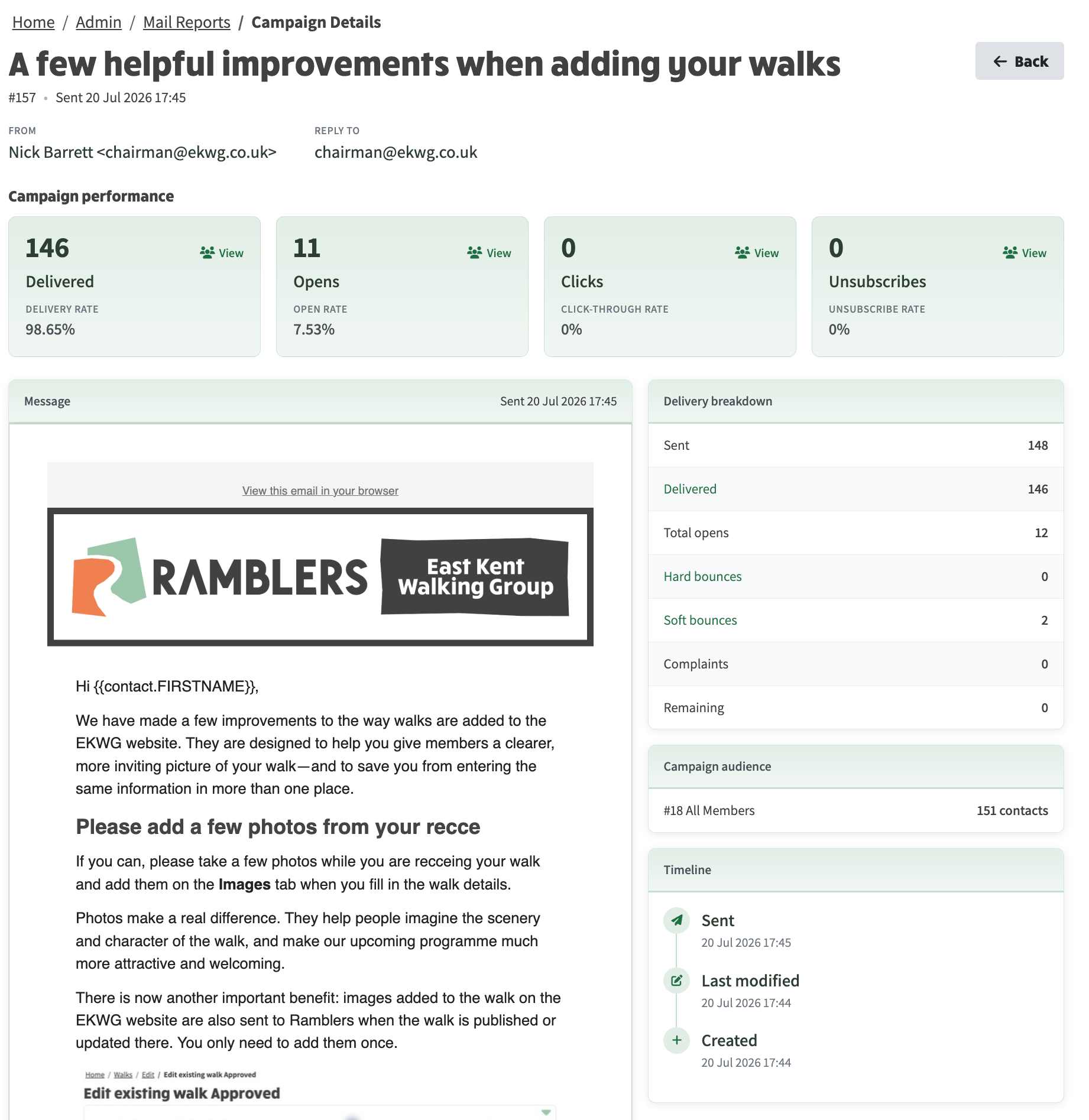
Clicking on a Campaign Report row, then opens up dedicated page that provides all information about the campaign: