23-Jul-2026 — walk details display settings with live preview, swipeable images, focal points and a f... #284
What's new
How individual walk pages look is now configured visually in one place. The Walk View tab of Walks Config gathers every walk page display setting - image style, map zoom, the map provider and the Related Links box - alongside a single live preview that mirrors the walk details page and updates as you change things. Image and map heights are set by dragging resize bars under the preview, the same control used in the CMS, and the preview renders the real Related Links component against a recent walk from your own site, so what you see is what walk pages produce.
On the walk page itself, walks with several images can be swiped through by dragging or a finger-swipe, and in cropped mode editors can set a focal point and zoom per image so the crop centres on the best part of the picture. The map has a single button that steps through normal, large and full-screen, reframing the route to fit at each size, and a "Show map as" setting chooses whether visitors first see OS Maps or Google Maps.
Expanding a walk within the walks list now shows the same complete detail as the standalone walk page - Features, Related Links, the venue and the booking form - instead of a slimmed-down copy that left a large empty hole. Both columns finish on the same baseline: when a walk has no booking form, the last visible panel stretches to fill the gap. Logging in reflows the list cleanly instead of leaving an expanded walk stranded beside a narrow card, and a background error when a walk map was rebuilt is gone. Defaults preserve the current display, so nothing changes for existing sites until they choose otherwise.
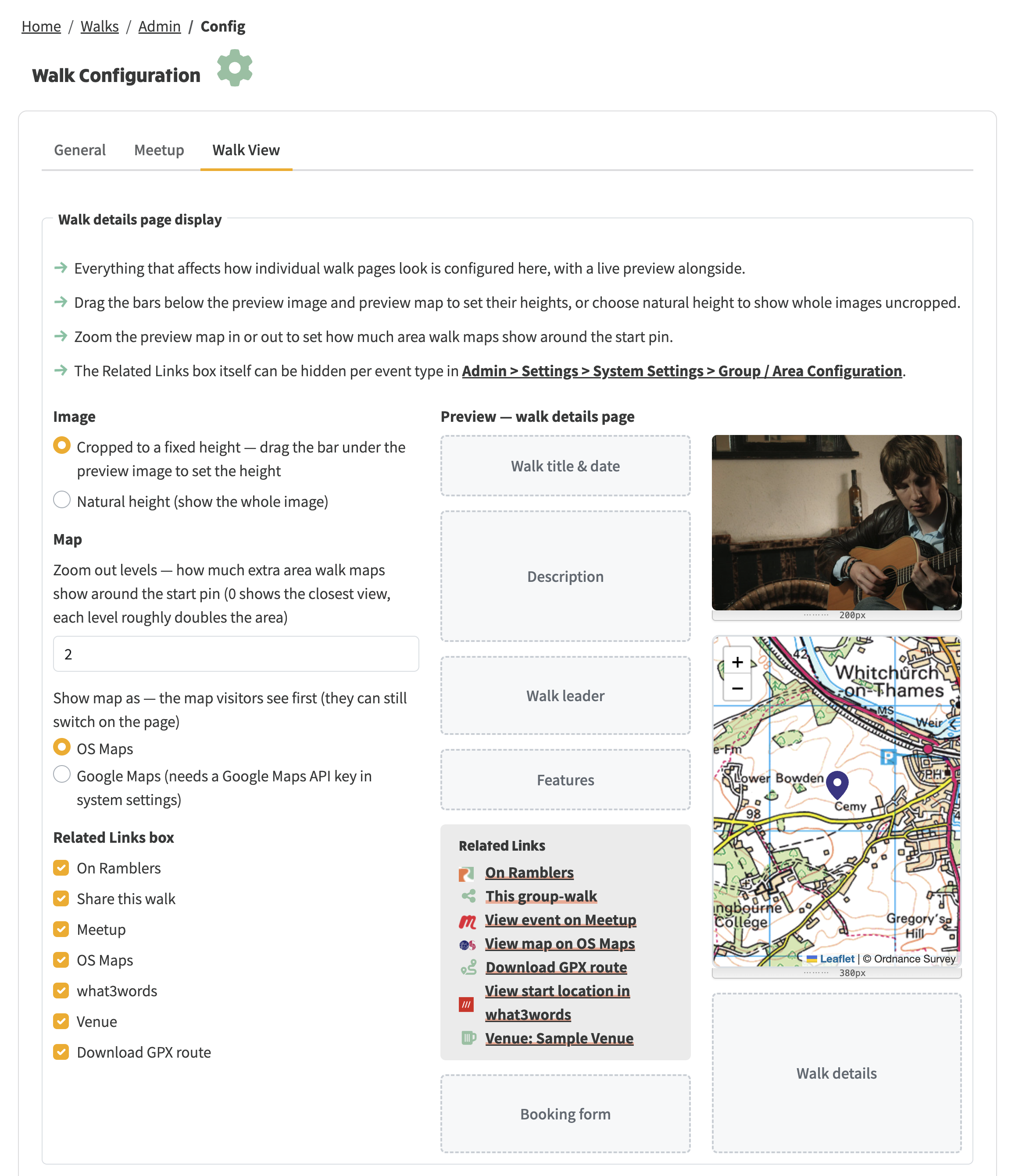
The Walk View configuration brings image, map and Related Links controls together with a live preview
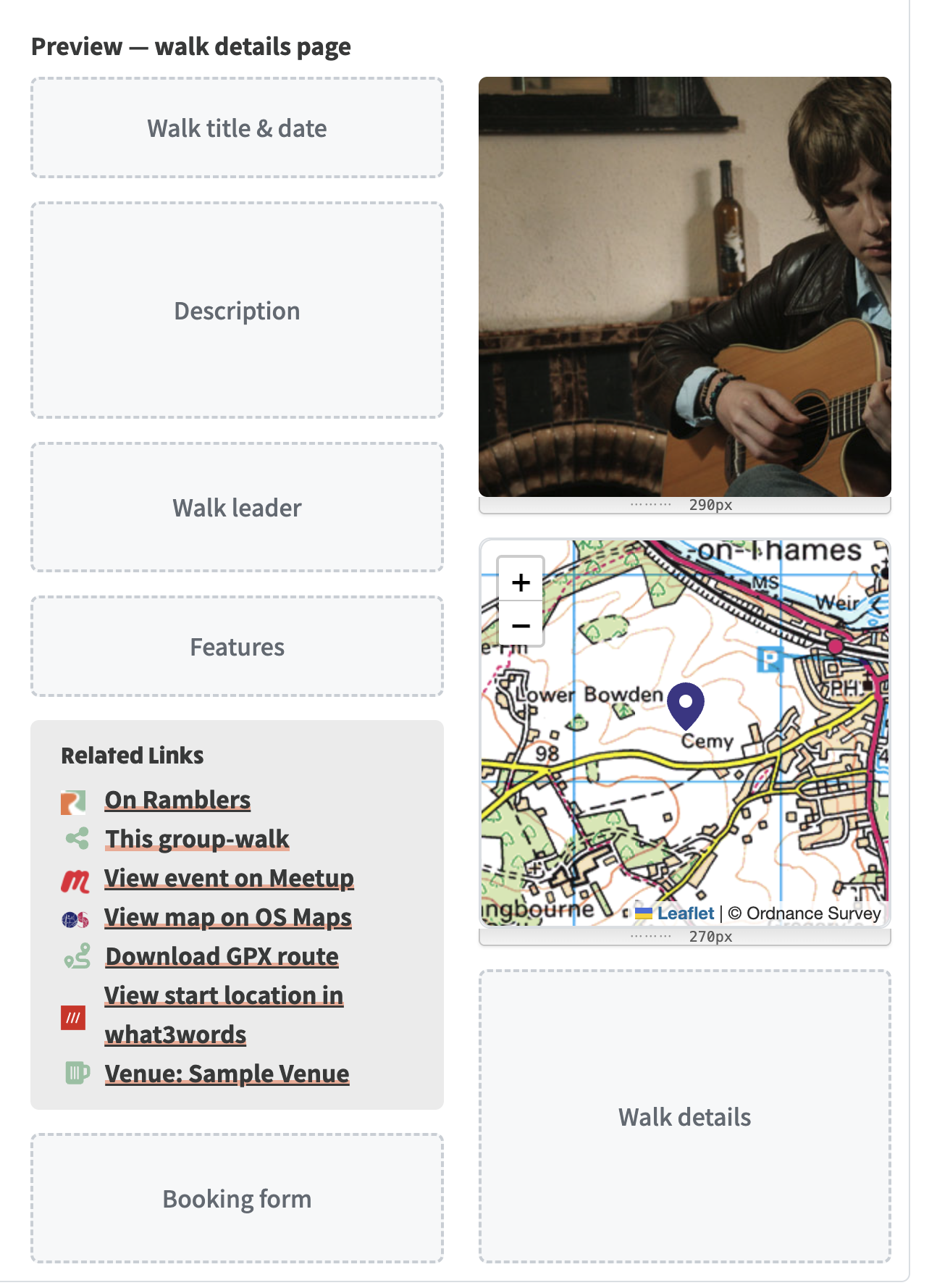
The live preview shows image and map sizing alongside the walk-page layout
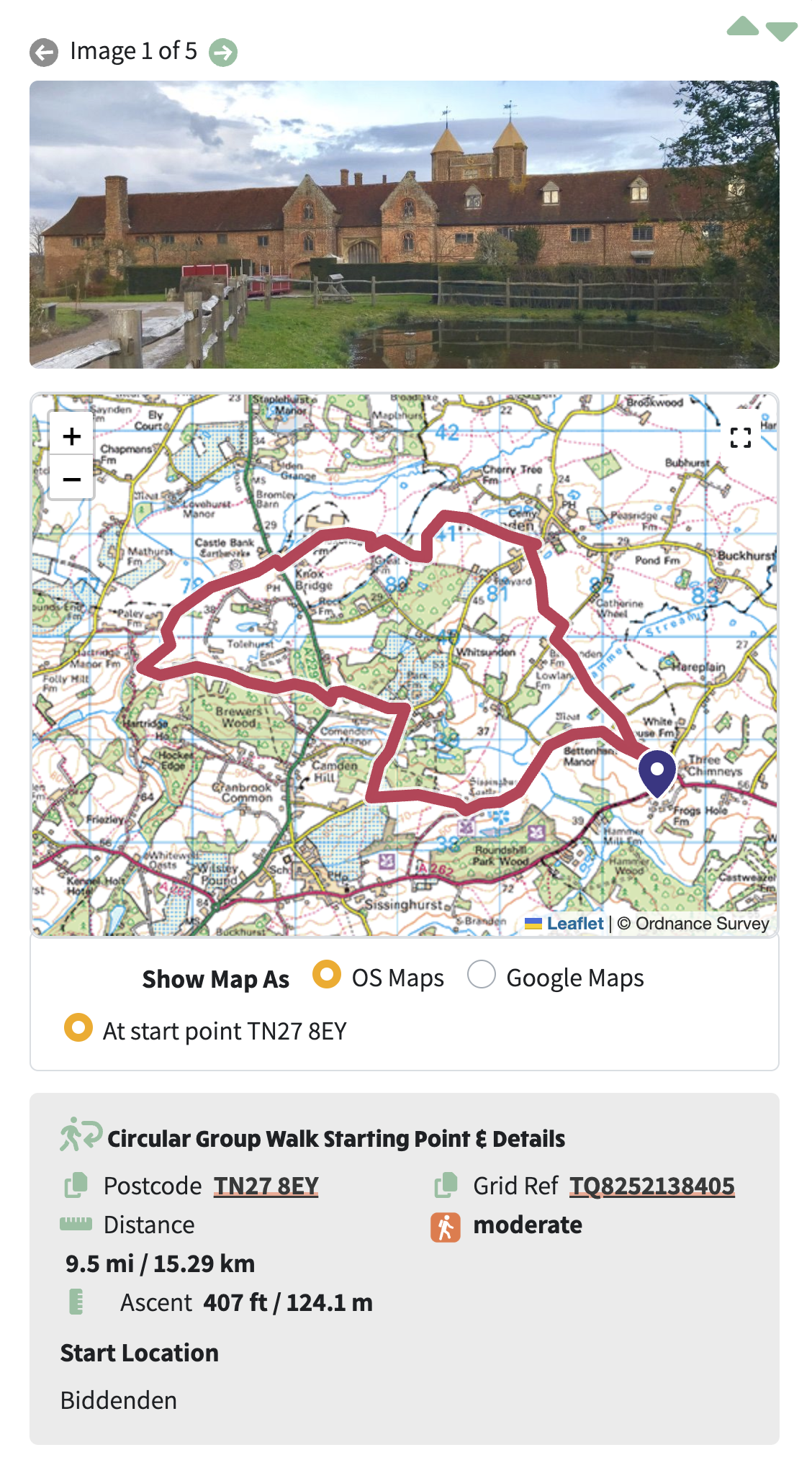
A compact mobile walk view with the route map and key starting-point details
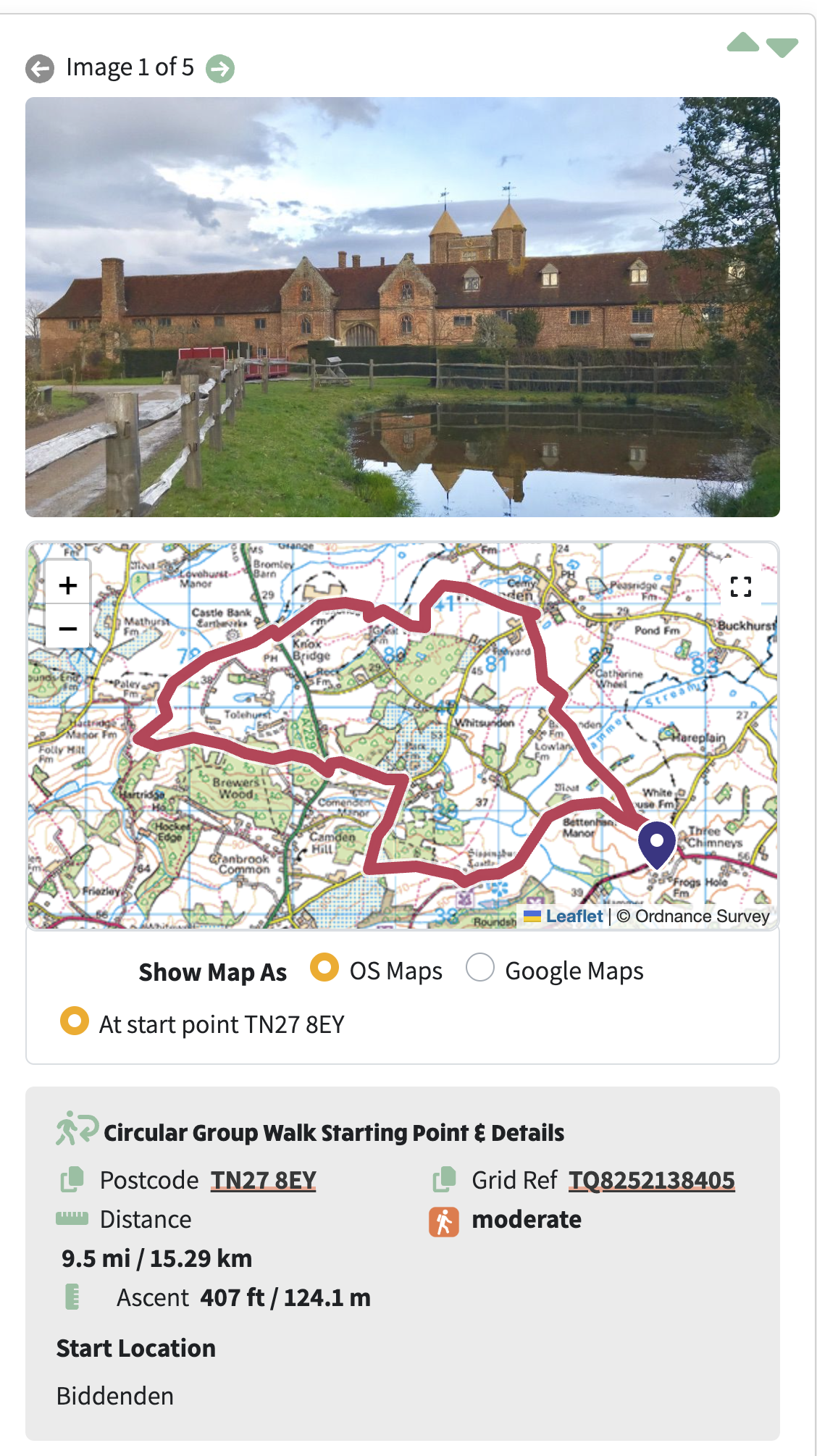
The mobile walk view with a taller image and route map presentation
At a glance
- one "Walk details page display" section in the Walk View config tab: controls on the left, a single live preview on the right that mirrors the real page, with labelled placeholders for the parts the config does not control so everything lines up
- the General config tab is reorganised so the dropdown settings sit in one column and the checkboxes in another
- image and map heights are set by dragging resize bars under the preview instead of typing numbers; the map zoom-out level moved here from the General tab
- a "Show map as" setting chooses OS Maps or Google Maps first on walk pages (OS Maps by default; visitors can still switch on the page)
- the walk page map has a single button that cycles normal, large and full-screen, reframing the route to fit at each size; Escape exits full-screen
- the Google Maps view fits the whole route again when the map is resized, instead of staying zoomed in on a section
- walk images can be swiped through by mouse drag or touch, sliding like the action button swiper; the arrow buttons still work
- in cropped mode, editing a walk shows a focal point picker per image - click the best part and optionally zoom - stored non-destructively so the original picture is never altered
- "Natural height" shows each image uncropped
- clicking anywhere on a walk card in an events section now opens the walk page, not just the title link
- expanding a walk in the list shows everything the standalone page shows: Features, Related Links, venue and booking form
- the large empty gap in the left column of expanded walks is gone; with no booking form, the last visible panel stretches to the shared baseline
- logging in (or out) reflows the list cleanly instead of leaving a gap next to a card
- when the Related Links box is switched off for walks in Group / Area Configuration, the preview shows that too