30-Jul-2026 — clearer email templates and page editor links #303
What's new
Email templates and the page editor now share one straightforward setup: templates are plain markdown (turned into HTML only when a message is sent), the welcome email is a short group introduction rather than a login manual, and the link tools stay with you while you edit instead of jumping you to the top of the page.
At a glance
- Email templates are markdown, matching the editor
- Welcome email covers the group, walks, socials and how to get in touch — no login or admin detail
- Membership expiry emails use simple labelled lines instead of a table
- Link bar stays pinned while you scroll; edit link text and address together
- Open a link in a new tab from the bar, or with Cmd/Ctrl-click
- Switch to raw markdown when that is quicker; empty columns show a clear clickable placeholder
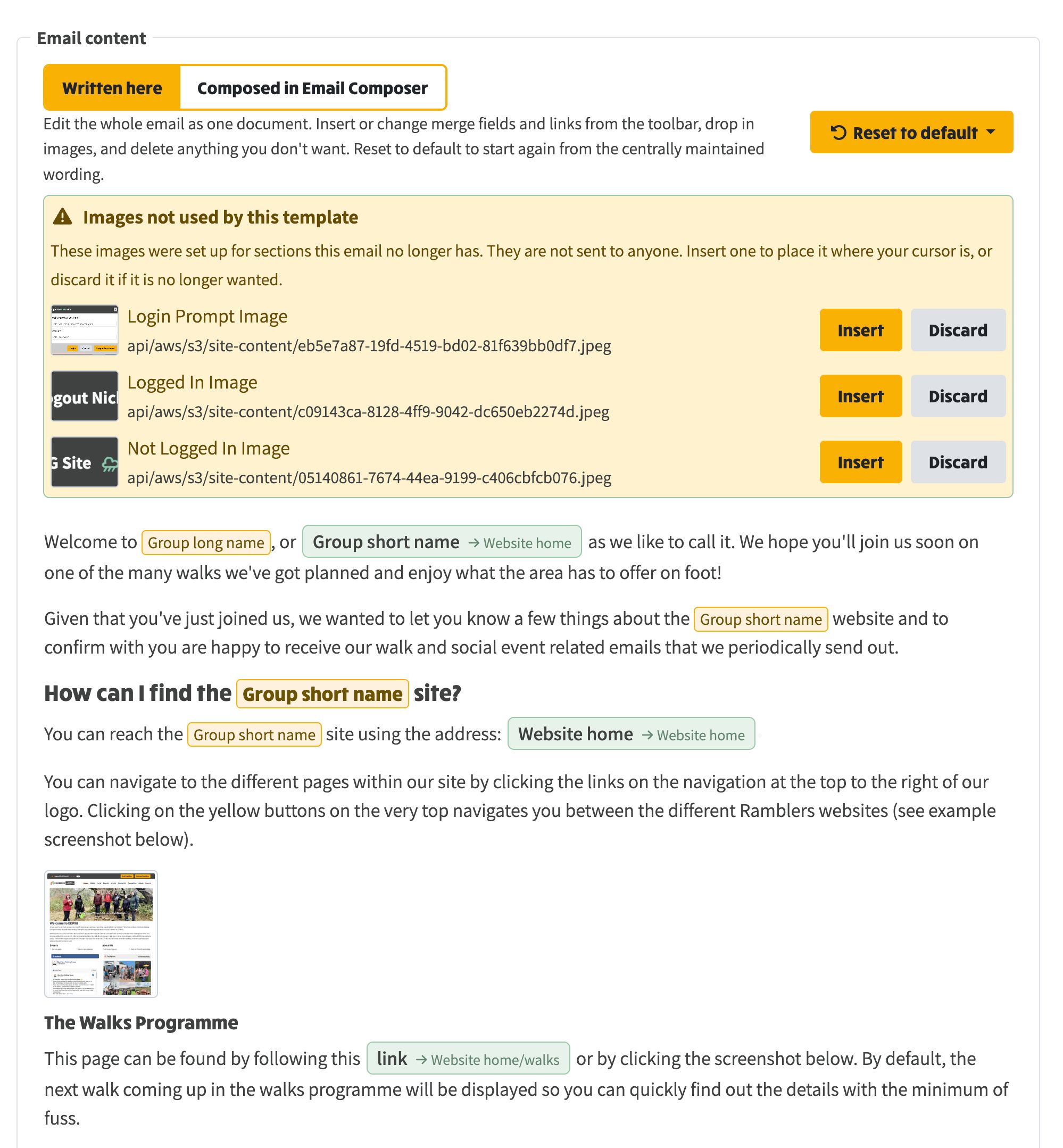
- Resetting an email body to the template keeps the group's images; unused ones can be inserted or discarded
When you replace an email body with the default template, any images that no longer match a template section are listed so you can insert or discard them.