05-Aug-2026 — See who was mailed in Mail Reports, open the email, and keep inbox digests out of the way #279
What's new
Mail Reports is easier to use day to day. You can switch between list emails and one-to-one emails, see who received a particular send, and open the email content without leaving the page. Automatic “new inbox message” digests stay out of the way unless you choose to show them. Starting a new email from something you already sent no longer loses your choice of recipients, and removing a committee role is a simple trash icon.
At a glance
- Switch between list emails (Campaigns) and one-to-one emails (Transactional) so you only see one kind of activity at a time
- Under one-to-one emails, open Sent to see who was mailed, grouped by each send
- Clear labels show whether a send came from the composer, a reply from the inbox, or an automatic inbox reminder
- Automatic inbox reminder emails stay hidden unless you choose to show them
- Open the content of a send from the report, and jump to the related inbox conversation when it was a reply
- Empty figures are hidden so the page stays tidy
- Choosing a date range on Mail Reports no longer errors when “today” is still catching up
- When you reuse a sent email as a starting point, you can still choose a smaller set of recipients instead of the whole list
- Deleting a committee role uses a simple trash icon
Example Screenshots
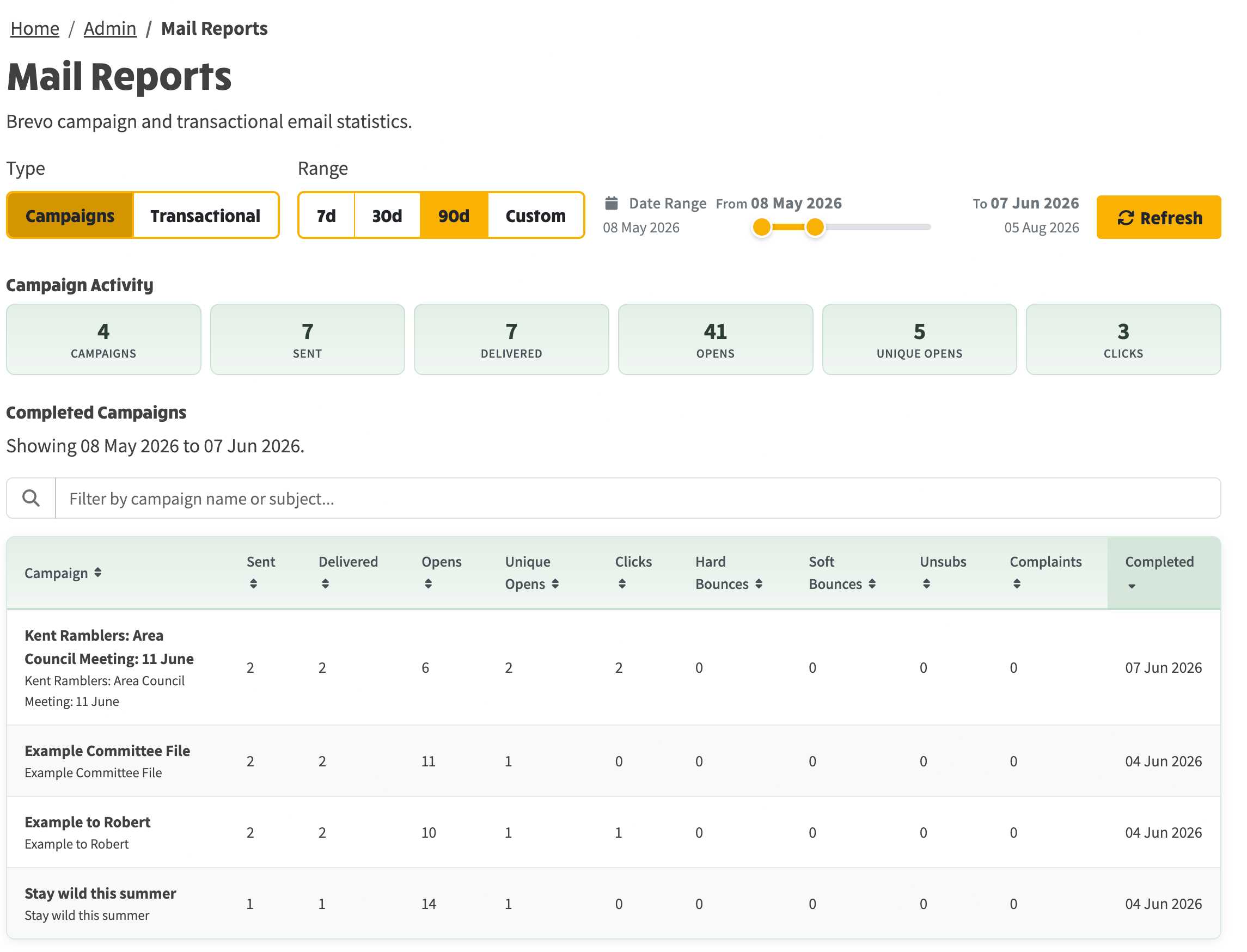
Example of campaign view
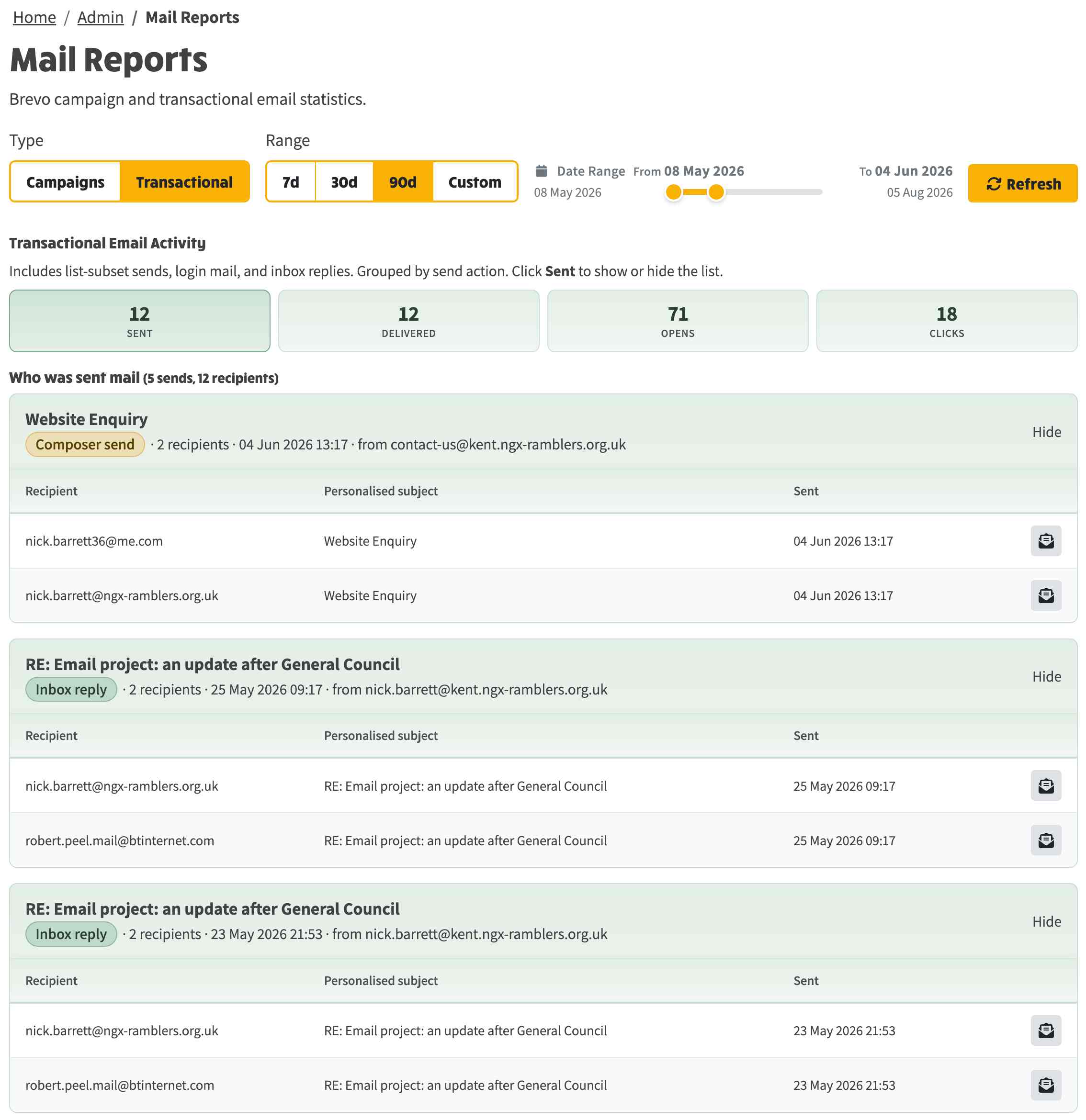
Example of Transactional View