08-Aug-2026 — open editor links in a new tab ref #351
What's new
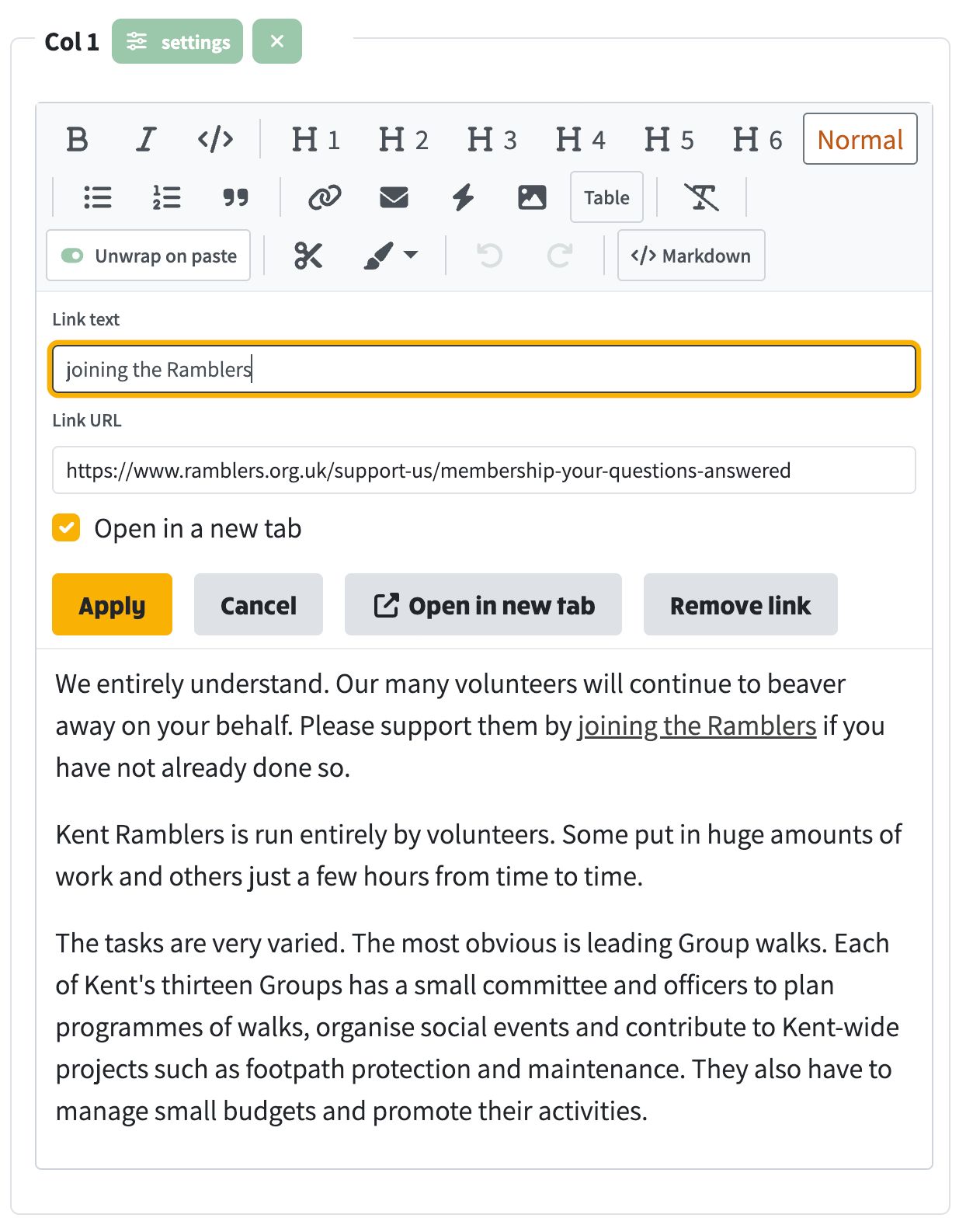
When you insert or edit a link in the page editor, you can tick "Open in a new tab". That keeps How-to pages and other guides open while the linked page loads separately, and works for external sites too. That setting is kept when the page is viewed: content is stored as Markdown, which cannot express a new-tab link on its own, so those links are saved as HTML anchors with target="_blank" and are rendered that way for visitors.
At a glance
- Link editor has an "Open in a new tab" checkbox
- Ticking "Open in a new tab" survives save and shows correctly on the public page
- Existing links that already open in a new tab keep that setting when you edit them
- Ordinary same-tab links are still stored as normal Markdown links
- Unticked links stay in the same tab
- Links that were already saved without the setting need to be opened once, ticked, and applied again