10-Aug-2026 — improve photo workflows and mobile controls ref #16
What's new
Albums are easier to organise, reuse and publish. Photos can be reordered visually, assigned as covers and copied safely into another album with useful metadata. Instagram publishing keeps every selected photo, intelligently crops only unusual phone-image shapes and leaves compatible photos, album originals and Facebook publishing unchanged. Social captions are easier to review, while mobile navigation keeps important context visible without allowing large control bars to obscure the content.
At a glance
- Drag album photos into order and choose a cover without losing the image from the album.
- Copy a photo into another album as an independent file, with recent destinations, sensible placement and automatically prepared title, date source, event link and matching tags.
- Keep every manually selected Instagram photo, regardless of its original proportions.
- Apply a nearest-ratio, content-aware crop only to the temporary Instagram publishing copy, while leaving the album original unchanged.
- Leave already compatible Instagram photos and Facebook publishing unchanged.
- Make automatic Instagram selection follow album order and clearly identify which selected photos need adaptation.
- Edit shared and platform-specific social captions in automatically sized emoji-aware fields.
- Switch between focused album and full editing views, use one sticky pagination control and benefit from corrected masonry spacing.
- Use cleaner responsive controls across walk listings and the inbox, including compact mobile actions and unobstructed sticky headers.
- Recover cleanly from album catalogue, metadata and event identifier variations that previously left editors loading indefinitely.
Reorder photos
Open Reorder images to arrange the album visually. Drag photos into order, or onto the album cover area. Choosing a cover does not remove that photo from the album.
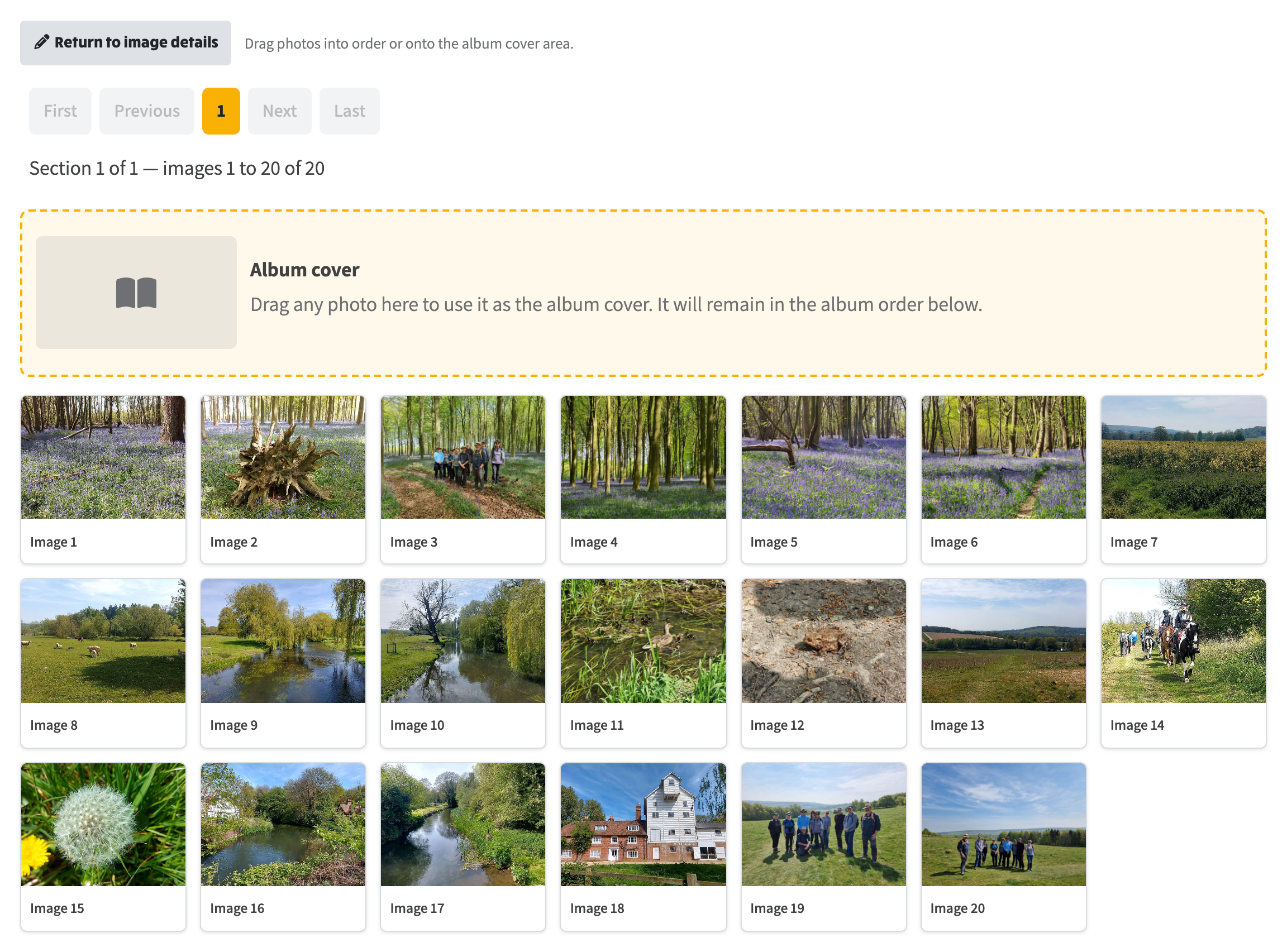
Reorder images opens a drag-and-drop view. Drag photos into order, or onto Album cover; the photo stays in the album.
Copy a photo to another album
From the album editor you can add a copy of a photo to a different album. The original photo and this album are left unchanged. The destination receives its own image file, plus a copy of the title, date, event link and matching tags.
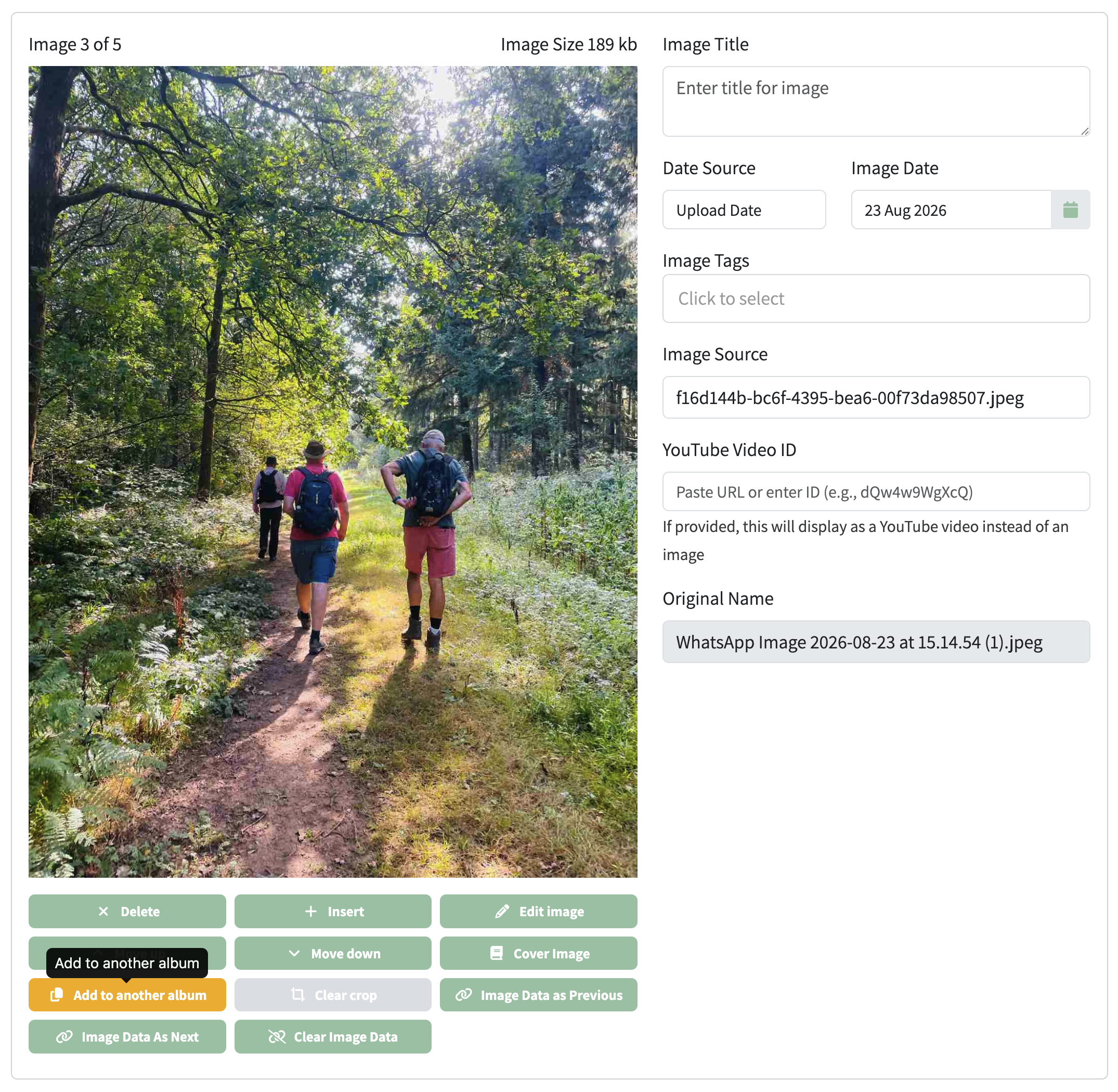
In the album editor, Add to another album on a photo opens the copy dialog.
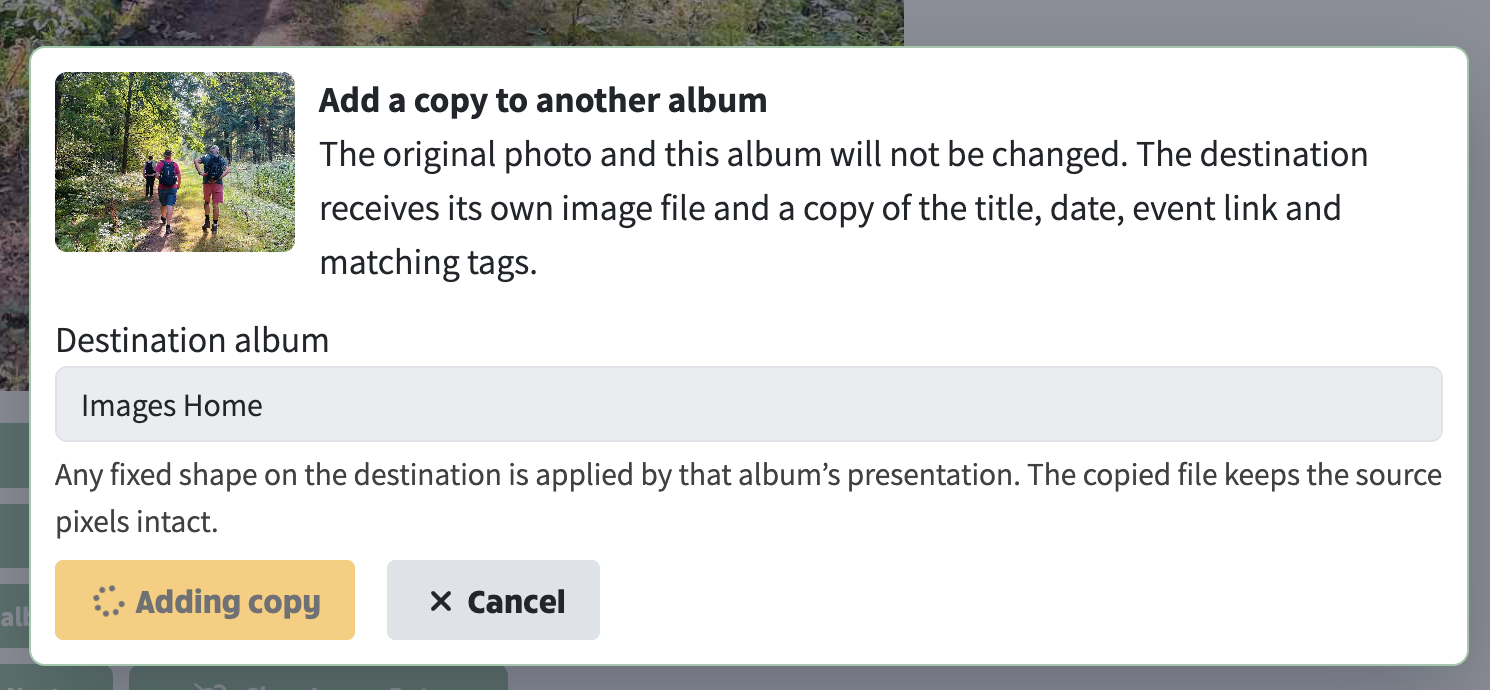
Choose the destination album and add the copy. The original photo stays where it is.
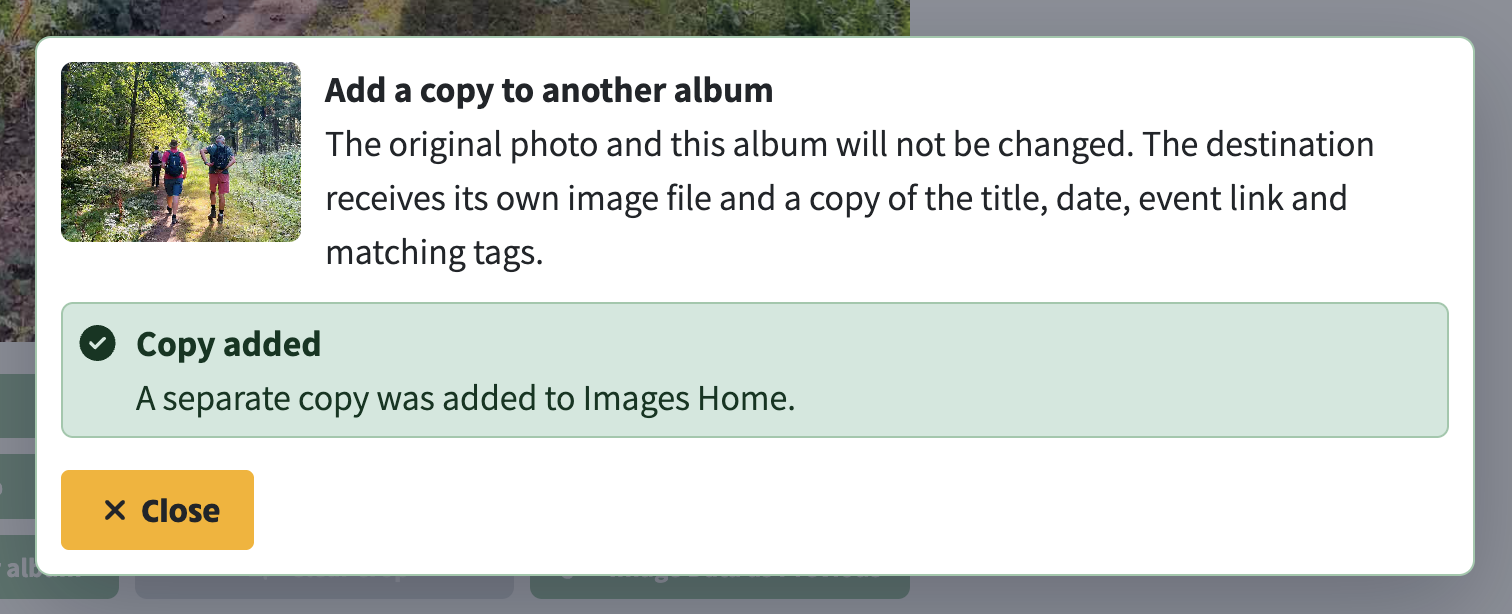
When it finishes, the site confirms that a separate copy was added to the destination album.