# 03-Sep-2026 — usable icon picker, member-admin access and inbox thread links ([ref #376](https://github.com/nbarrett/ngx-ramblers/issues/376), [#378](https://github.com/nbarrett/ngx-ramblers/issues/378))
## [build 877](https://github.com/nbarrett/ngx-ramblers/actions/runs/33817828838) — [commit b37cd5c](https://github.com/nbarrett/ngx-ramblers/commit/b37cd5c3a3d1e387709275d9d3070c44af91ec9f)
---
## What's new
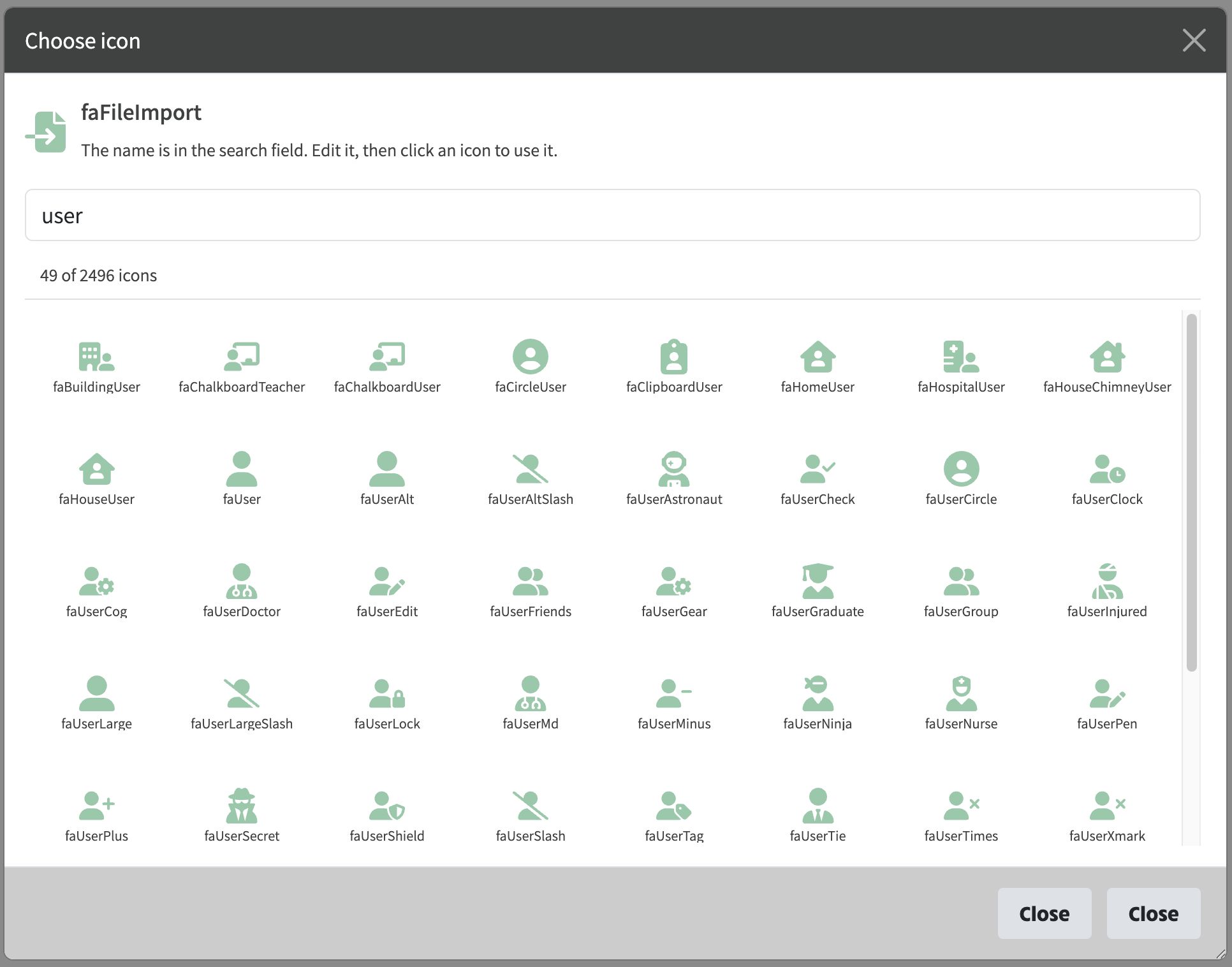
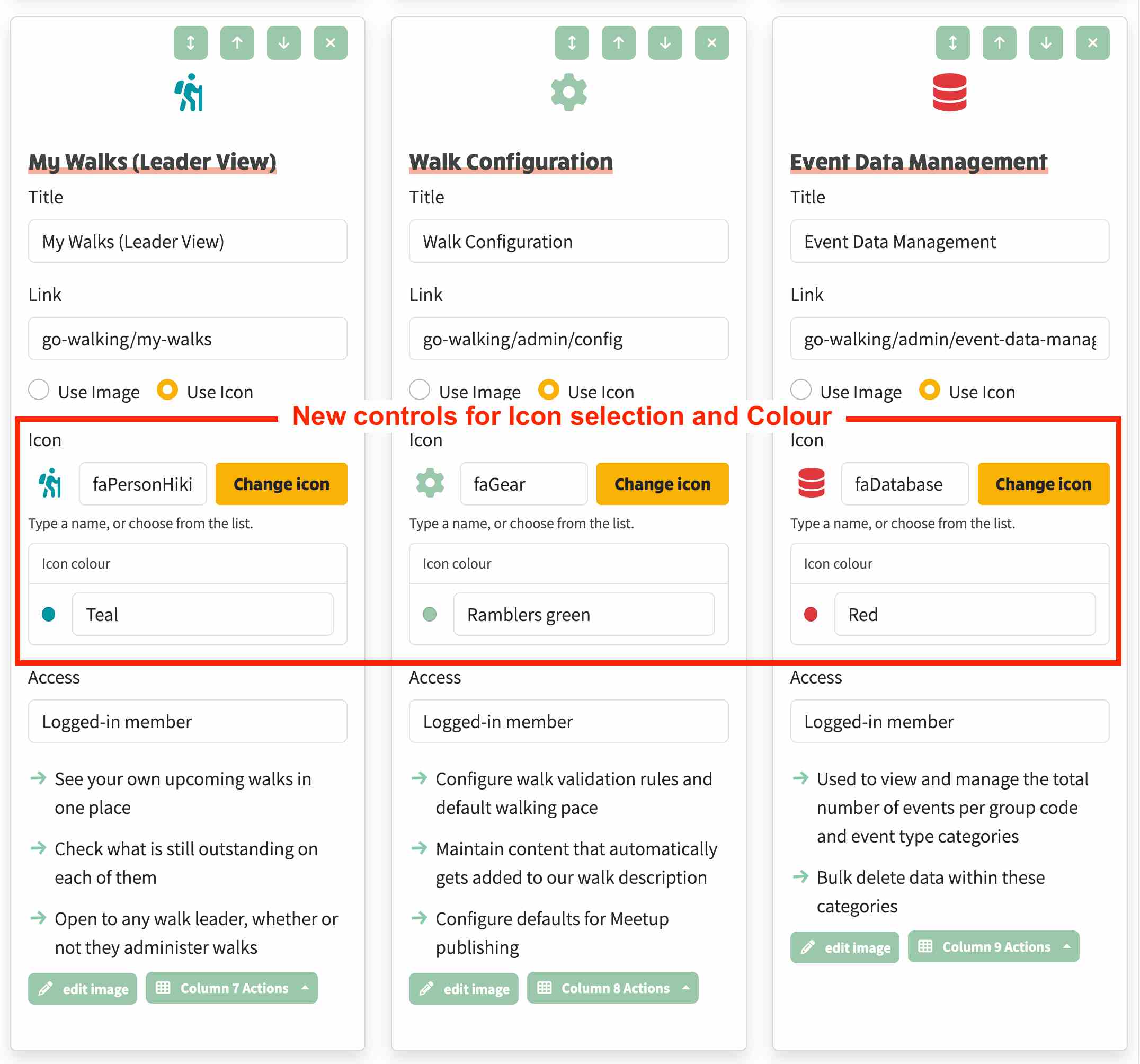
Editing an action button's icon is no longer a text guess. You see the current icon next to its name, then Change icon opens a searchable list with that name already in the search field so you can see what it is and type over it. Colour is a normal dropdown: mintcake by default, with granite and a full palette if you want them. In edit mode the icon sits under the move and delete buttons instead of in a tall empty box. Column Actions stay on screen instead of being clipped. Mail threads can be opened from a readable link. Member Admin and Committee Settings can be limited to people with Member Admin access.
## At a glance
- See the current icon, then change it from a searchable list
- The current icon name is selected in the search field so you can edit it
- Default icon colour is mintcake; granite is available if you want it
- Icon colour is a normal dropdown, with Palette for the full set
- In edit mode the icon sits closer to the card controls
- Column Actions are no longer clipped off the card
- A Mail thread link opens that conversation
- Member Admin and Committee Settings can use the Member Admin access level
Below: new controls for icon selection and Colour
Below: new Choose Icon selector popup displayed when you click Change Icon