Converting more than one OS Maps route at a time failed before it started, and even a single route could stall at the OS Maps login screen. Both are fixed: every selected route now runs, the login is retried when the identity page ignores the first submit, and each GPX file is saved against the route it came from rather than by its position in the list. The routes page and job progress are clearer, and the walk details editor now leads walk leaders through venue, starting location and GPX route in a sensible order.
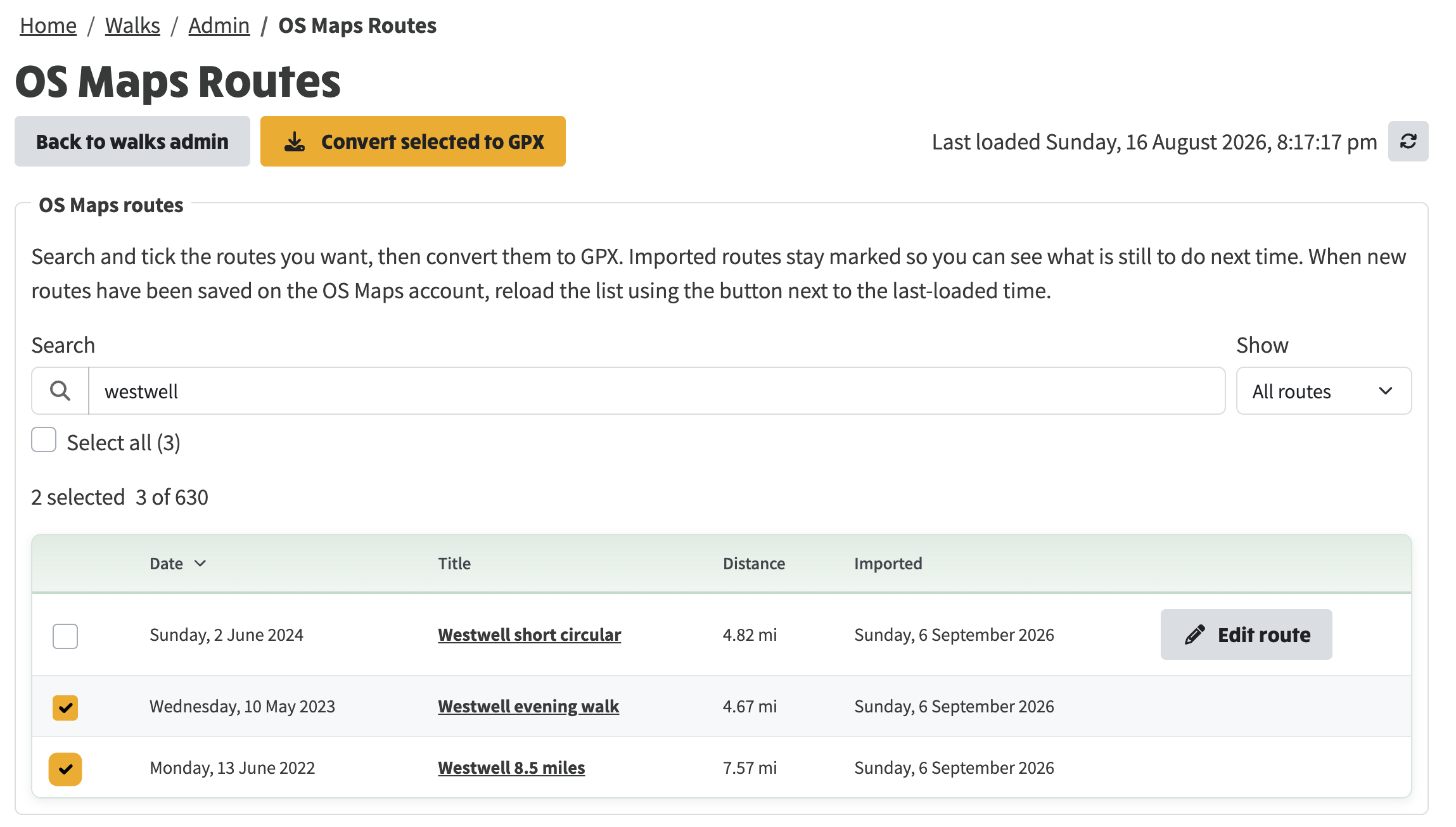
Search the routes saved on the OS Maps account, tick the ones you want and press Convert selected to GPX. Routes already imported keep their date in the Imported column, so it is clear what is still to do.
Two routes ticked and ready to convert.
When the job finishes, the page says how many GPX files were saved, and every converted route gains an Edit route button for setting its colour, weight and opacity. If some routes could not be converted, a warning names them.
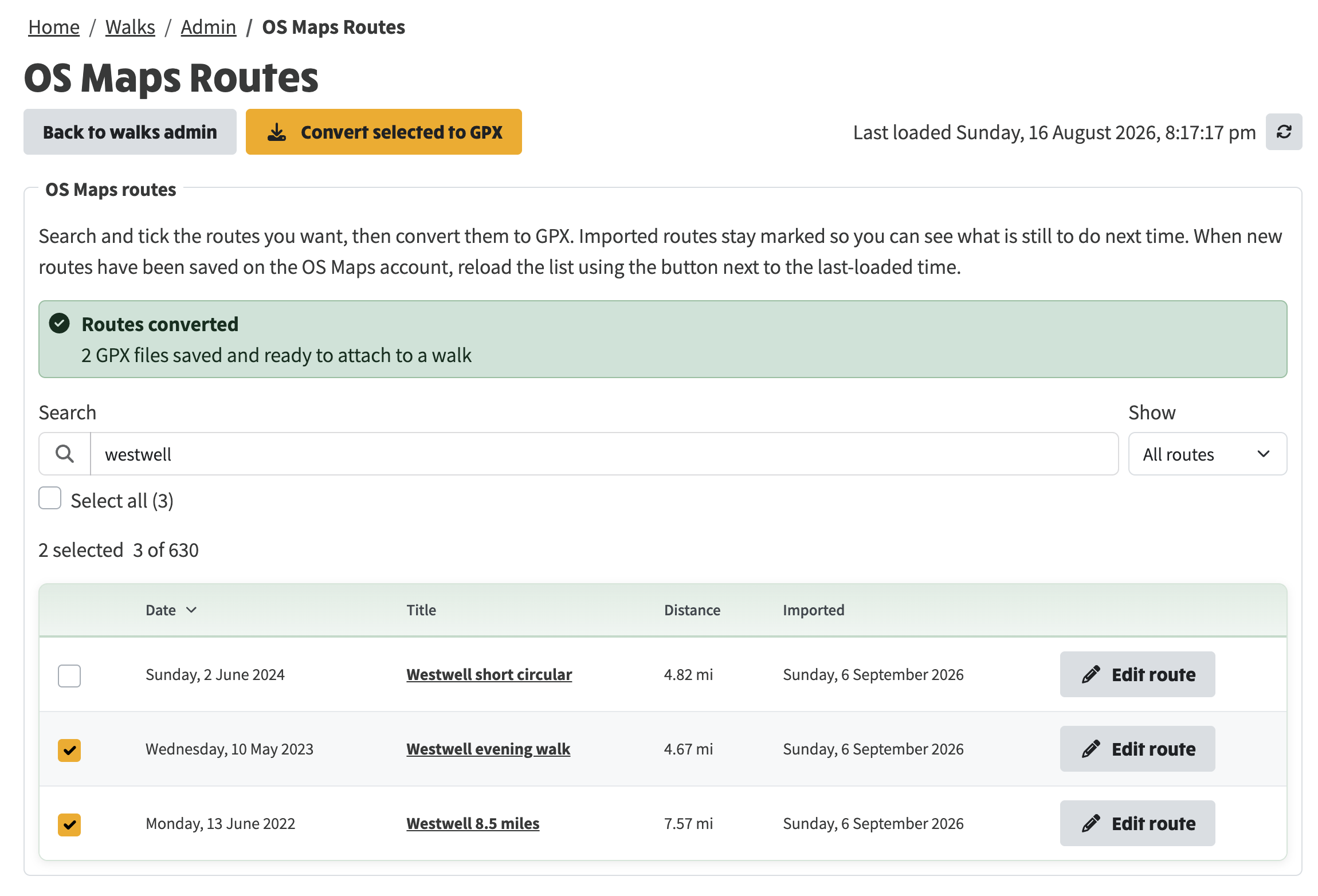
After conversion: two GPX files saved, and Edit route offered on the converted routes.
The job progress panel below the list shows each step as the worker logs in, opens each route, exports the GPX and checks it, with the timings alongside. The noise that used to appear here has gone, and if something fails the actual error line is kept, so the reason is on the page rather than buried in the report. View report opens the full run report.
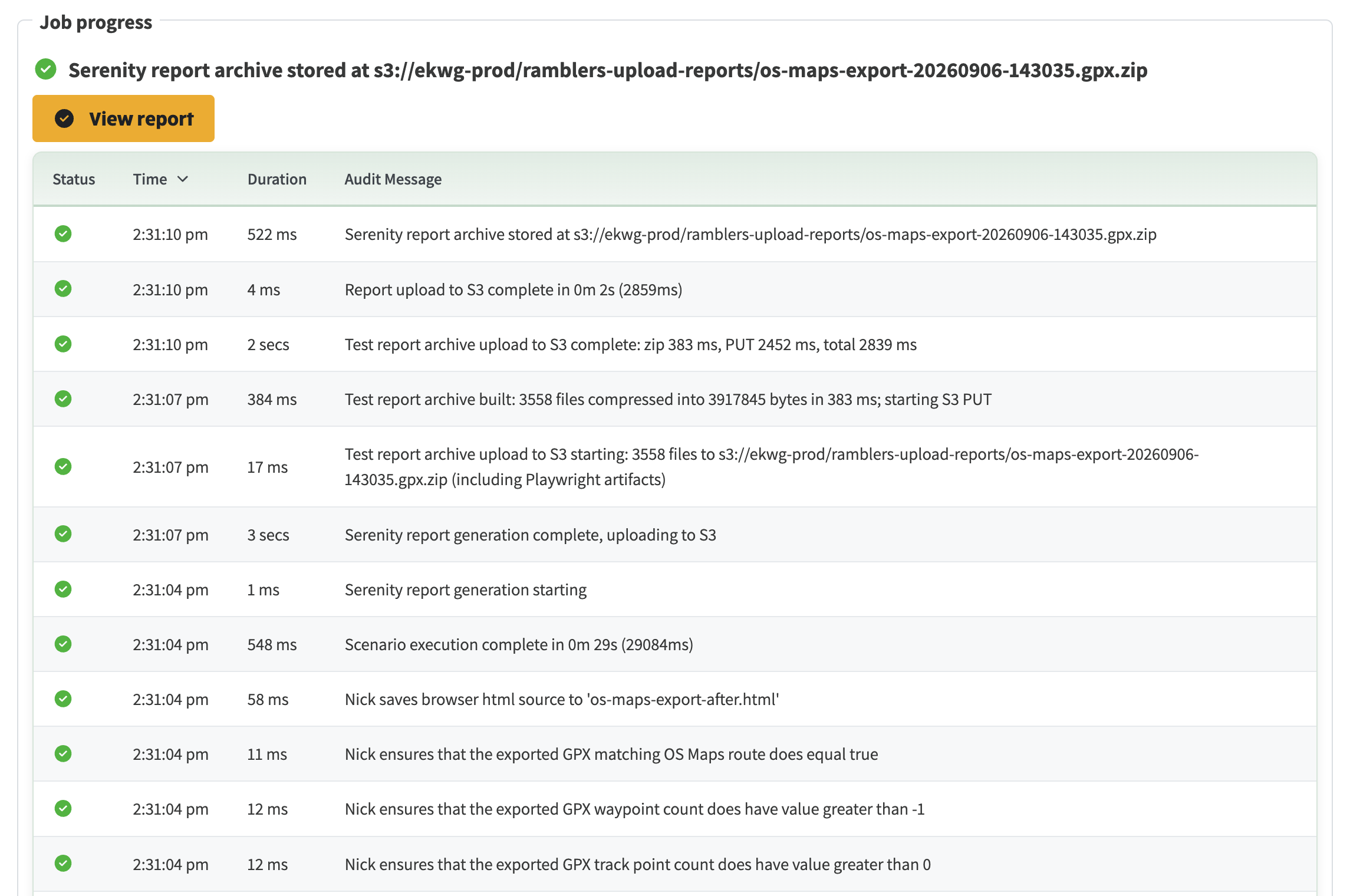
Job progress for a conversion, from the export steps through to the stored report.
See also: Planning and following walk routes in the how-to guides, which walks through drawing a route, generating and editing its directions, importing from OS Maps and following a walk on a phone.