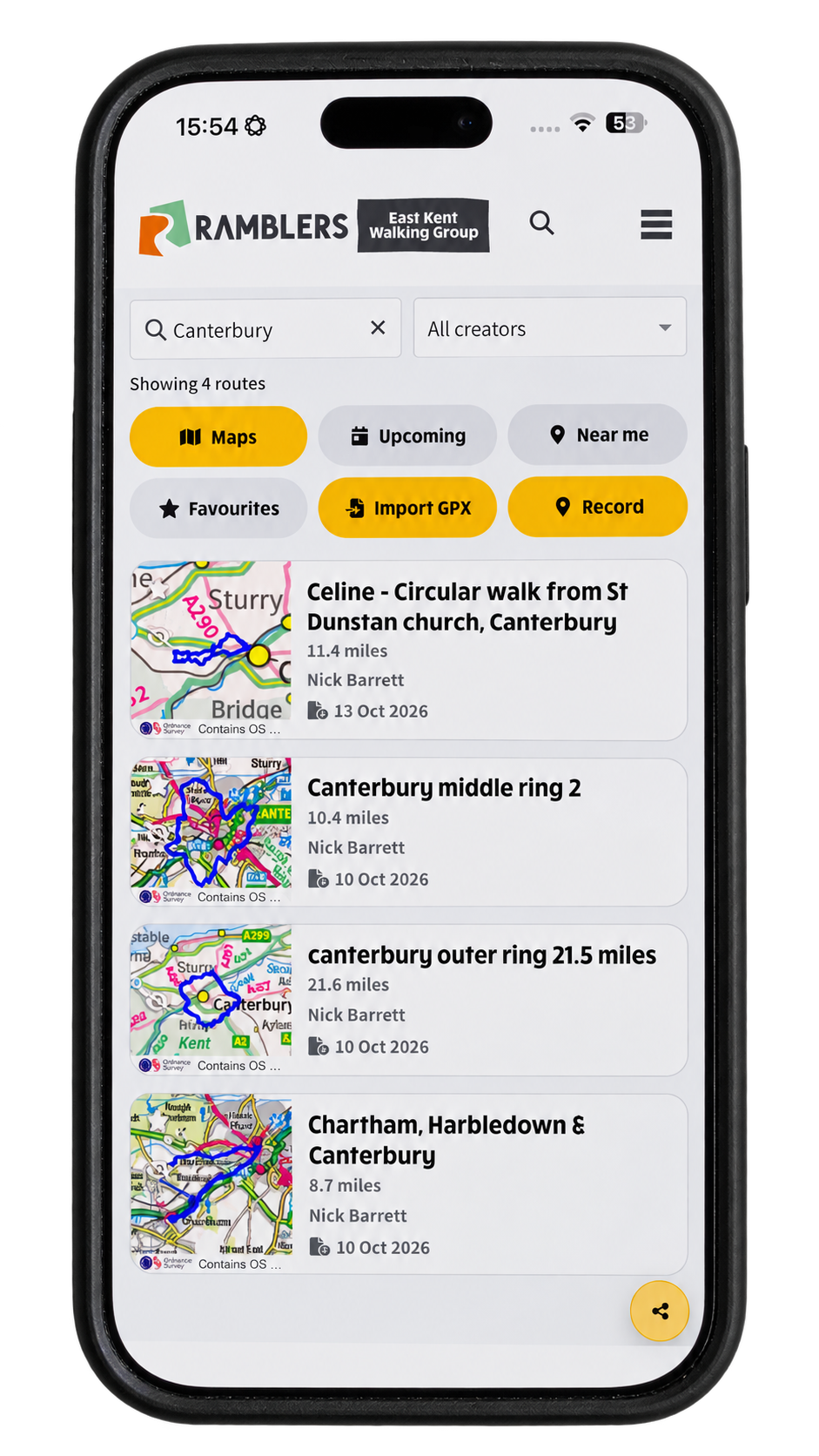
NGX-Ramblers' native walking app for iPhone and Android is ready for release to the Apple App Store and Google Play. It brings your group's routes and upcoming walks together on your phone, with tools to follow a route, import a GPX file and record a walk of your own.
This announcement marks readiness for app-store release. Store availability and download links will follow when the listings are published.
Find a route, filter by creator, or return to a favourite.
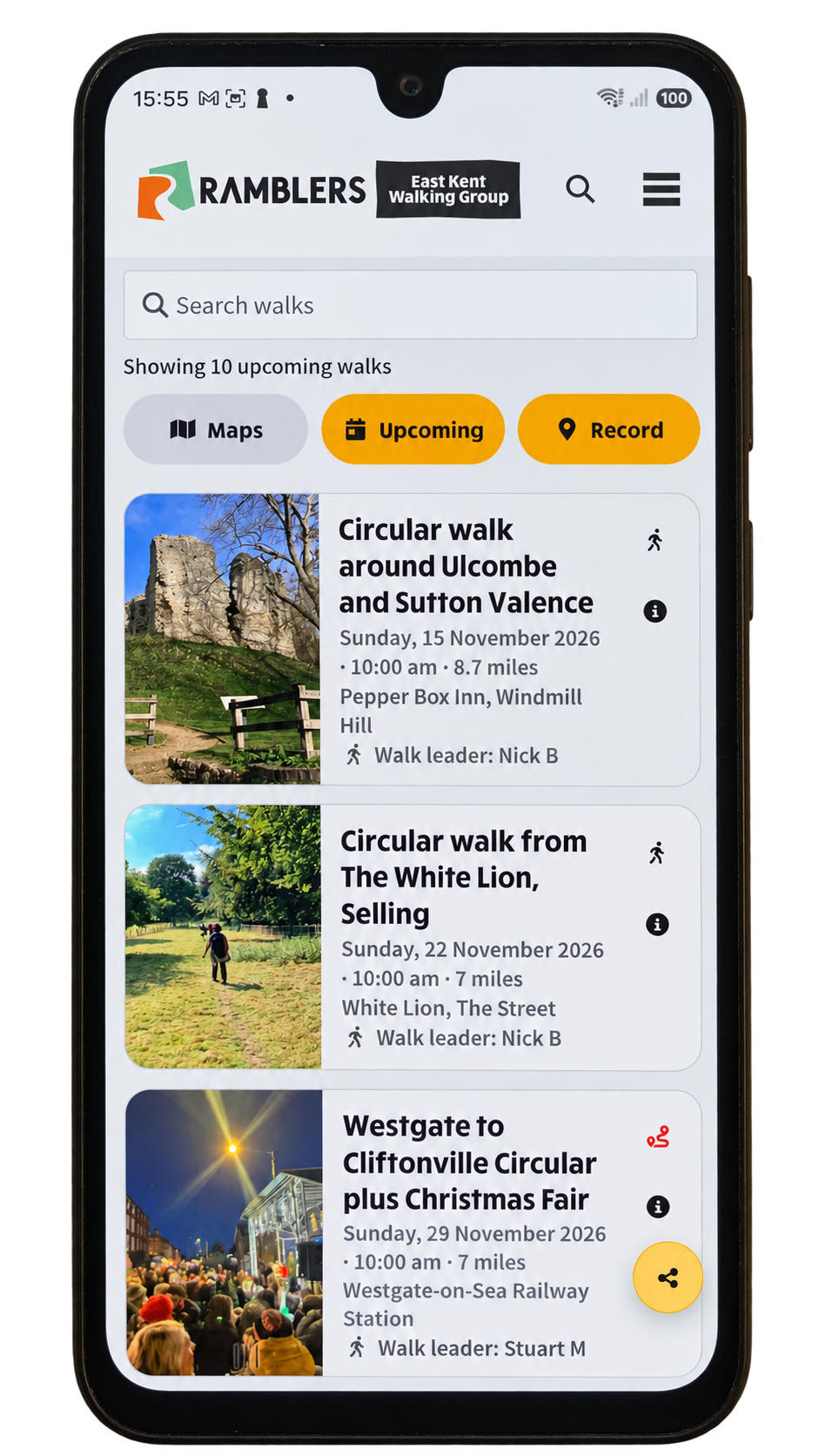
Browse the group programme and open the details for your next walk.
Open Maps to browse the route library. Search for a place or route, choose a creator, or use Near me and Favourites to narrow the list. Open a route to see its map and directions; when you go back, the list keeps your place.
Choose Upcoming to see your group's published walk programme, including dates, distances and meeting details. Open a walk for the full information.
Open a route and choose Start to follow it with your live position and direction pointer on the map. The map controls let you pause or stop without opening the full drawer. You can choose a small, medium or large location pointer in map settings.
On Android, Compass calibration help is available in App settings and on the map if the pointer needs attention. The help screen shows the movement to make and returns you to the screen you came from.
Use Import GPX to open a route file. To record a new walk, sign in and choose Record, then walk as usual and press Stop when you finish. You can save with the suggested date-and-time name or give the route a name of your own. Route importing, recording and editing follow the permissions set by your group.
When editing a route on a phone, drag the white points to adjust the line. Name and description are under Additional settings, leaving more room for the map.
Open the navigation menu and choose App settings to choose the views you want and your preferred appearance. On a desktop, use the settings button beside Refresh. In the native app, the build number helps identify the installed version when reporting a problem.