12-Nov-2026 — keep walking app access and offline saves working #151
What's new
- Open the walking app and sign in with your usual details after your group switches between its
www and bare addresses. The app finds the current address and opens it inside the app.
- Open /app on desktop after a website update to load the current Maps screen. The app can still use its saved copy when the website is unreachable.
- Open a route on your phone to see Start, Edit and Back each on a full-width row.
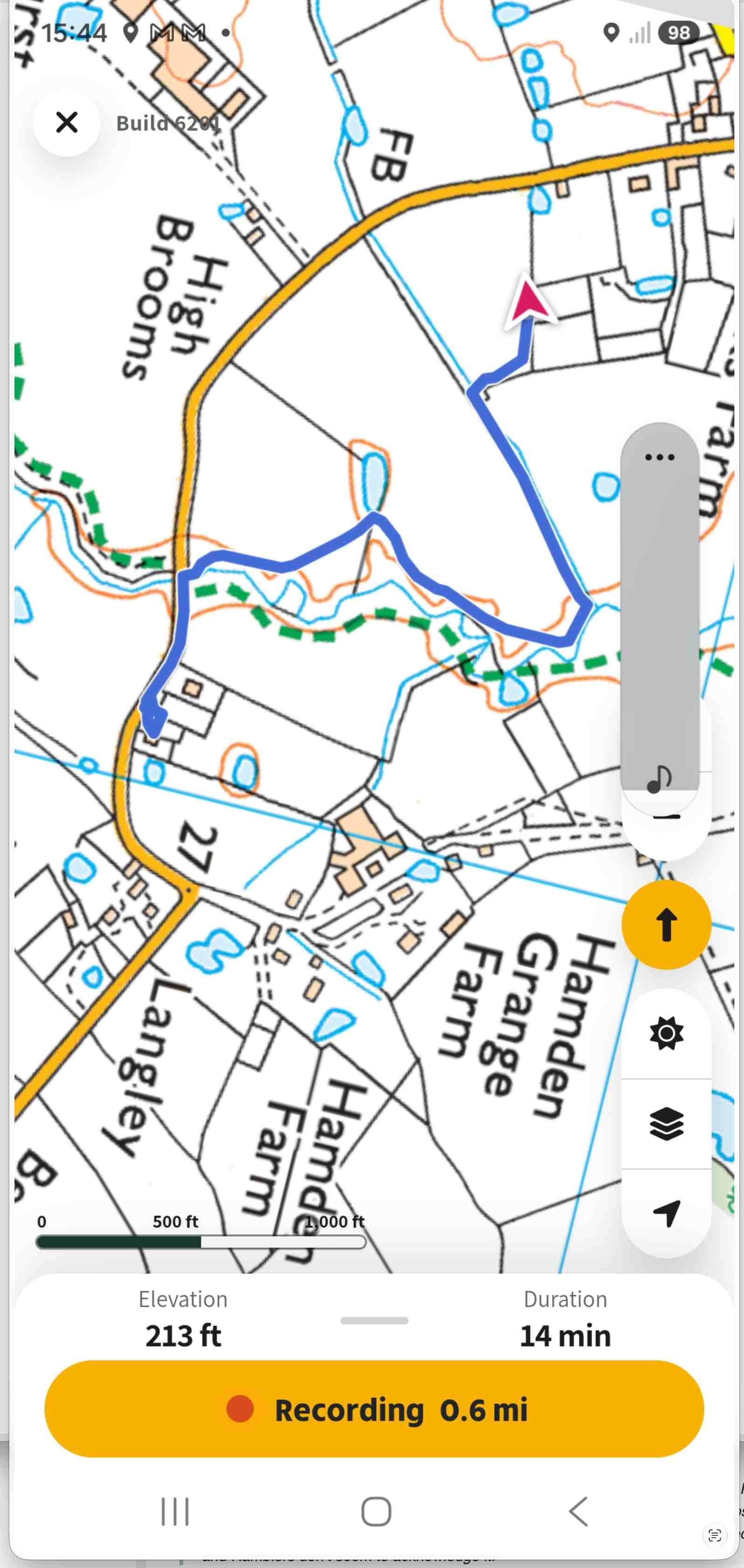
- While recording, check the yellow Recording button or expand the controls to see the distance in miles to one decimal place. On phones, the controls stay below the map when you rotate the screen.
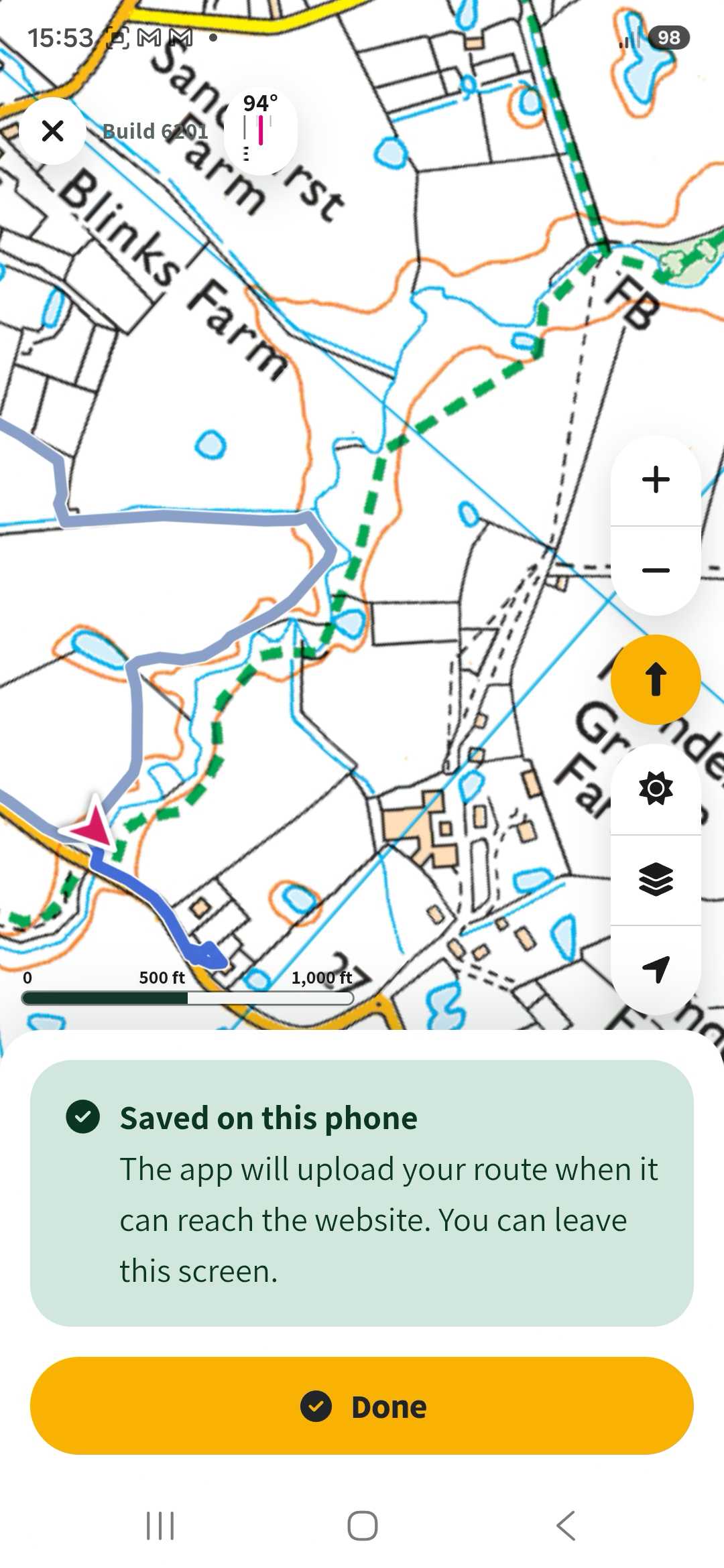
- Save a route without a connection and tap Done when you see Saved on this phone. The app retries the upload when it can reach the website and refreshes Maps once the upload succeeds.
The recording button now shows the mileage with a decimal place of precision
when saving a route and there is no network, a message is shown that it will upload when the website is available and that you can leave the screen without losing any data