Release note
The release that originally delivered this was in 04-Oct-2026 — add subscriptions and manage saved routes.
Saving a route in OS Maps does not put it into NGX. Walks admin → Routes lists what is on the OS Maps account. NGX only holds a route after you import it.
That is two steps: load the list from OS Maps, then convert the routes you want.
The first time you open Routes, use Load routes from OS Maps. After that, the circular button next to Last loaded is Reload routes from OS Maps.
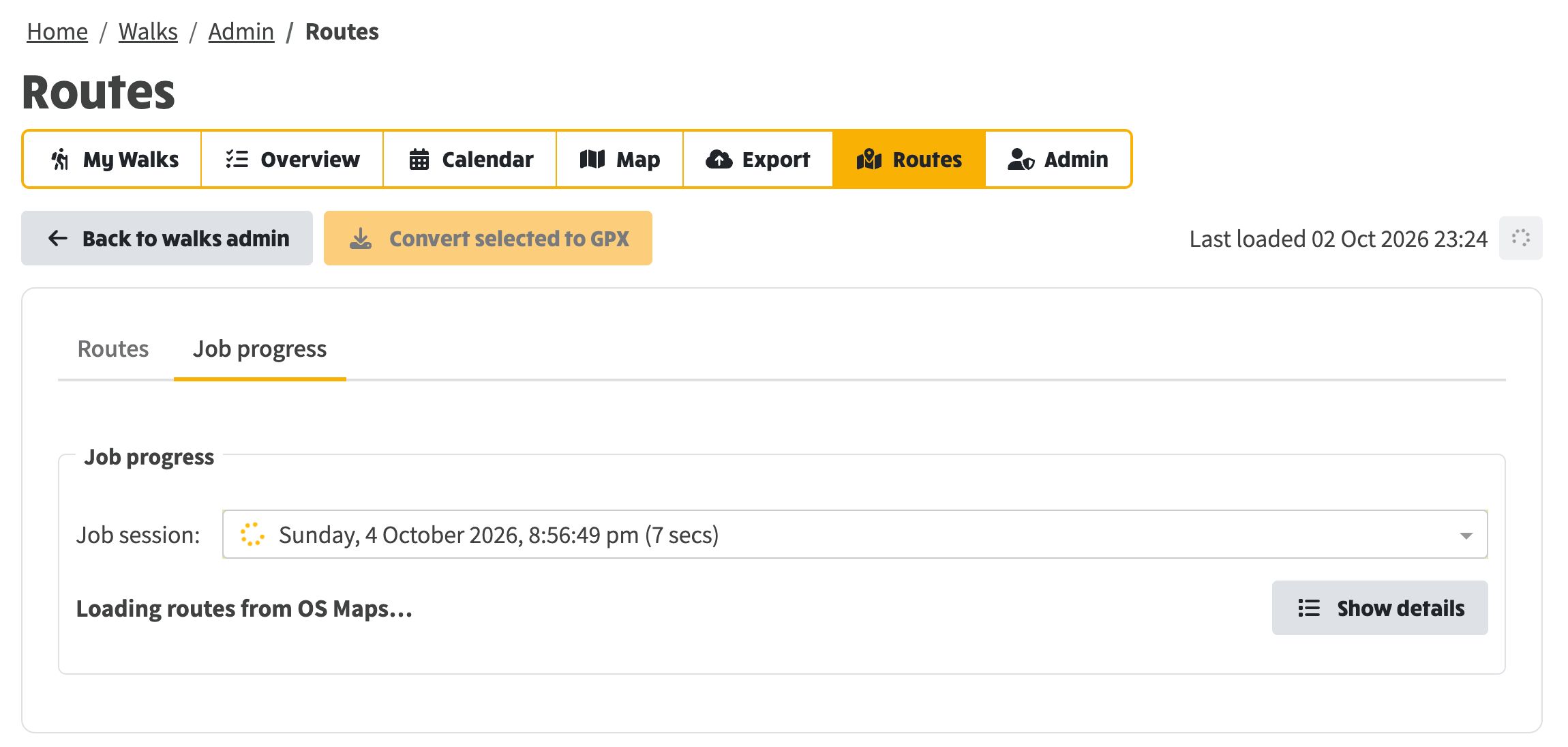
Either button scans the account and refreshes the list. It does not import anything. Progress is on the Job progress tab.
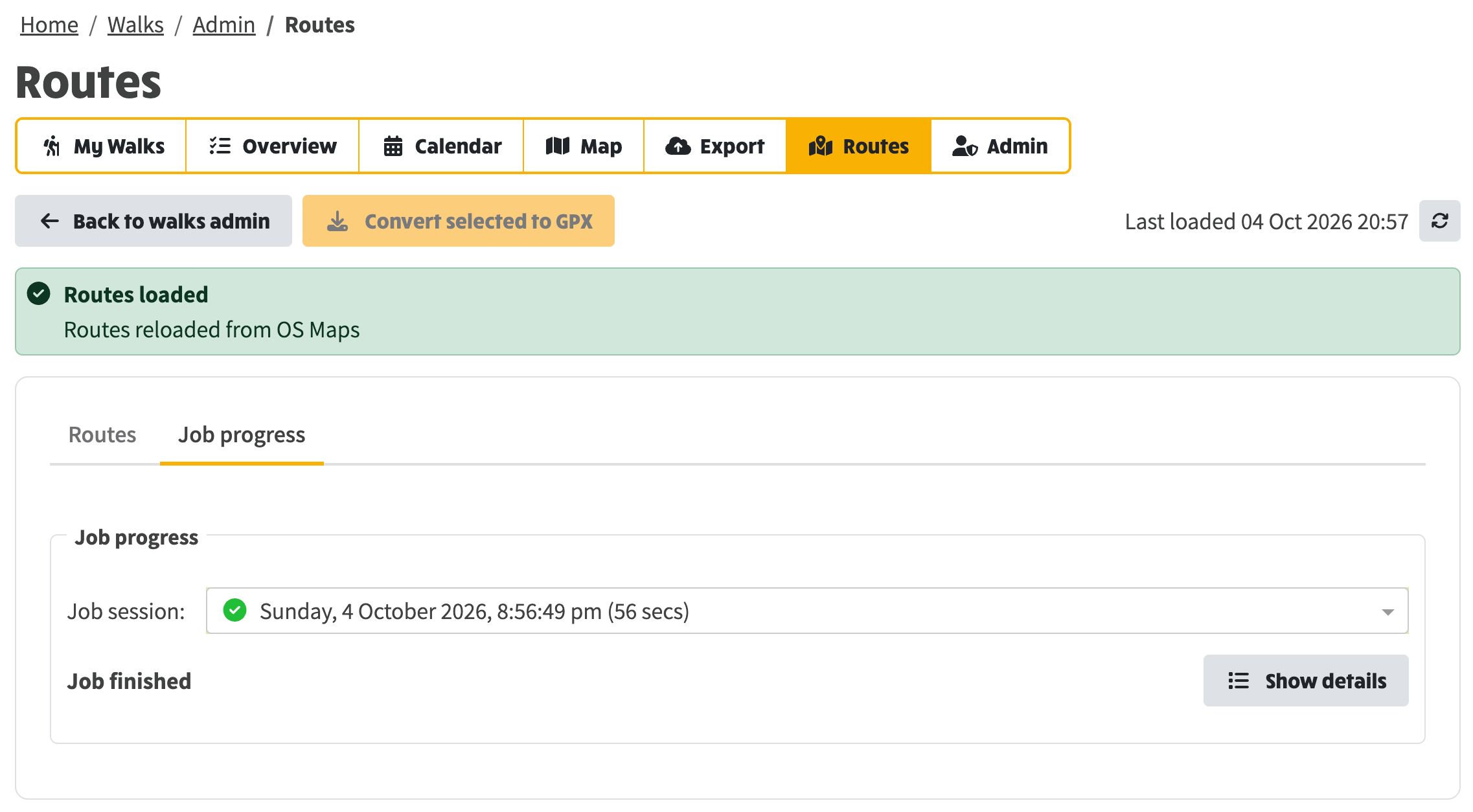
When the scan finishes you get Routes loaded. Last loaded updates. Go back to the Routes tab to work through the list.
The list is mixed on purpose.
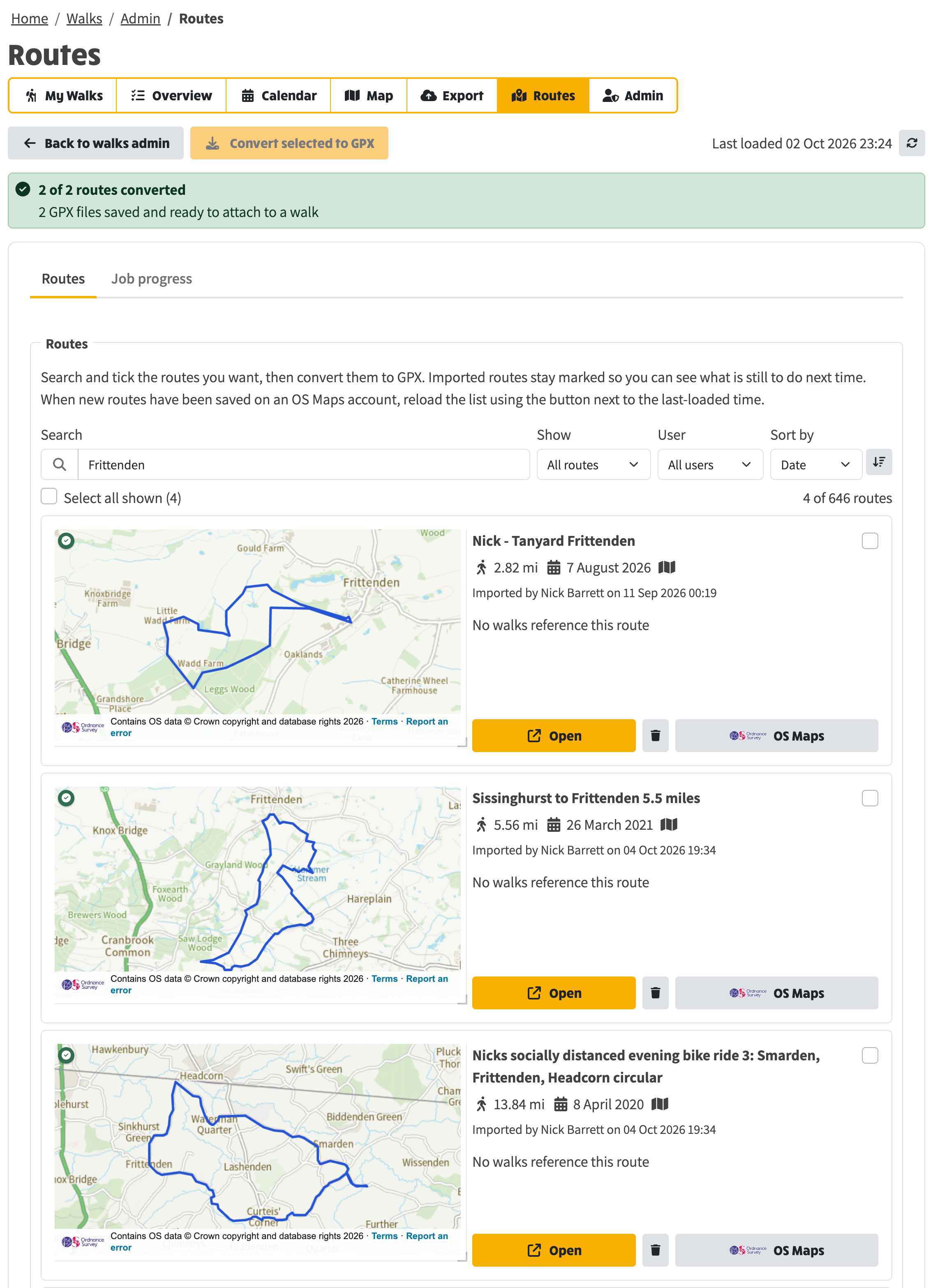
In the screenshot, a search for Frittenden shows one imported route with a map, and two placeholders that are still only on OS Maps. Show can be set to All routes, Not imported or Imported so you can find placeholders without wading through ones you already brought in.
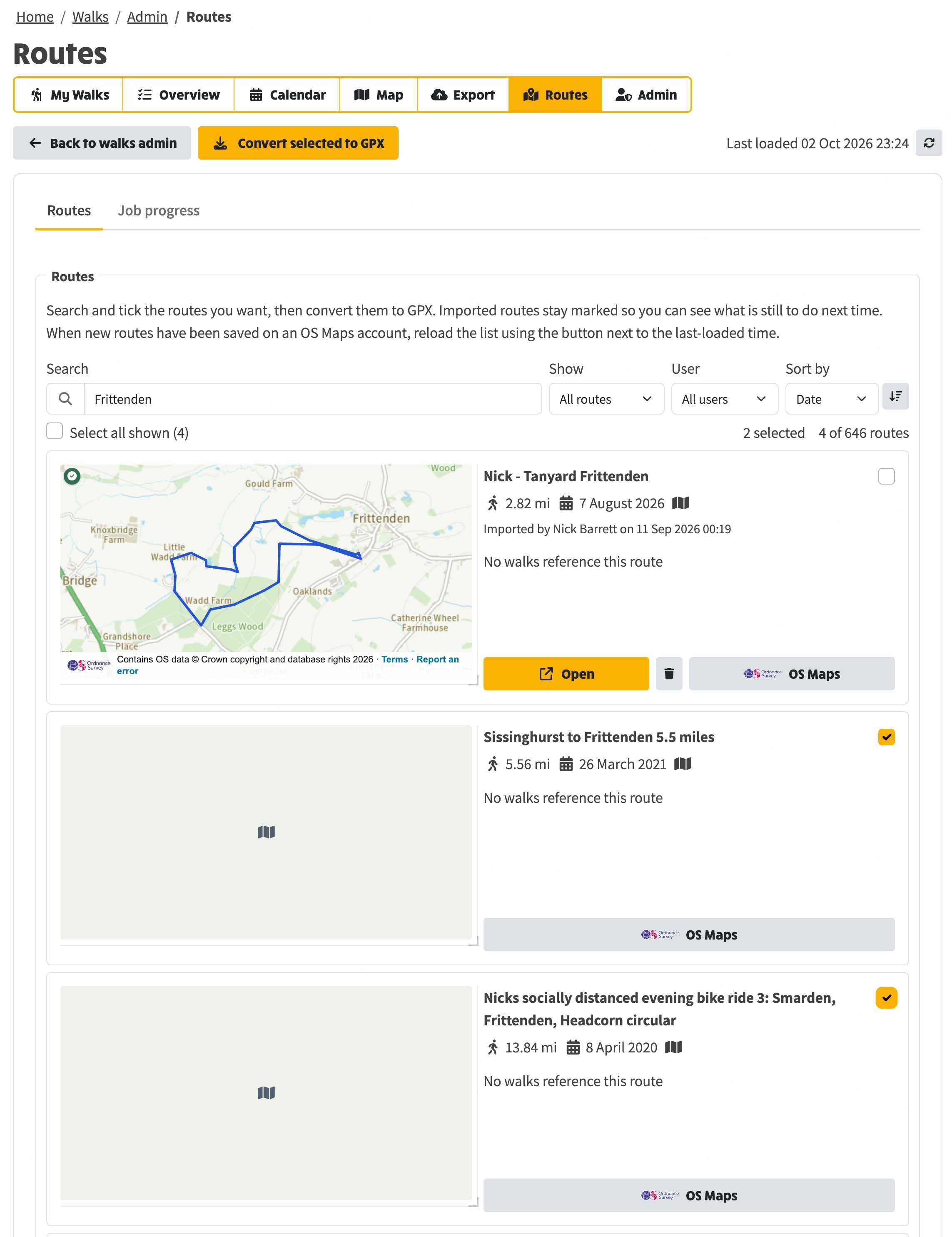
Tick the checkbox on each placeholder you want. Then Convert selected to GPX. Only the ticked routes are imported. Already-imported ones stay marked, so next time you can see what is still to do.
The view switches to Job progress. You can convert any number of routes in one go. While a conversion is running there is a Stop control. Saved files and failures are reported together when the job finishes.
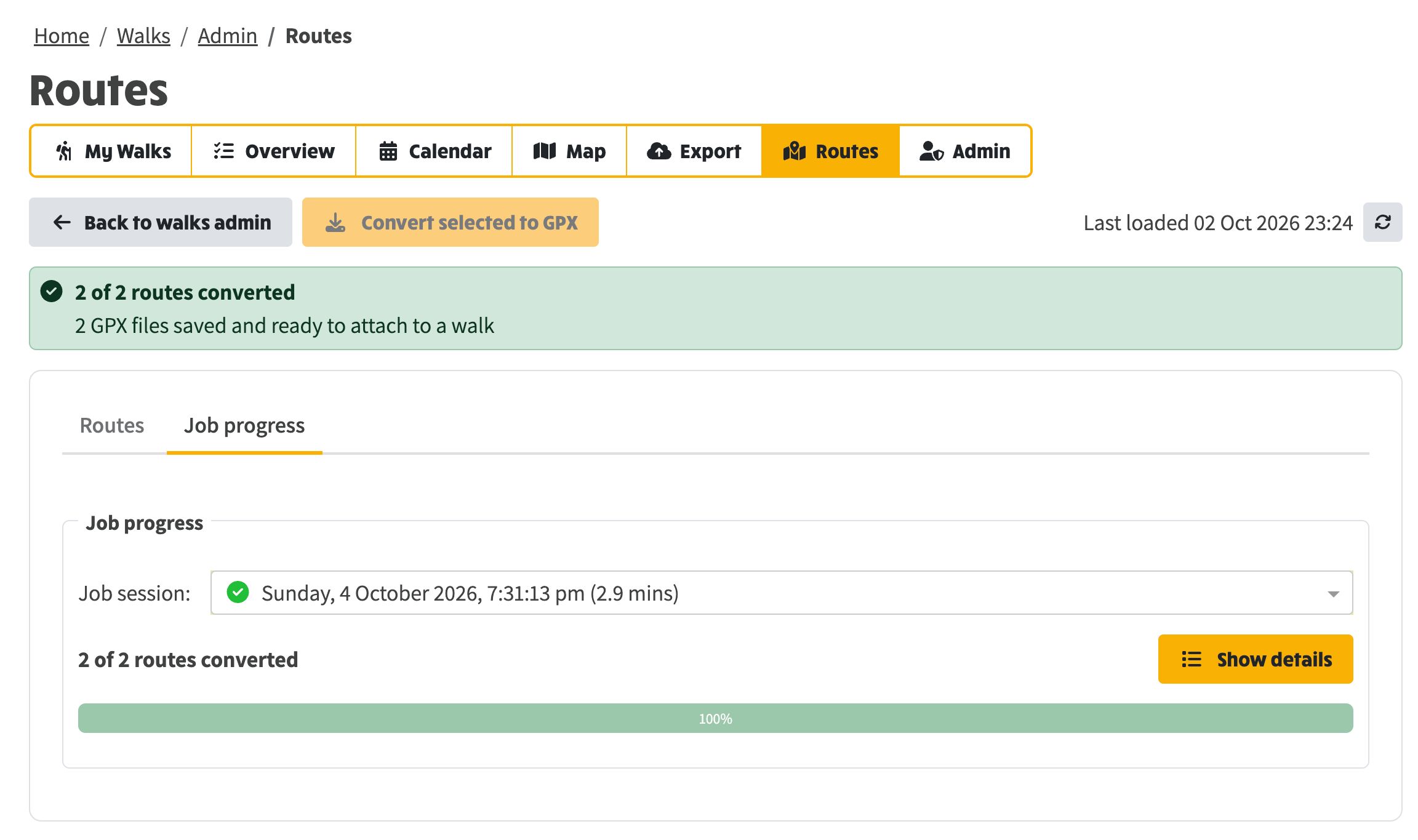
When the job has finished, open the Routes tab again. Placeholders you converted now show a map, with Open and a delete control if no walk uses them. They can be edited or linked to walks like any other saved route.
When new routes have been saved in OS Maps, reload the list and convert again.
The Routes area of the how-to is here. Drawing and following a route on a walk is covered separately in Planning and following walk routes.