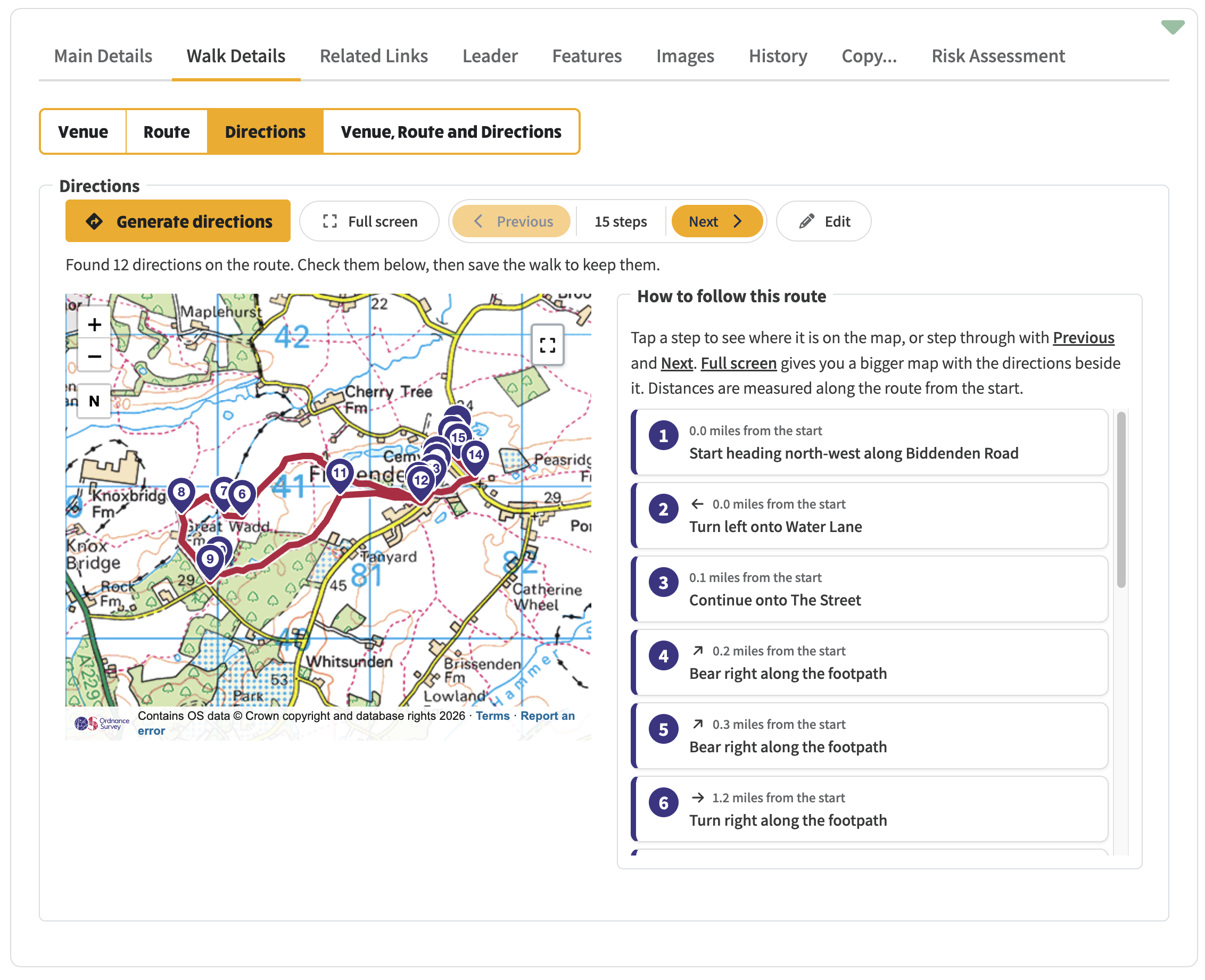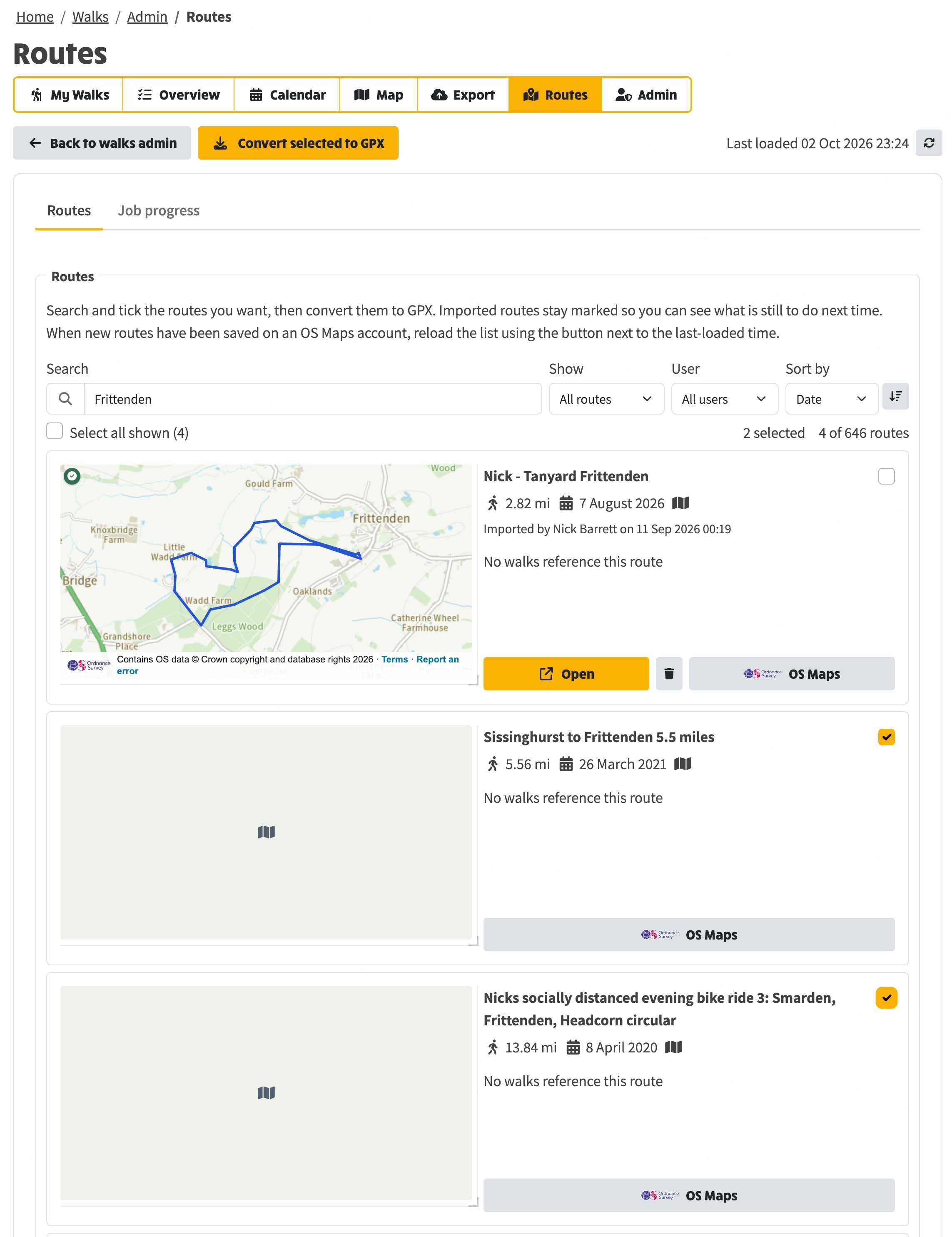
This is the how-to for saved GPX routes: listing them, seeing which walks they are used on, and bringing them in from an OS Maps account.
A route in OS Maps is not automatically a route in NGX. Load the account, then convert the ones you want. Drawing a line on a walk, writing directions, and following on a phone are in the walks how-to.
Load the OS Maps account, tell maps from placeholders, and convert the routes you want to GPX.
Draw a walk route on the map, generate and edit the directions, and follow it on a phone on the day.