# Register your group or area
## Where to find it
- [Register your group](https://ngx-ramblers.org.uk/register) — the public form. This is what a group secretary uses.
- [Choosing pages for a Full site](https://ngx-ramblers.org.uk/how-to/group-registration/full) — the Find pages step.
- [What happens after you confirm](https://ngx-ramblers.org.uk/how-to/group-registration/after-submission)
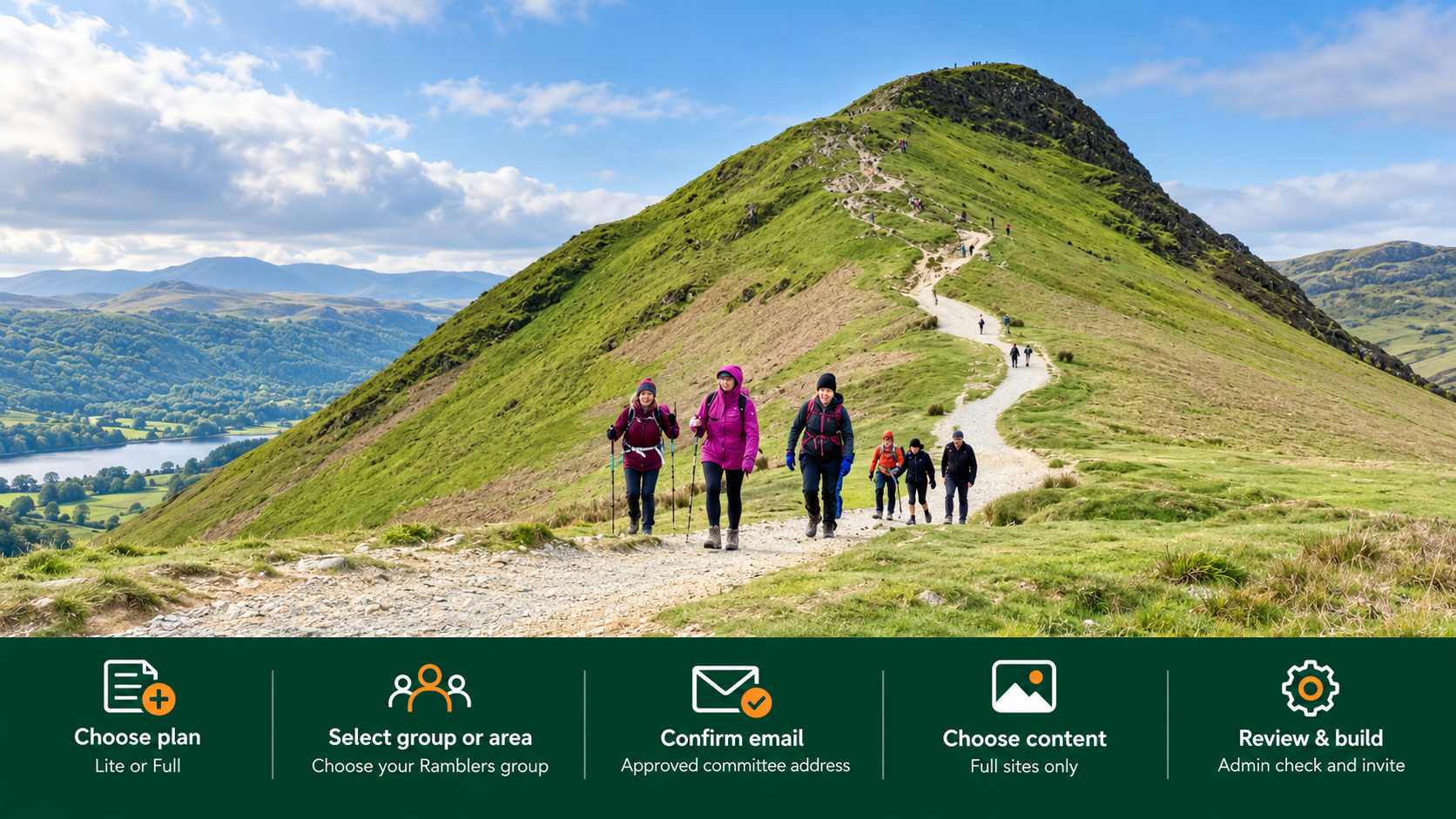
Use [Register your group or area](https://ngx-ramblers.org.uk/register) to ask for a review site. The form has a few short steps.
1. Choose Lite or Full. Lite is email and membership tools with a small public site, and does not bring pages from an existing website. Full is a complete website. You choose which pages to bring across.
2. Choose your Ramblers area, then optionally your group. If you omit the group, an area site will be built.
3. Enter a committee email address and send the confirmation. Follow the link in that email before you continue. Keep the private return link on the form; it restores your saved answers. Do not share it.
4. If you chose Full, enter your current website, click Find pages, then tick, untick and reorder the list. That list is the new site's pages, not a copy of the old look. [Choosing pages for a Full site](https://ngx-ramblers.org.uk/how-to/group-registration/full) explains this step.
5. Check the summary and click Confirm and build site.
6. You can leave the page while the review site is built. [What happens after you confirm](https://ngx-ramblers.org.uk/how-to/group-registration/after-submission) covers the rest.
Registration is free. Your current website is not changed. An administrator checks the new site before your group is invited.