The mock is a shared pre-production fixture. There is no self-service sign-up — operator accounts are provisioned by hand so tenant ownership stays explicit. This page covers requesting an account and the two ways to sign in.
Use Contact NGX-Ramblers to ask for an operator account. Mention which integration you're working on (NGX-Ramblers, MailMan, Ramblers Head Office Salesforce, or something else) and a username you'd like.
You'll receive your username and an initial password directly by email — those credentials are not stored in the mock server itself. The mock does not currently expose a self-service password-change UI; if you want yours rotated, ask the root operator (see Root operator tasks).
If you are the root operator and need to provision an account for someone else, see Root operator tasks.
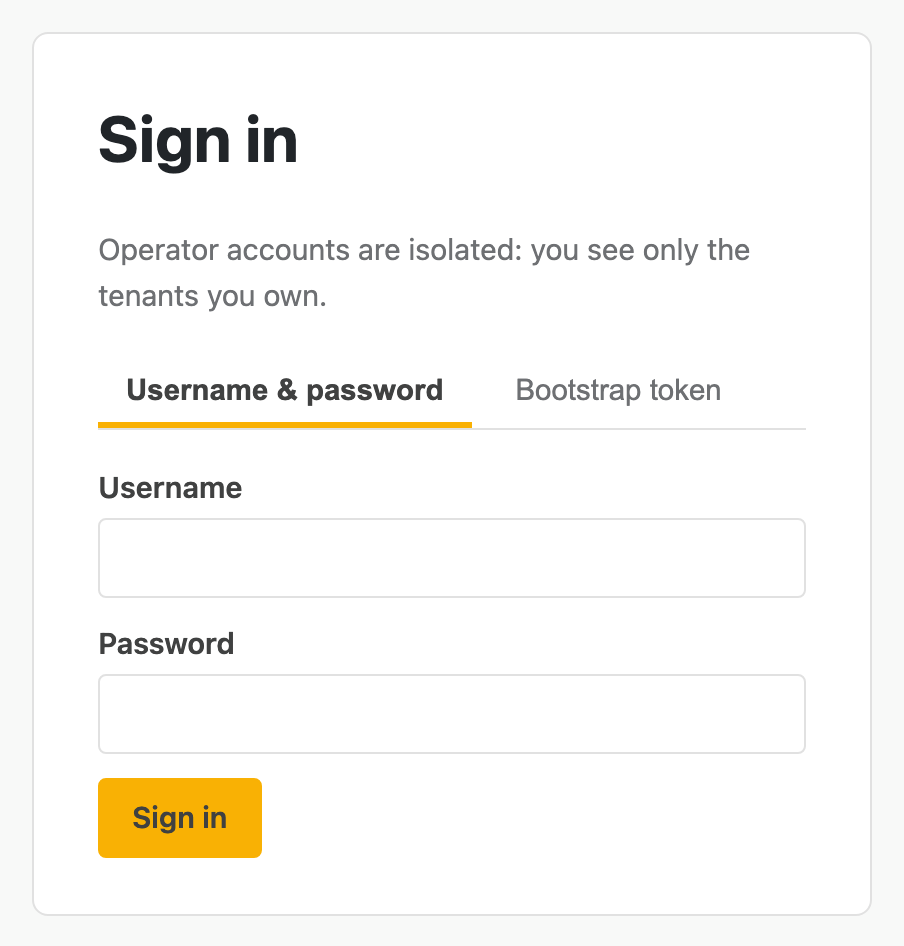
The sign-in page is at salesforce-mock.ngx-ramblers.org.uk/admin/login. It offers two tabs.
The sign-in screen offers two tabs — username & password for the everyday path, and bootstrap token for first-run setup.
The everyday path. Enter the username and password you were given, hit Sign in, and you land on the dashboard. The sidebar shows your tenants (empty on first sign-in) and the main panel prompts you to select or create one.
First-run only, intended for the very first sign-in when no operator exists yet. It uses an ADMIN_BOOTSTRAP_TOKEN configured at deploy time and signs you in as the root operator. Once the root operator has been used to provision real accounts, the bootstrap tab can be ignored.
Sessions are server-side and short-lived; closing the browser logs you out. Inside the dashboard you can see only:
Per-operator isolation is enforced in MongoDB on every query — there is no UI route, no admin endpoint and no public API call that crosses operator boundaries.