Browse your group's walks, follow a route on the map and record your own walk. NGX-Ramblers Walking connects to participating group websites so you can use the same walks and routes on your phone.
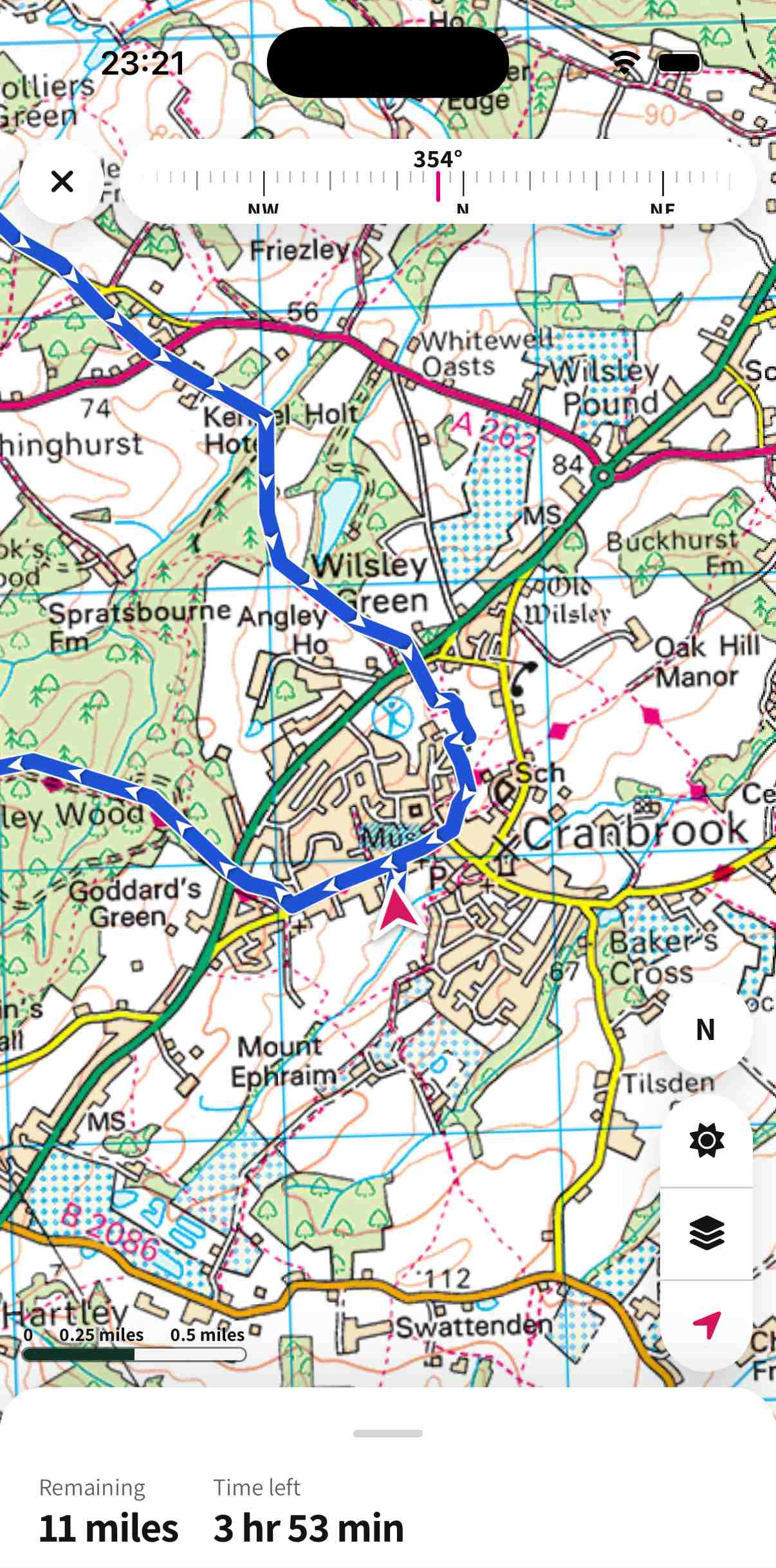
Follow a route with remaining distance and time on the map.
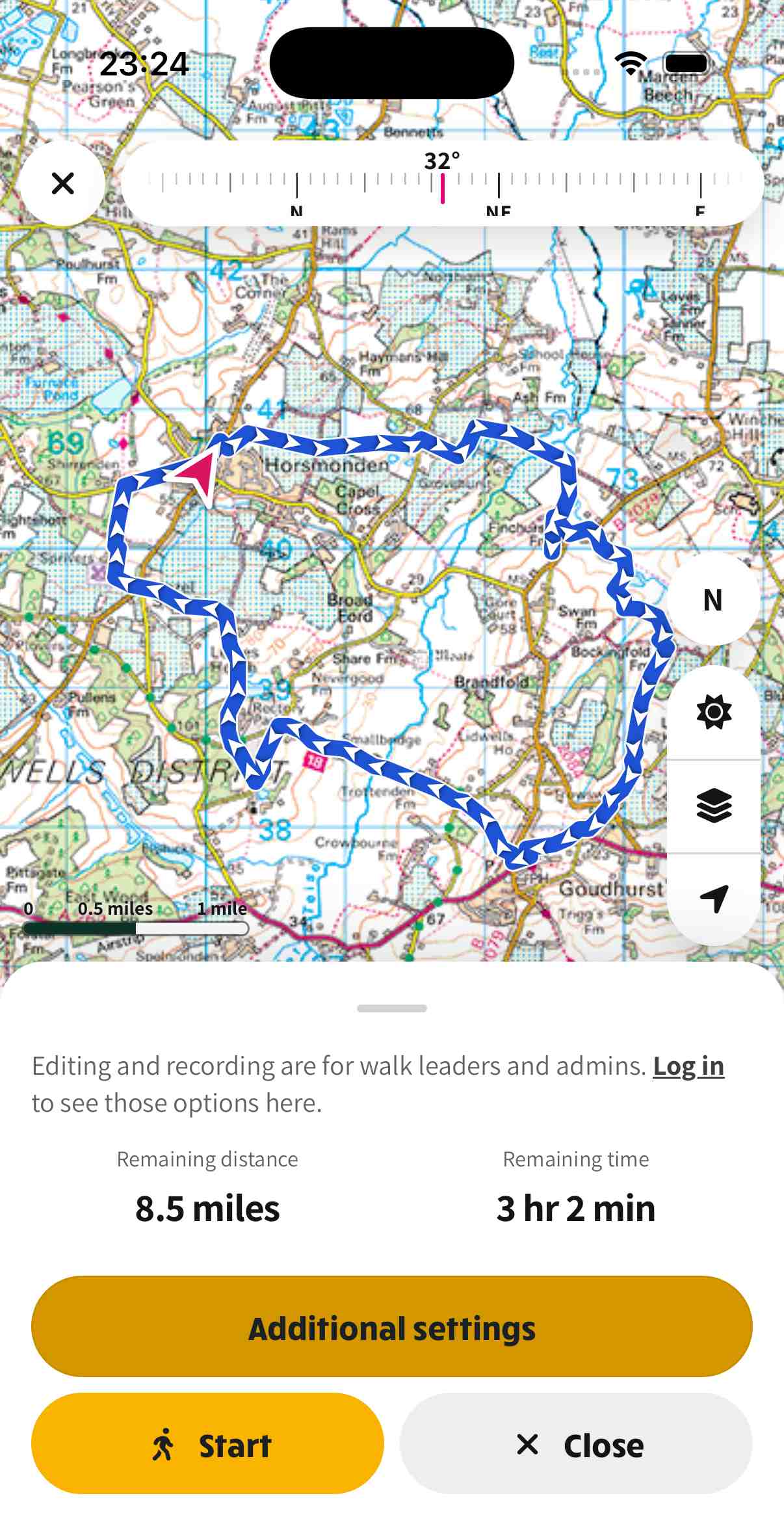
Start a walk to see remaining distance, remaining time and turn-by-turn options.
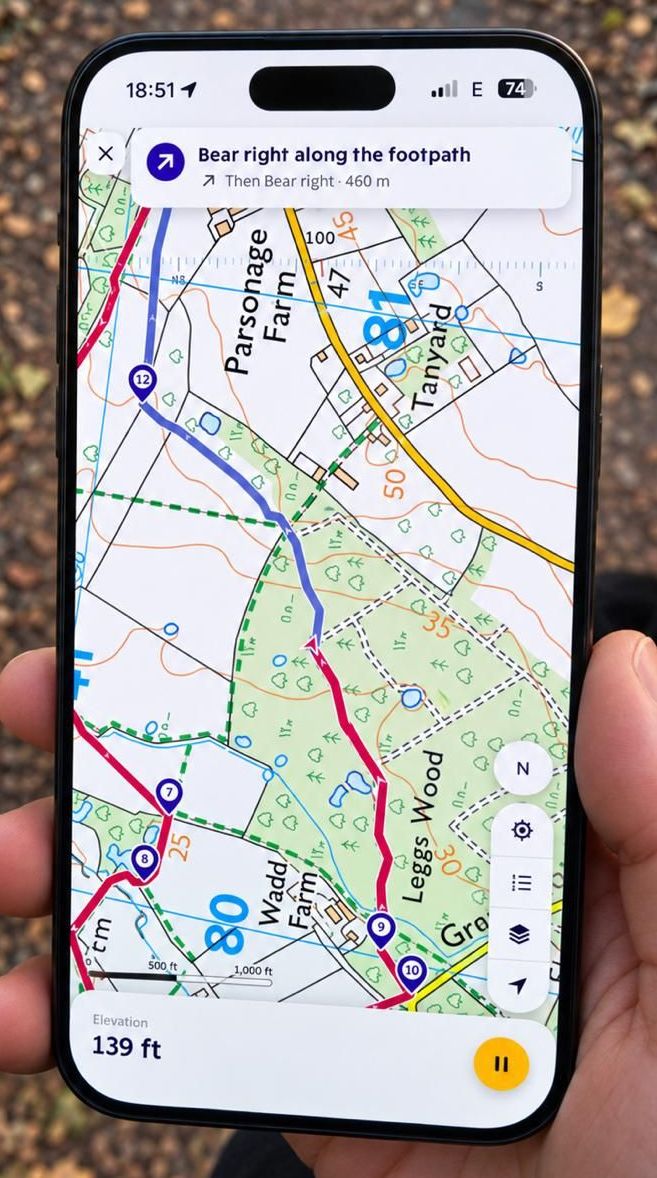
Live elevation and spoken-style directions while you walk.
On first launch, enter the address of your group's NGX-Ramblers website. Sign in with that website's member account when a feature requires it. Available features depend on the group's configuration and your permissions.
Open a walk or route to view its map and directions. Save supported maps for offline use before leaving home. Offline coverage depends on the map provider and the area you have downloaded.
To record a walk, allow location access and start recording. Background location permission lets a recording continue with the screen locked or while you use another app. Pause or stop recording when you finish, then give the route a name. Saving a route to the website requires an internet connection and the relevant group permission.
GPS accuracy, battery life and offline map coverage vary. Carry the navigation equipment you need for your walk and check your route and permissions before setting out.
For sign-in, membership or access to a group's routes, use that group's contact page. For an app problem, use:Website SupportInclude your phone model, operating-system version, group website, app version and what happened. Do not send your password.
Read the NGX-Ramblers Privacy Policy, including its walking-app section. You can revoke location permission in your phone's settings. Contact your group to request access, correction or deletion of account information or uploaded routes.